






Descrizione
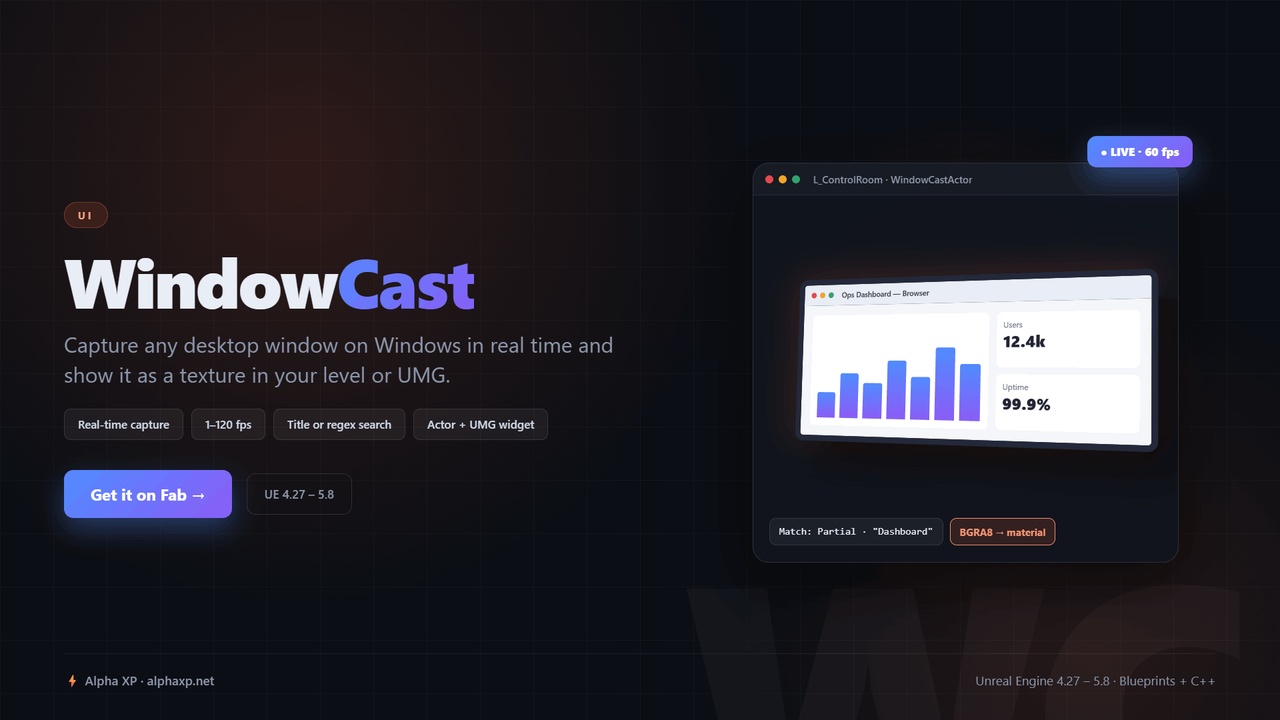
Capture any desktop application window on Windows in real time and show it as a texture on a mesh in your level or inside a UMG widget.
Long Description:
WindowCast streams the contents of a desktop window - a browser, a video player, a tool, another game - into Unreal Engine as a regular Texture2D. Capture runs on a background thread through the Windows Graphics Capture API, so the window keeps updating even when it is partly covered by other windows.
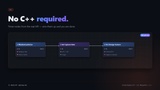
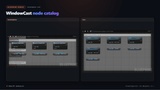
You pick the window by its title: exact match, starts with, contains, ends with, or a regular expression. Set a frame rate between 1 and 120, call Start, and bind the Change Texture event; whenever the captured window changes size a new texture is created and handed to you. Two ready-made samples are included: a plane actor that shows the window on a mesh in the level, and a UMG widget that shows it in your UI.
Use it for in-world monitors and screens, virtual production and broadcast overlays, streaming a companion app into a training simulator, or showing a desktop tool inside a VR scene.
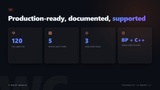
WindowCast is part of the Alpha XP utilities collection for Unreal Engine 4.27 and 5.8. Every feature is exposed to Blueprints and C++, it ships with styled HTML documentation, and it is compiled and verified warning-free against clean UE 4.27 and UE 5.8 projects.
Key Features:
- Real-time capture of any top-level desktop window into a Texture2D
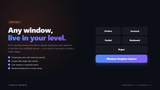
- Window search by title: Perfect Match, Forward Match, Partial Match, Backward Match or Regular Expression (case-insensitive)
- Adjustable capture rate from 1 to 120 frames per second
- Background-thread capture through the Windows Graphics Capture API
- Change Texture event that delivers a new texture whenever the window is resized
- Actor class (WindowCastActor) and UMG widget class (WindowCastWidget) ready to subclass in Blueprint
- Capture object (WindowCastMachine) for custom setups in Blueprint or C++
- Sample plane actor Blueprint with mesh and material
- Sample UMG widget Blueprint with material
- Capture stops automatically when the actor ends play or the widget is released
Full documentation: https://demo.alphaxp.net/FabStore/Utilities/WindowCast/
Support: https://alphaxp.net/