Descripción
Short Description
Create Blueprint variables, functions, events, and macros instantly using unified natural language syntax with smart aliases. Features complete parameter support, Get/Set node creation, and intelligent positioning.
Long Description
Transform your Blueprint workflow with the most comprehensive creation tool for Unreal Engine.
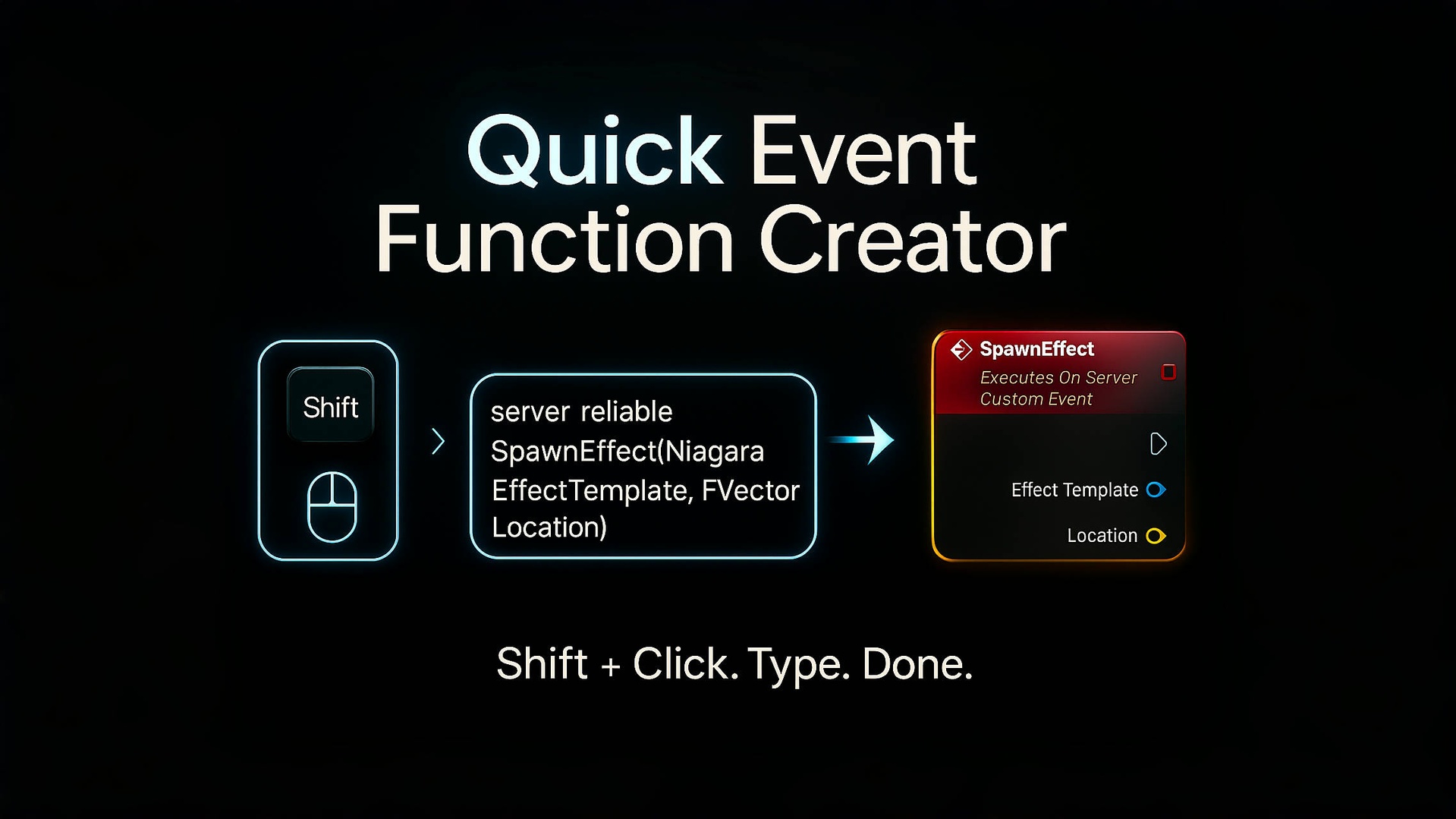
Quick Event Function Creator v2.1 revolutionizes Blueprint development with a unified syntax system that handles variables, functions, events, and macros through one intuitive interface. Say goodbye to repetitive clicking and embrace lightning-fast text-based creation.
🆕 What's New in v2.1:
• Macro Creation System: Create Blueprint macros with unified syntax
• Complete Parameter Direction Support: in/out/inout/exec with automatic pin generation
• Enhanced Alias System: 6 categories including macro and execution pin aliases
• Improved UI Experience: Comprehensive syntax examples and enhanced input hints
⚡ Core Features:
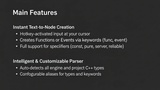
🎯 Unified Creation Syntax:
• Variables: "var int Health" → Creates integer variable
• Functions: "func CalculateDamage" → Creates function
• Events: "event OnPlayerDeath" → Creates custom event
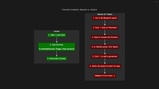
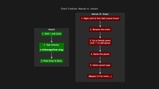
• Macros: "macro Calculate(float Input, out float Result)" → Creates macro with parameters
• Variable Nodes: "get Health" → Creates Get node for existing variable
🔥 Smart Alias System (6 Categories):
• Events: e→event, s→server, c→client, m→multicast, rel→reliable
• Functions: fn→func, p→pure, k→const
• Variables: lv→local, var→var
• Macros: m→macro
• Node Operations: g→get, st→set
• Data Types: i→integer, str→string, b→boolean, v→vector, exec→execute, and many more
🧠 Intelligent Features:
• Context-Aware Creation: Automatically creates local variables when inside functions
• Smart Positioning: Places nodes exactly where you click
• Parameter Direction Support: Full in/out/inout/exec parameter handling
• Type Inference: Supports all UE types including custom UCLASS, USTRUCT, UENUM
• Auto Pin Generation: Creates appropriate input/output/execution pins for macros
• Error Handling: Clear feedback when variables don't exist
🎮 Example Workflows:
Creating Variables:
• "var i PlayerHealth" → Global integer variable
• "lv str PlayerName" → Local string variable (in functions)
Using Variables:
• "g PlayerHealth" → Get node for reading PlayerHealth
• "st PlayerHealth" → Set node for writing PlayerHealth
Creating Functions:
• "fn CalculateDamage" → Standard function
• "p fn GetPlayerScore" → Pure function
• "k fn GetMaxHealth" → Const function
Creating Events:
• "e OnPlayerDeath" → Custom event
• "s OnServerUpdate" → Server event
• "rel m OnGameStateChanged" → Reliable multicast event
🆕 Creating Macros:
• "macro Calculate(float Input, out float Result)" → Macro with input/output
• "m ProcessData(exec In, string Data, inout bool Flag, out exec Success)" → Complex macro with execution flow
• "macro ValidateInput(in string Data, out bool IsValid)" → Validation macro
🔧 Advanced Features:
• Customizable Hotkey: Default Shift+Left Click, fully configurable
• Project Settings Integration: Complete settings panel with organized categories
• Performance Optimized: Cached alias system for instant lookups
• Cross-Version Support: Works with UE 4.26 through 5.6
• Platform Support: Windows 64-bit and macOS
💡 Why Choose v2.1:
This isn't just an update—it's a complete Blueprint creation suite. The unified syntax means you only need to learn one system for everything. Smart aliases reduce typing by up to 70%, and intelligent parameter handling eliminates macro creation complexity.
Whether you're a seasoned developer looking to optimize your workflow or a newcomer wanting to learn Blueprint creation efficiently, Quick Event Function Creator v2.1 adapts to your needs.
🎯 Perfect For:
• Blueprint Developers seeking maximum efficiency
• Technical Artists streamlining their workflow
• Game Programmers doing rapid prototyping
• Macro Creators needing parameter flexibility
• UE Learners wanting intuitive tools
• Indie Developers maximizing productivity
Support & Community:
Join our Telegram group for help, suggestions, and workflow tips: https://t.me/QuickEventFunctionCreator
Transform your Blueprint development today. What used to take minutes now takes seconds.