
Opis
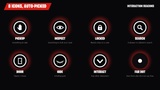
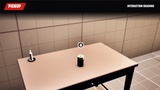
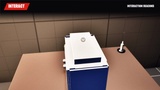
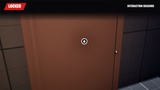
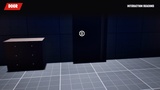
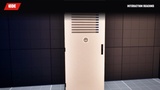
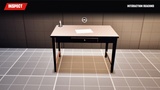
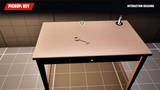
Show players what they can do, right where they can do it. Interaction Beacons are small camera-facing icons placed on your objects: a hand to take, an eye to inspect, a padlock when it's locked, a door, a hiding spot, a drawer to search. Written in Verse and Scene Graph, set up without code.
SMART ICONS
- 7 icons: Pickup, Inspect, Locked, Search, Door, Hide, Interact, plus a discreet dot from afar.
- Auto mode: the icon is picked from the object itself, or force one per beacon.
- Follows the object's state: a locked cabinet shows a padlock, then a magnifier once unlocked.
- Hides by itself once the interaction is used (item taken, puzzle solved...).
BUILT FOR HORROR
- Dot from afar, icon up close, smooth fade with distance.
- Grows and brightens when the player aims at it, constant size on screen.
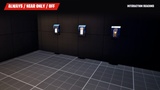
- 3 modes for the whole level: Always, Near Only (per player) or Off for a hard mode, switchable during the game.
NO CODE NEEDED
- Drag the beacon prefab onto any interactive object: item, note, door, locker, drawer.
- Distances, size, pulse and aim highlight are set on one material, every icon follows.
- Two commented Verse examples show how to drive the icon from your own objects.
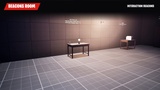
Includes a ready-to-play showcase map, a mode switch device and a step-by-step PDF guide. Multiplayer-safe.