Açıklama
Control the Unreal Editor with AI assistants like Claude, Cursor, and Windsurf. Direktor exposes the editor over the Model Context Protocol: spawn actors, edit Blueprints, run Python, all from natural language. Up to 6,000 actions reachable from MCP.
P.S. Prices may increase in the future as more features are added.
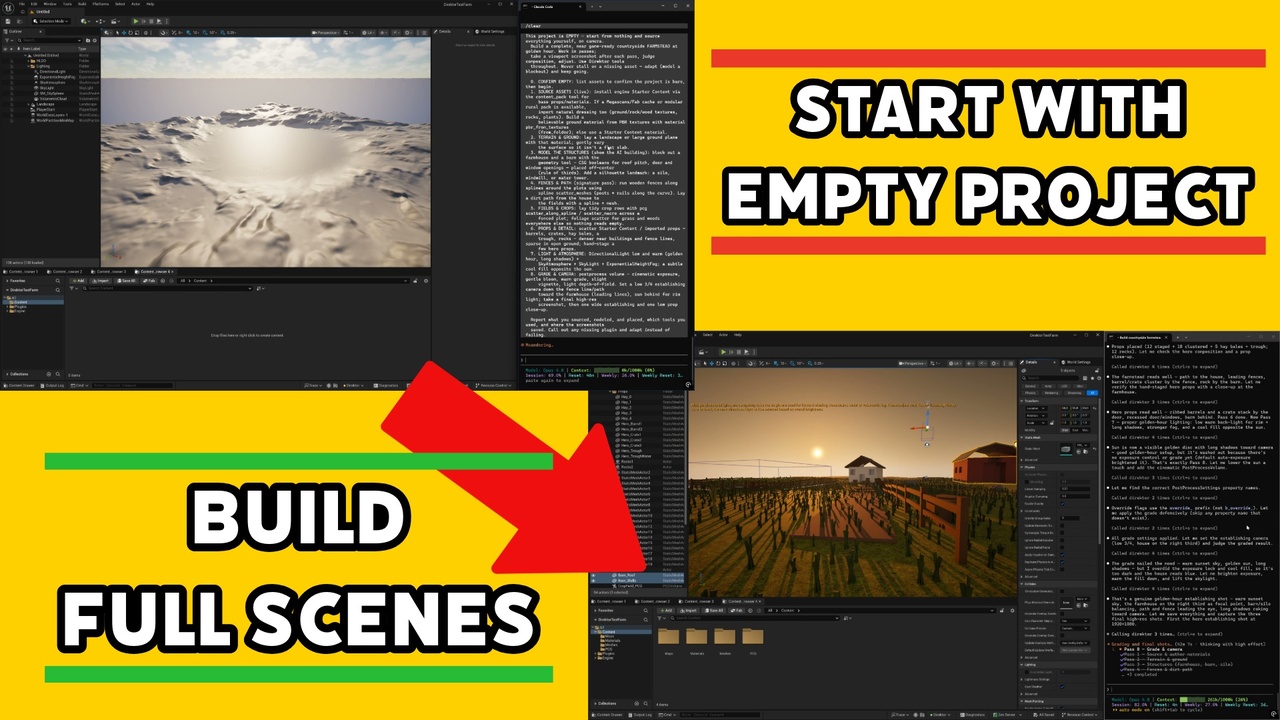
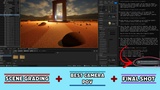
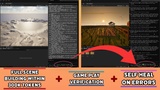
Build production-ready Unreal projects with your AI assistantDirektor connects any MCP-compatible AI client to a running Unreal Editor. Ask Claude, Cursor, or Windsurf to compose a scene, set up a Blueprint, import assets, or refactor a level, then watch it happen in your editor in real time.
There's no sidecar, no relay, and no bearer token to copy. Add one config line and you're connected.
What it doesScene & level building
Spawn, transform, duplicate, delete actors from natural language
Read and write properties on any actor or component
Camera control, screenshots, viewport focus
Blueprint authoring
Create Blueprint classes, add variables and function graphs
Wire nodes: function calls, branches, casts, variable reads/writes
Compile, reparent, inspect
UMG widgets
Build widget trees, configure properties, set layouts
Author animations, property bindings, and event handlers (OnClicked, etc.)
Gameplay & world
GAS (abilities/effects/cues), Behavior Trees (inspect + author), AI assets
Geometry blockout, landscape, foliage, splines, volumes, Niagara emitters
Materials & textures
Author material graphs: add expressions, connect nodes, set properties
Generate textures procedurally (patterns, normal-from-height, channel packing)
Asset management
Import, list, rename, move, duplicate, create folders, read metadata
Reflection catalog
~5,900 BlueprintCallable functions exposed through a search → describe → invoke flow
Small-context AI clients don't pay the token cost of loading hundreds of tool schemas up front
The catalog tracks your engine version automatically, so there's no per-version maintenance
Architecture review packs
Open Markdown packs for Blueprint maintainability, performance, multiplayer, and GAS checks
Plain-text Markdown you can read, customize, and extend with your own checks
Universal escape hatches
run_python for anything not covered by a first-class tool (opt-in)
run_console_command for engine commands
Engine versions: 5.0 through 5.8, where competitors are typically 5.7 only.
Tool surface: a reflection-driven catalog plus meta-tools that track UE updates on their own, instead of 480+ hand-curated tools that lag each release.
Setup: copy one config line from the in-editor panel, with no bearer token per client.
Architecture review: open Markdown packs you can read and extend, instead of a closed YAML set.
Platforms: Windows.
Direktor is an in-process editor plugin with no sidecar and no relay process. It listens on loopback only (default port 13579) and speaks JSON-RPC 2.0 over Streamable HTTP per the MCP spec.
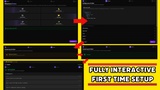
Setup is three steps:
Enable Direktor in Edit → Plugins
Copy the config snippet from Window → Direktor → Setup
Paste it into your AI client's MCP config, and you're done
You connect through a small npm bridge (unreal-direktor-mcp, run via npx). It works on every MCP client and caches the tool list offline, so AI sessions survive editor restarts. Clients that speak Streamable HTTP directly can skip the bridge and point at the loopback URL instead.
Plugins Direktor enablesInstalling Direktor turns on a few stock engine plugins that ship with Unreal Engine, so there's nothing extra to download: PythonScriptPlugin, EditorScriptingUtilities, WebBrowserWidget, GeometryScripting, Niagara, and EnhancedInput. They back the Python escape hatch, the in-editor setup panel, and the geometry, Niagara, and input tools.
SecurityDirektor is a local single-user tool. It binds to loopback only, validates the Origin header to block DNS-rebinding attacks, and disables run_python by default. You opt into Python execution via Project Settings → Plugins → Direktor.
RequirementsUnreal Engine 5.0 or newer (supported through 5.8)
An MCP-compatible AI client: Claude Desktop, Cursor, Windsurf, Claude Code, or any other
Node.js 18+ to run the npx bridge (clients with native Streamable HTTP can skip it)
Online docs: modbender.in/direktor (install, quick setup, tool reference, security, troubleshooting)
Also bundled in-plugin: searchable docs via the docs tool and the in-editor setup panel