Opis
Overview
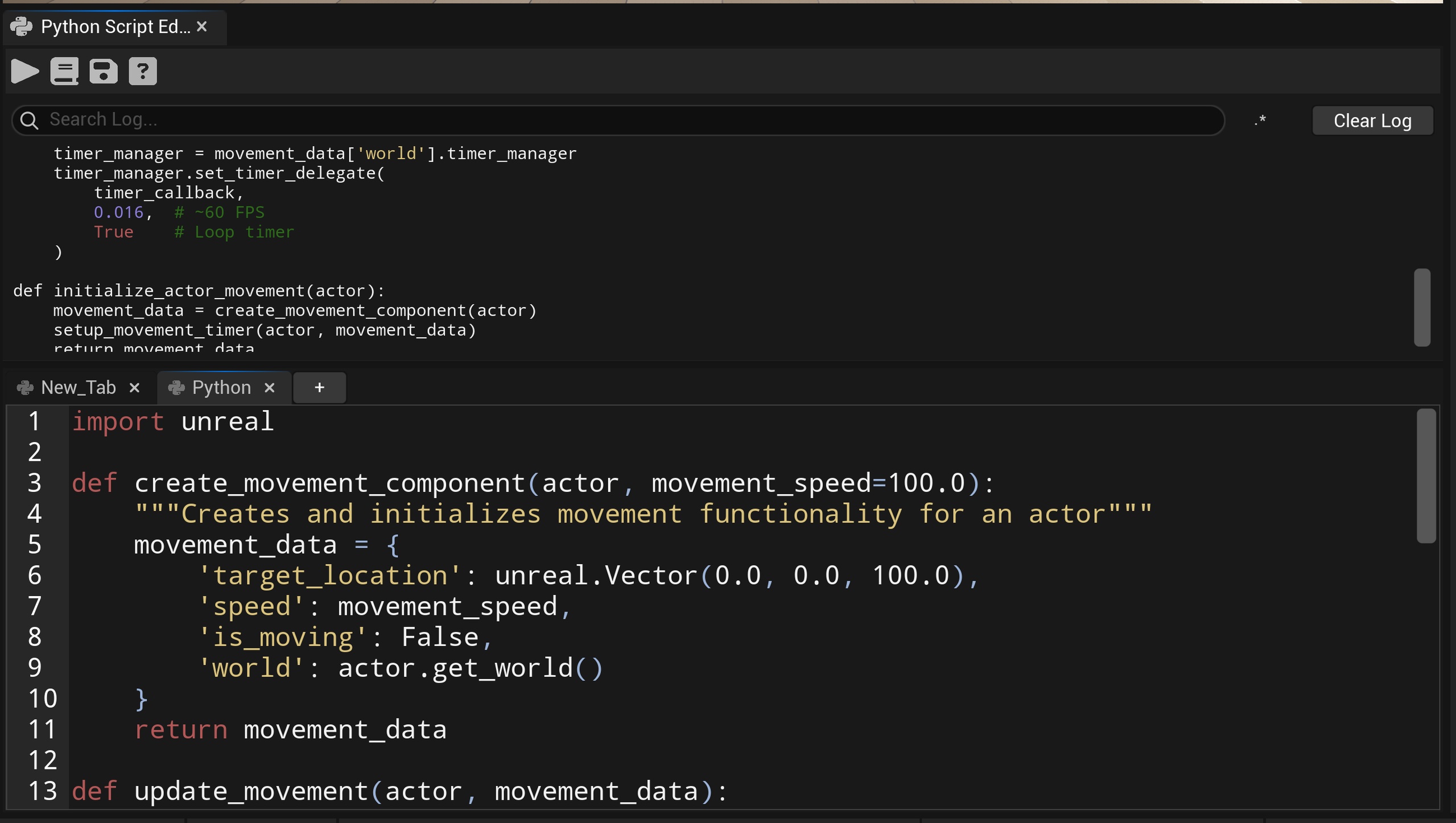
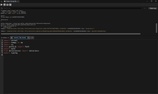
Python Script Editor is a simple plugin for Unreal Engine to make editing python scripts within Unreal Engine easier.
It supports multiple tabs, syntax highlighting and custom snippets.
It is designed to exist outside of the project allowing you to have a central place to store python tidbits across projects.
Note that this is intentionally not designed to be a complete code editor, it is designed for you to test and evaluate code within the unreal context.
Key Features
Multi-tab Python editor with syntax highlighting
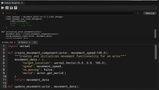
Integrated auto-completer
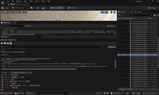
Integrated output log with search capabilities
User Defined Code snippets
Configurable script location
Hotkeys
Ctrl+Enter: Execute selected text
Ctrl+Tab: Show the Auto-Completer
Ctrl+H: Print help for selected variable
Ctrl+I: Quick import the selected variable
Ctrl+P: Pretty print selected variable
Version Compatibility
The Python Script Editor is designed primarily for Unreal Engine 5.3 and later. While the plugin maintains backwards compatibility to Unreal Engine 4.27, please note:
UI styling may differ slightly in UE4
Snippets will replace the selection prior to 5.1 (new versions add it on the next line)
Output Log will not highlight the search prior to 5.1, but will scroll.
For best experience, we recommend using UE5.3 or later
Requirements
Unreal Engine 4.27 or later (UE5.3+ recommended)
PythonScriptPlugin
ChangeLog
V2.1.0
Added support for compiling in strict mode (Thanks Mateusz Wojt)
Added scroll support to Tabs
Support added for UE-5.6
See the Official Documentation for a full guide