Описание
The CSV Data Asset Importer/Exporter is a powerful Unreal Engine plugin that streamlines data management by enabling seamless import/export of Data Assets to and from CSV files. Whether you're managing game items, NPC data, balance parameters, or any other game content, this plugin eliminates tedious manual asset creation and enables rapid iteration workflows.
What It Does
Transform your spreadsheet data into Unreal Engine Data Assets instantly. Import bulk data from CSV files, export assets back to CSV for external editing, and reimport updated values—all without touching the editor's property panels.
Key Capabilities
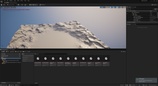
Batch Creation - Create hundreds of Data Assets from a single CSV file in seconds, with intelligent type conversion handling everything from simple integers to complex structs and arrays.
Universal Compatibility - Works with any UDataAsset class out of the box. No custom base classes required. Whether you're using engine defaults or your own data asset types, the plugin adapts to your workflow.
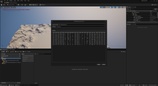
Smart Type Handling - Automatically converts CSV values to the correct types: primitives, enums, vectors, rotators, colors, transforms, structs, and arrays. Complex nested structures are flattened into readable CSV columns.
Flexible Reimporting - Update assets from the original CSV source, or switch to a new CSV file entirely. Perfect for iterative development where designers edit data in spreadsheets and programmers pull changes into the engine.
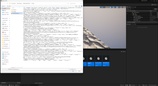
Customizable CSV Formatting - Choose your delimiter (comma, semicolon, tab, or custom), control whitespace trimming, skip empty rows, and include/exclude headers based on your needs.
Metadata Tracking - The plugin remembers which CSV file each asset was imported from, enabling one-click reimporting to stay synchronized with external data sources.
Ideal Workflows
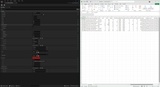
Game Designers - Edit item stats, NPC parameters, and balance values in Excel or Google Sheets, then reimport into the engine for instant testing
Content Creators - Rapidly prototype game content by bulk-importing CSV data instead of manually creating individual assets
Localization Teams - Export assets to CSV, translate into multiple languages, and create localized asset sets from translated spreadsheets
Data-Driven Games - Manage large datasets (weapons, armor, enemies, dialogue) through simple CSV files in version control
Rapid Iteration - Speed up development cycles by treating CSV files as your source-of-truth for game data
Why Use This Plugin?
✅ Save Hours - Create 100+ assets in seconds instead of manually creating each one
✅ External Editing - Work with familiar tools (Excel, Google Sheets) instead of the editor UI
✅ Version Control Friendly - Keep CSV files in Git/Perforce alongside your code
✅ Type Safe - Automatic validation and error reporting for malformed data
✅ Zero Dependencies - Pure C++ implementation, no external libraries
✅ Production Ready - Works in development, editor, and shipping builds
Perfect For:
RPG/MMO games with extensive item/character databases
Strategy games with unit/building parameters
Mobile games with live balance data
Narrative games with dialogue/NPC data
Any project managing large amounts of structured game data
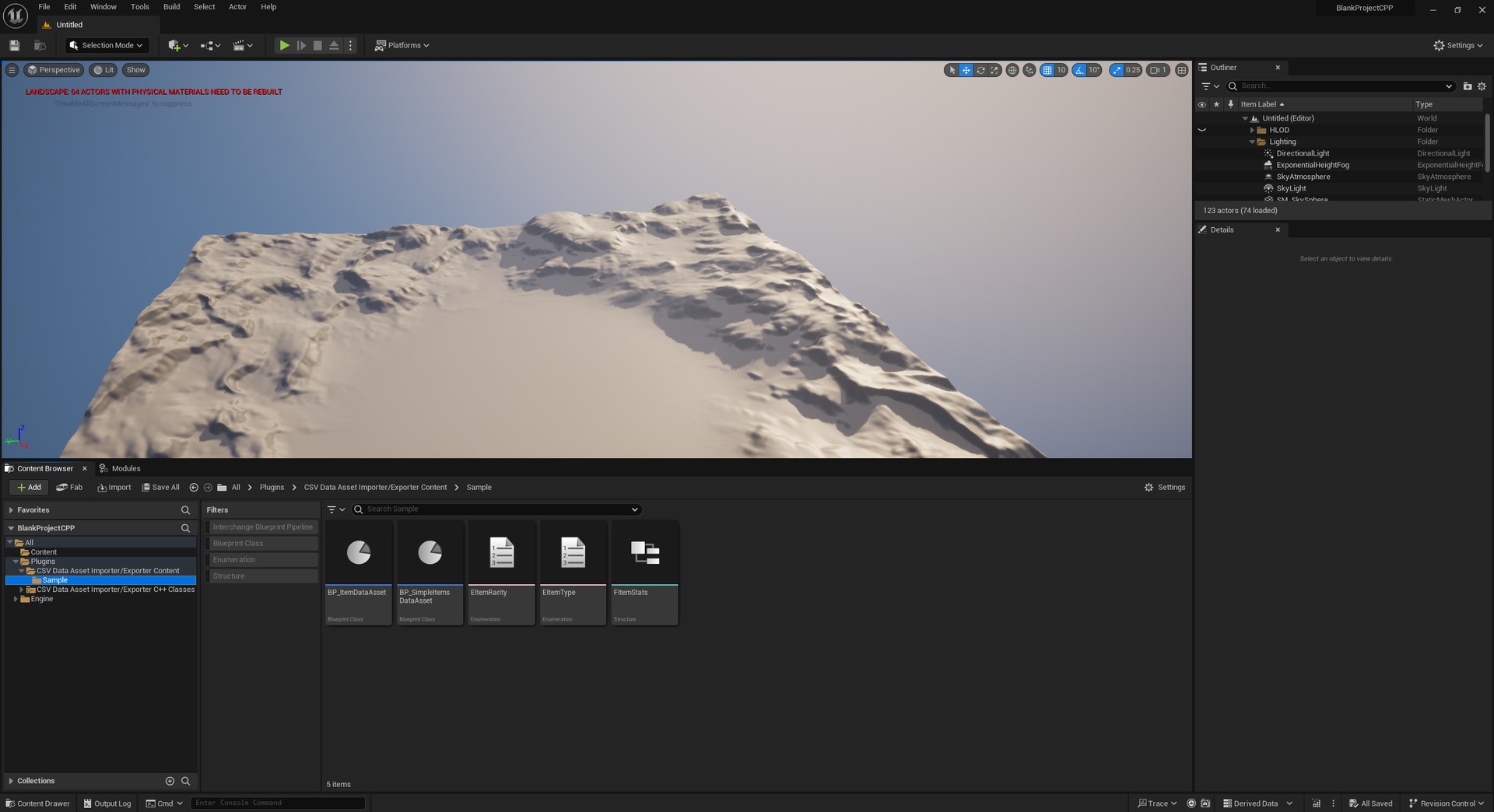
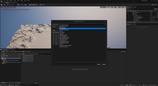
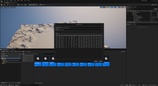
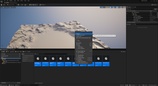
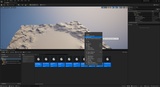
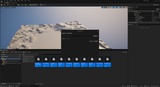
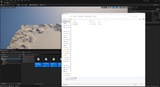
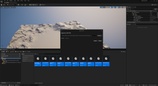
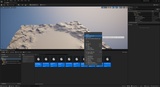
Get Started in Minutes: Prepare a CSV file with your data, right-click in the Content Browser, select "Create Data Assets from CSV...", verify column mapping, click Import.