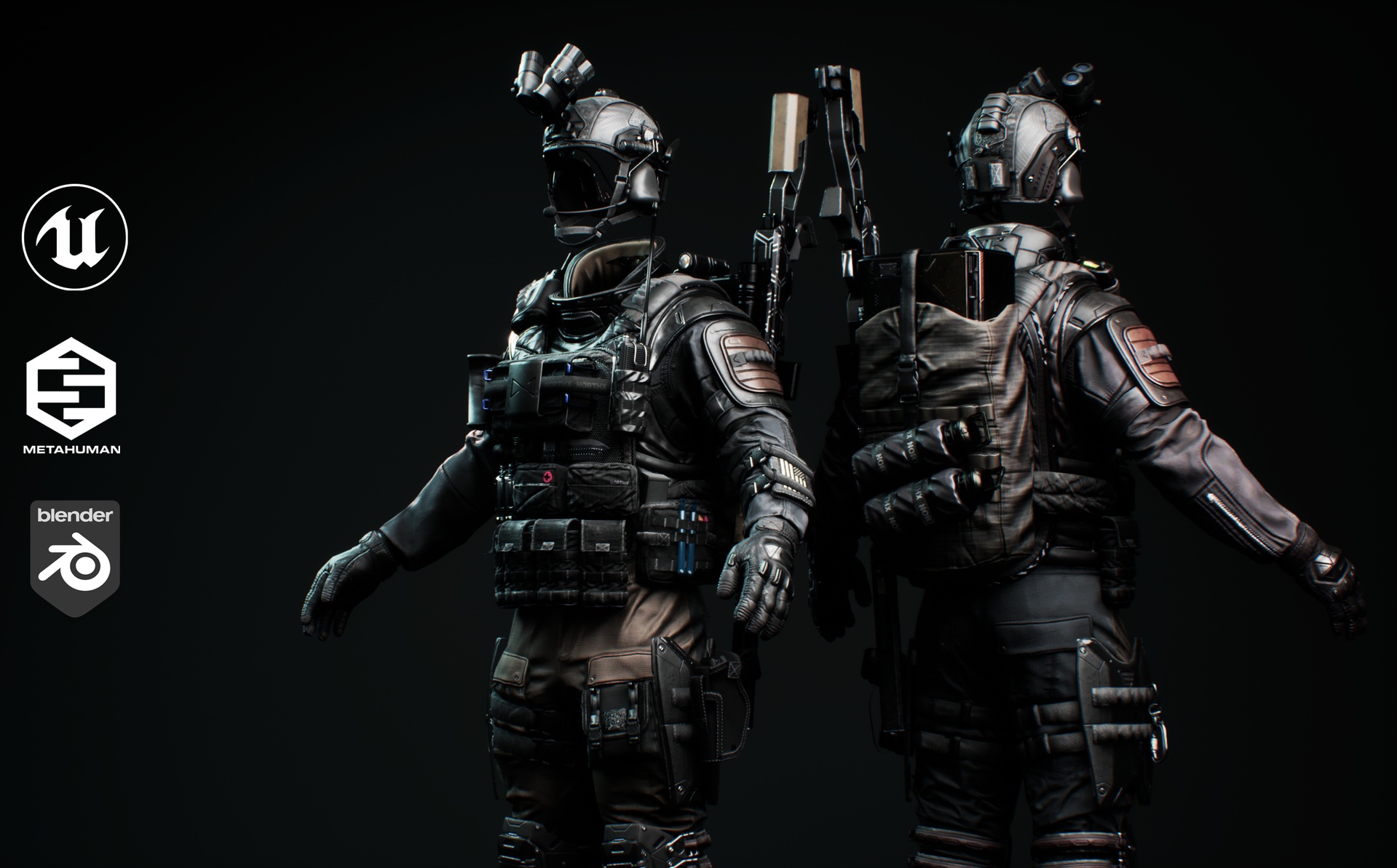
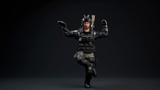
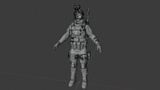
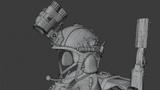
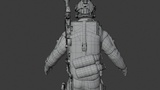
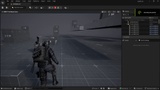
Soldier Outfit for MetaHuman (UE 5.6+)
To import the outfit correctly:
Download the .mhpkg file from this Fab listing.
Create an Outfits folder in your project's Content directory if one does not already exist.
Inside the Outfits folder, create a folder named Soldier_Outfit.
Place the .mhpkg file into this folder and allow Unreal Engine to unpack the files.
Open MetaHuman Creator and drag the wardrobe item into the Outfit Clothing section.
Double-click the wardrobe item to apply it to your MetaHuman.
* ✅ UE5 Metahuman Skeleton
* ✅ Animation retargeting tested in Unreal Engine 5
* ✅ Skeletal Mesh FBX
* ✅ Game-ready topology
* ✅ 4K PBR textures
* ✅ Textured in Substance 3D Painter
* ✅ Clean UVs
* ✅ Rigged and animation-ready
* ✅ Unreal Engine 5 compatible
* ✅ Blender compatible
Texture
4k PBR.
Blender work file Included.