


Descrizione
Reverse Switches - Merge execution paths in Blueprints, and know which one fired
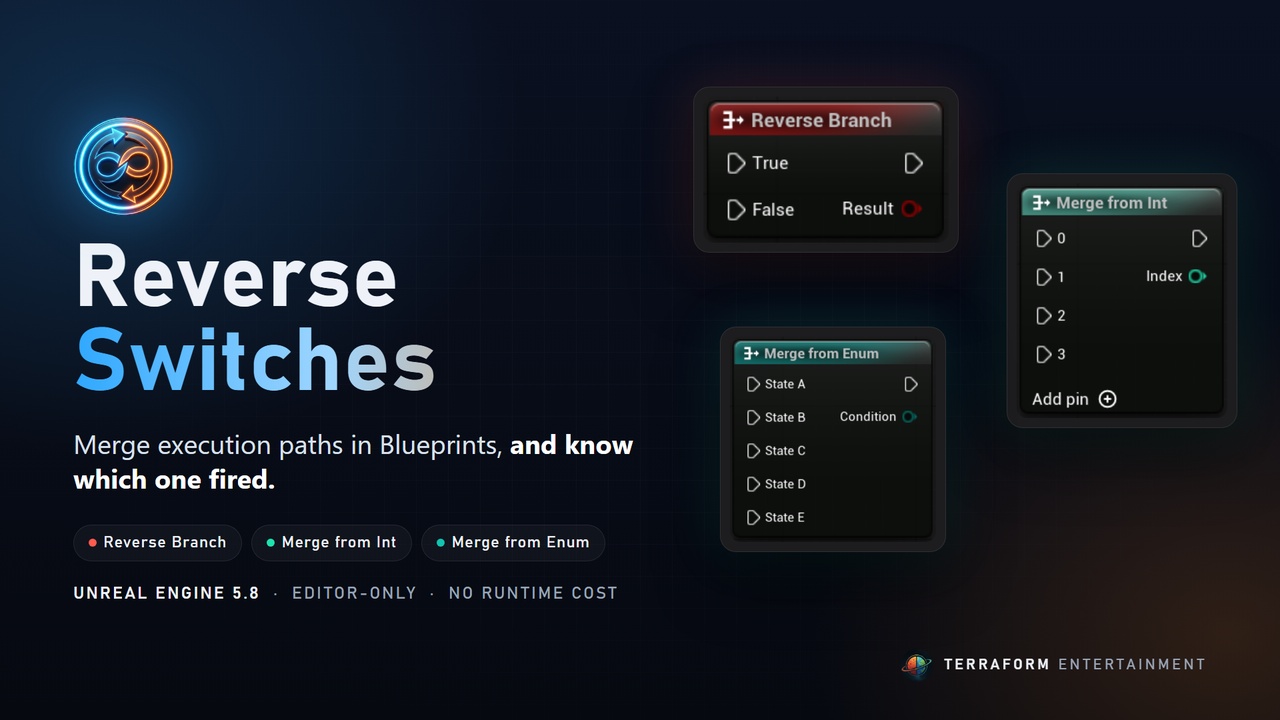
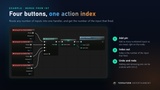
Branch, Switch on Int and Switch on Enum split one execution path into many. Reverse Switches adds the missing other half: several execution paths come in, one goes out, and the node tells you which input fired.
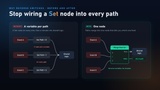
No more Set node on every incoming wire followed by a reroute into shared logic. One node merges the paths and gives you the value, so graphs stay short and readable.
Included nodes
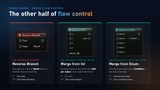
Reverse Branch (the inverse of Branch)
- Inputs: True, False
- Outputs: Then, Result (Boolean)
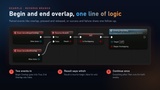
- Use it for paired events: begin and end overlap, pressed and released, success and failure.
Merge from Int (the inverse of Switch on Int)
- Inputs: 0, 1, 2, 3 ... add as many as you need with the Add pin button
- Outputs: Then, Index (Integer)
- Use it to route several buttons, abilities or options into one handler.
Merge from Enum (the inverse of Switch on Enum)
- Inputs: one per enum entry, created automatically
- Outputs: Then, Condition (enum)
- Works with C++ enums (such as EMovementMode) and Blueprint enums. Refreshes and keeps its wires when you edit the enum. A good fit for state machines.
Why it's safe to use
- Editor-only: when a Blueprint compiles, each node turns into standard engine nodes. Nothing from the plugin is loaded in a packaged game.
- No runtime cost: the result is the same as building the pattern by hand.
- Any target platform: Windows, macOS, Linux, Android and iOS.
- Undo and redo for adding and removing pins.
- No setup: enable the plugin and find the nodes under Flow Control.
Documentation and Quick Start
https://terraformentertainment.com/reverseswitches/docs
https://terraformentertainment.com/reverseswitches/quickstart
Support