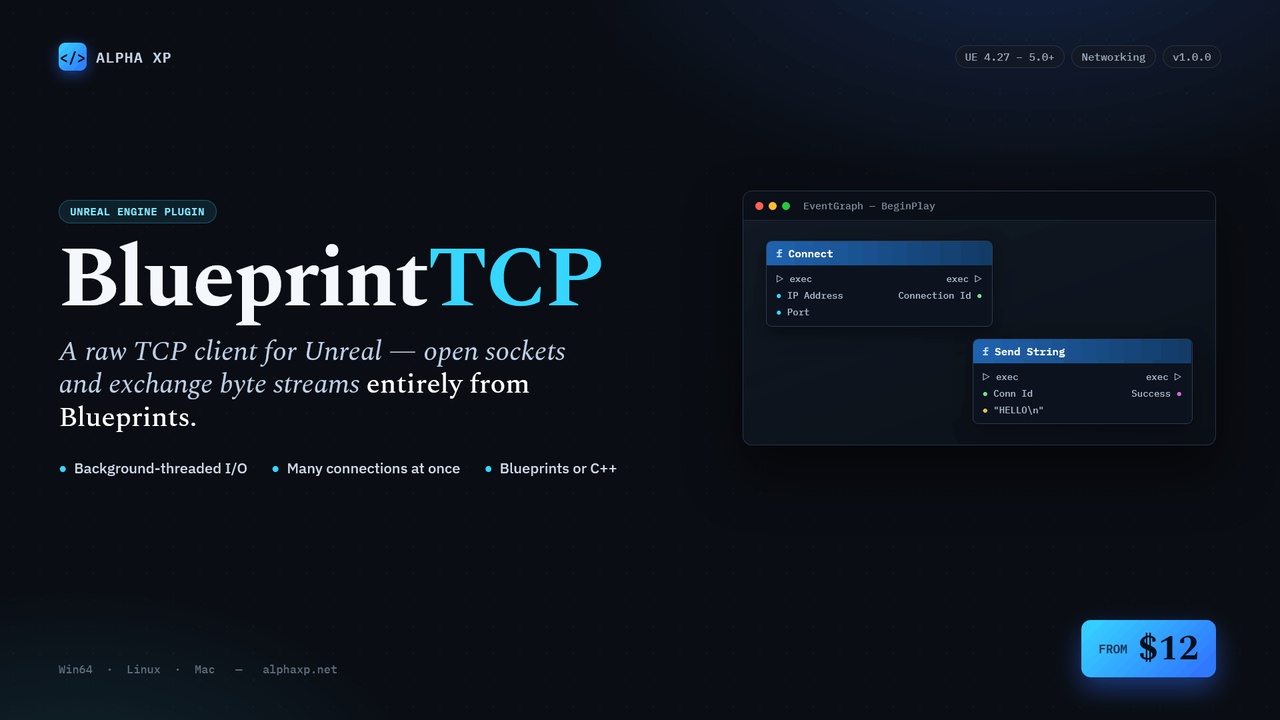







Descripción
BlueprintTCP — TCP Client for Unreal Engine
Version: 1.0.0 | Engine: UE 4.27+ | Platforms: Win64, Linux, Mac Category: Networking | Created by: Alpha XP | Web: alphaxp.net
Overview
BlueprintTCP lets you connect to any TCP server and exchange data entirely from Blueprints — no C++ and no networking boilerplate. Place one actor, call Connect, and start sending and receiving byte streams to game backends, IoT hardware, chat servers, Python/Node services, or any TCP endpoint..
Every connection runs on its own background thread, so blocking socket I/O never freezes your game. Incoming data is delivered safely on the game thread through Blueprint events. One actor can manage many simultaneous connections, each addressed by a simple ConnectionId.
No copy-pasting C++, no plugins to chain — just describe the bytes you want to send and read what comes back..
Key Features
Pure Blueprint TCP client — Connect, Send, Receive, Disconnect, all from Blueprints (C++ also supported)
Multiple simultaneous connections — one actor, many sockets, addressed by ConnectionId
Threaded & non-blocking — one worker thread per connection; the game thread never stalls
Event-driven — On Connected, On Disconnected, On Message Received delegates fire on the game thread
Byte-stream builders — pure autocast nodes for Byte / Int / Int64 / Float / String → bytes, plus Append Bytes
Message readers — sequentially read Byte / Int / Int64 / Float / String / raw bytes from a received message
SendString convenience — UTF-8 encode and send a string in one node
PIE-safe — weak-pointer guards make stopping play mid-connect crash-free
Project settings — optional "post errors to Message Log"
Zero external dependencies — uses only the engine's built-in Sockets/Networking modules
Blueprint API
Connection
Connect: Open a connection to ipAddress:port; binds events; returns a ConnectionId
Disconnect: Close one connection by ConnectionId
Disconnect All: Close every active connection
Is Connected: True while a ConnectionId is connected
Get Active Connection Count: Number of live connections
Get Active Connection Ids: Array of live ConnectionIds
Events
On Connected: (ConnectionId)
On Disconnected: (ConnectionId)
On Message Received: (ConnectionId, Message bytes)
Send
Send Data: Send a raw byte array on a ConnectionId
Send String: UTF-8 encode + send a string
Build bytes (pure) Append Bytes, Byte To Bytes, Int To Bytes, Int64 To Bytes, Float To Bytes, String To Bytes
Read message Read Bytes, Read Byte, Read Int, Read Int64, Read Float, Read String
Tunables Receive Buffer Size (16384), Send Buffer Size (reserved), Time Between Ticks (0.008s)
Example
Event BeginPlay → Connect (Connection, "127.0.0.1", 7777, OnDisconnected, OnConnected, OnMessageReceived) → ConnectionId
Event OnConnected (ConnectionId) → Send String (Connection, ConnectionId, "HELLO\n")
Event OnMessageReceived (ConnectionId, Message) → Length = Read Int (Message) → Text = Read String (Message, Length) → Print String (Text)
Tip: TCP is a byte stream, not a message queue. Frame your protocol (e.g. length-prefix with Int To Bytes, then Read Int + Read String) so partial/coalesced packets parse correctly.
Requirements
Unreal Engine 4.27 -5.0+
OS: Windows 10/11 x64, Linux, macOS
No third-party SDKs — uses engine Sockets/Networking only
Visual Studio 2019/2022 (only for C++ projects)
Technical Details
Module: BlueprintTCP (Runtime, PreLoadingScreen) Threading: one FRunnable worker thread per connection; lock-free SPSC queues marshal data to the game thread Number of Blueprints: 0 — pure C++ plugin exposing a Blueprint API Network Replicated: N/A — this is a raw TCP socket client, independent of UE replication Supported Development Platforms: Windows, Mac, Linux Supported Target Platforms: Win64, Mac, Linux
Important Notes:
TCP is a stream protocol — implement message framing for reliable parsing
One actor can own many connections; always use the ConnectionId returned by Connect
Connections auto-close on EndPlay