Description
Total Light Architect - Ultimate Lighting & Atmosphere Toolkit
Documentation English | Spanish
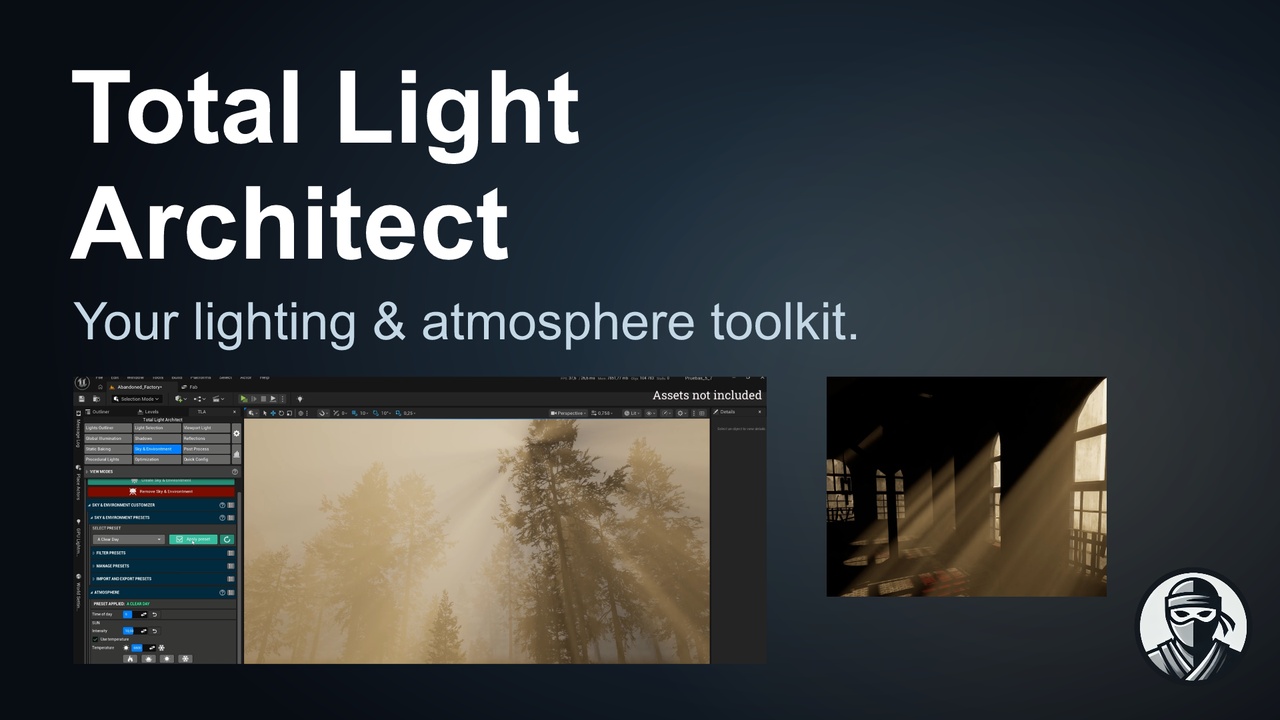
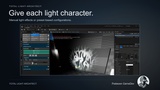
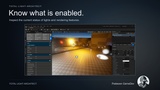
Total Light Architect is a complete suite of tools where you can configure everything related to the level lighting in Unreal Engine.
It allows you to select lighting types, shadows, reflections, adjust settings, configure post-processing, and even use (or create) pre-configured presets for all these aspects.
It also includes a powerful tool for adjusting the atmosphere, including preconfigured presets that you can modify, as well as the option to create your own, and also includes a tool to procedurally generate lights, and lets you spawn any type of light or prefabs with lights, meshes and particles.
Total Light Architect gives you a faster, more visual, and more organized way to build lighting, atmosphere, and cinematic quality for your Unreal Engine levels.
🌅 Atmosphere & Environment Presets
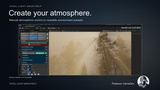
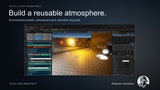
Create the right atmosphere for every scene in seconds.
Total Light Architect includes an environment preset library that lets you apply lighting, atmosphere, and fog configurations without manually adjusting every parameter. Quickly switch between different times of day, weather conditions, or artistic styles to find the perfect visual direction for your level.
Apply environment presets from a centralized library.
Filter presets by name or time range.
Sort your library to find the right setup faster.
Create new presets directly from the current atmosphere and fog settings.
Update existing presets as you refine your lighting.
Import and export presets in CSV and JSON formats.
Perfect for lighting artists, level designers, and teams that need to explore multiple visual moods quickly.
☀️ Auto Exposure Presets
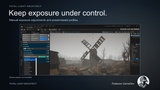
Control how your camera reacts to changing light conditions and achieve consistent exposure across your entire level.
Total Light Architect lets you switch between Automatic Exposure (*Eye Adaptation*) and Fixed Manual Exposure. Create reusable profiles for interiors, exteriors, night scenes, cinematic sequences, and high-contrast environments.
Enable automatic exposure for smooth adaptation between dark and bright areas.
Use fixed manual exposure for stable visuals in cinematics, studio scenes, or controlled environments.
Adjust exposure compensation and minimum/maximum EV100 values.
Fine-tune highlight and shadow contrast, thresholds, and detail strength.
Save current settings as new exposure presets.
Update existing profiles directly from the plugin interface.
Achieve more natural transitions between interiors and exteriors, avoid overexposed highlights, and maintain a consistent visual identity throughout your project.
🎬 Post Process & Cinematic Look
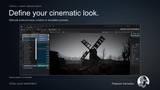
Centralize your level’s post-process settings in one streamlined workspace.
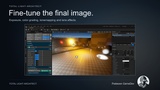
The Post Process section brings together exposure controls, color settings, and cinematic effects, helping you build a polished final image without constantly navigating through multiple Unreal Engine panels.
Manage global exposure settings for the level.
Adjust Color Grading and Tonemapping to define your project’s visual style.
Configure lens effects to add depth and character to the image.
Apply additional presets from Data Table-based libraries.
Organize and update reusable visual configurations from within the plugin.
From realistic rendering to highly stylized art direction, TLA makes it easier to create consistent and reusable visual profiles.
💡 Complete Lighting Control
Total Light Architect is a complete tool suite for configuring level lighting in Unreal Engine from a centralized, fast, and dockable interface.
Control the essential lighting and rendering systems of your project:
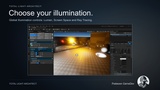
Global Illumination, including Lumen, Screen Space, and Ray Tracing.
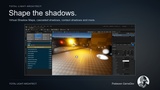
Dynamic Shadows, Virtual Shadow Maps, Cascaded Shadow Maps, Contact Shadows, and more.
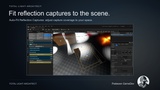
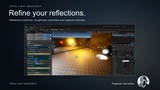
Reflections and material roughness overrides.
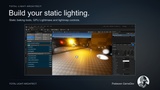
Static lighting, GPU Lightmass, and Volumetric Lightmap settings.
Sky, atmosphere, volumetric fog, and environment actors.
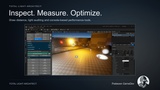
Diagnostics and repair tools for UVs, shadows, and Mesh Distance Fields.
⚙️ Faster Lighting Workflow
TLA is designed to reduce repetitive technical work, allowing artists and developers to spend more time creating.
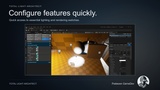
Quick configuration of Unreal Engine 5 features.
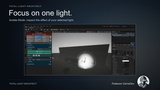
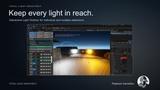
Light Outliner with individual and multiple actor selection.
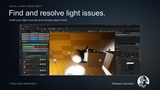
Lighting issue auditing tools.
Draw distance and optimization settings.
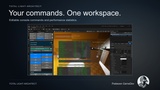
Easy access to console commands.
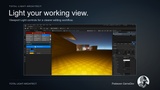
Dockable interface that integrates naturally into your Unreal Editor workflow.
✨ Procedural Light Generation
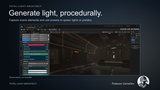
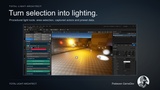
Speed up scene creation with procedural generation and selection tools.
Select areas, actors, or captured elements, then generate lights or prefabs that can combine lights, meshes, and particles. Use preset data to maintain consistent results and remove preview spawns when iterating on your scene.
🧩 Easy Level Integration
When opening TLA for the first time, the plugin guides you through creating the required level actors:
Level Settings Actor: Stores and applies global lighting settings configured through the plugin.
Post Process Volume: Enables post-process effects, presets, and global visual changes.
Once configured, you can manage your level’s lighting and visual settings from one unified workflow.
🔧 Compatibility
Unreal Engine 5.6.1 or later.
Fully integrated into the Unreal Engine editor.
Dockable interface adaptable to your workspace.
Free Plugins Required
Editor Scripting Utilities
GPU Lightmass
Niagara