الوصف
Bodycam tutorials give you a camera on a head socket, a stretched lens effect, a missing shadow and a view that breaks the moment a second player or a spectator joins.
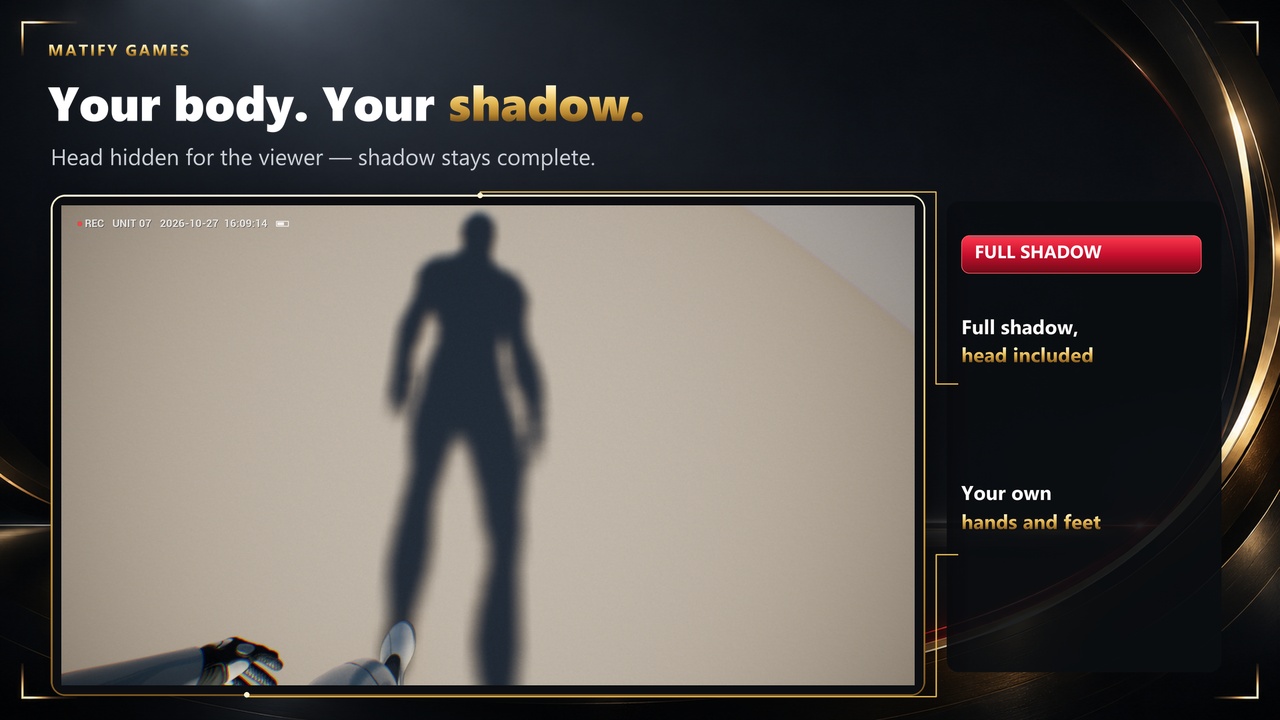
Bodycam Camera System (the plugin is listed as Bodycam Camera Pro in Edit > Plugins) turns your own first-person Character or Pawn into a realistic bodycam, helmet cam or clean true first person view with one component. The camera rides on the visible body, chest-mounted and spring-stabilised, with a real fisheye lens. Your arms, legs and full shadow stay visible; only the head is hidden for the person looking through the camera. Every player and spectator sees the bodycam with the player's real aim.
KEY FEATURES
- Bodycam component: creates its camera at runtime and becomes the view whenever a local player looks at the pawn (owner or spectator). Switch it off and your own camera returns.
- Mount: chest, helmet or eyes, on the visible body mesh, in the body's own frame, so offsets mean the same on every skeleton.
- Motion: body sway, footstep bob, landing dip, turn and strafe roll, breathing, idle drift, lean and impact kicks. Exact springs with sub-steps of at most 1/120 s down to 15 fps (at most 8 per frame), so 30 fps and 144 fps give the same camera motion.
- Footsteps from the foot bones: works with motion matching without editing animations; a footstep notify is included for full control.
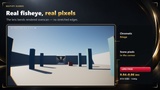
- Lens: fisheye on rendered overscan, chromatic fringe, sensor noise, rolling shutter while turning, vignette, film grain, exposure lag, feed-switch effect.
- Recording overlay (REC dot, unit id, timestamp, battery) or your own UMG widget.
- Body modes: Owner Copy (single-mesh characters) and Split Head (MetaHumans and modular characters), shadow complete including the head.
- Camera collision with a sphere probe, plus a near-wall value for lowering a weapon.
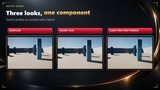
- Three profiles (Bodycam, Helmet Cam, Clean True First Person) as data assets you can tune live in Play-In-Editor; switch them at runtime with a blend.
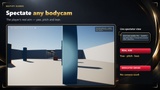
- Spectating library: Spectate Bodycam, Spectate Next, Stop Spectating, Get Spectate Candidates; a feed-switch cut between bodycams.
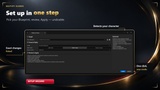
- Setup Wizard (Tools > Matify > Bodycam Setup...) applies everything as one undoable step; a read-only Setup Check explains every problem with a code.
- Blueprint and C++ API, events, a motion-source interface, bcp.Debug and stat BCP; automation tests included.
WHY THIS PLUGIN
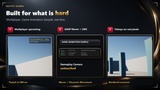
1. Multiplayer spectating that holds up. The aim (yaw, pitch, lean) replicates in an 8-byte sample with the sender's clock, so viewers place each sample at the time it was taken: server ticks and network jitter do not show as camera jitter. Measured on UE 5.8 in dedicated-server mode with 200 ms round trip and 1 % packet loss, a player turning at up to 95°/s, Character Movement and Mover: at most 0.24° frame-to-frame jitter, and when the player stops, the spectator's aim settles within 0.07° of the player's. The view runs 100 ms behind the newest sample; that buffer grows (to at most 300 ms) only while samples keep arriving late. The dedicated server created no camera, no lens material and no body copy.
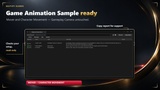
2. Game Animation Sample ready. Tested on the sample's Character Movement and Mover sandbox characters with all six visual overrides, including the MetaHuman: the camera renders from the visible body, the head is hidden for the owner while it keeps casting its shadow, and footsteps are detected while walking. Spectating and switching the bodycam off were checked on both characters, Virtual Shadow Maps off on the Mover character. The sample's Gameplay Camera component is left as it is: while the bodycam is the view its output camera is switched off, and it comes back when you disable the bodycam. The sample's physical camera exposure is inherited.
3. A lens without stretched corners at a measured cost. The fisheye distorts rendered overscan, so the corners show real scene pixels. Packaged Development build, 2560x1440 with TSR, GeForce RTX 5080: lens pass 0.040 to 0.059 ms, crop 0.015 ms, game thread 0.04 to 0.05 ms per viewed bodycam.
WORKFLOW
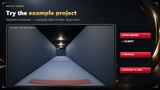
1. Install the plugin from Fab and enable it in Edit > Plugins (listed as Bodycam Camera Pro).
2. Open Tools > Matify > Bodycam Setup..., pick your player Blueprint and review what was detected (body mesh, socket, body mode).
3. Choose a profile (Bodycam, Helmet Cam or Clean True First Person) and click Apply.
4. Press Play. Tune the profile live; for spectating call Spectate Bodycam on the server.
Without the wizard: add the Bodycam component to your player Blueprint; it is a complete setup.
Documentation: Download
TECHNICAL SUMMARY
- Engine versions: 5.5, 5.6, 5.7, 5.8.
- Platform: Windows (Win64).
- Code modules: BCPRuntime (Runtime), BCPEditor (Editor), BCPTests (Editor). Source included.
- Content: the lens material and three profile data assets.
- Blueprint and C++. Network replicated (listen server and dedicated-server mode).
- Dependencies: none (engine modules only).