Description
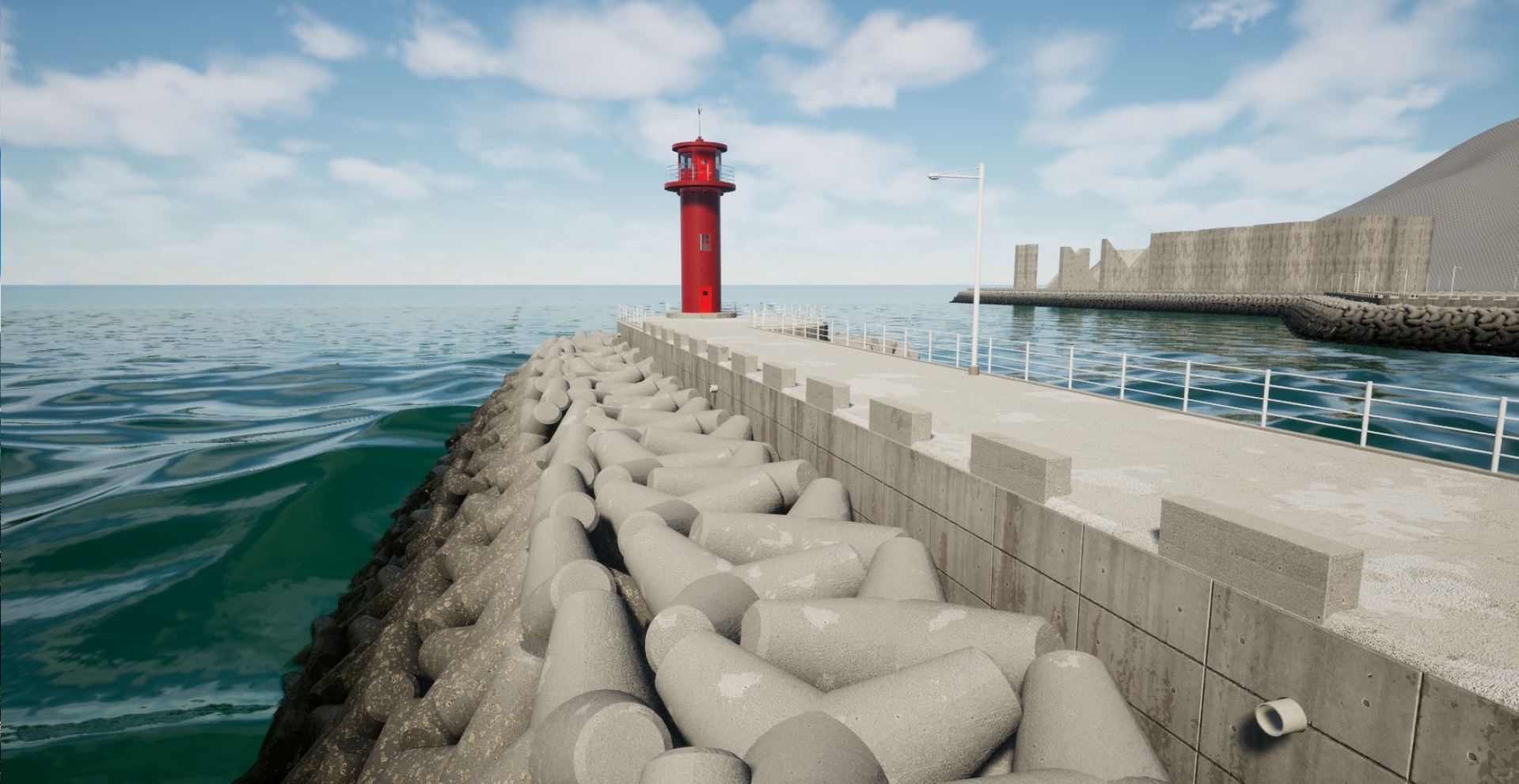
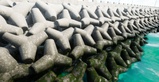
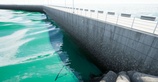
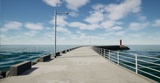
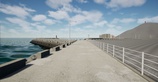
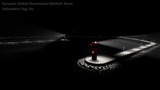
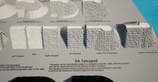
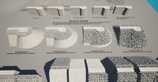
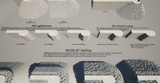
This Tetrapod BreakWater Spline includes Tetrapod BreakWater, Lighthouse, and Street Lamp Blueprints. The Tetrapod BreakWater BP allows you to easily create and edit breakwaters using splines. Roads, tetrapods, railings, stairs, drainage outlets, and other components can be automatically generated along the spline, while water effects and the settings of each component can be adjusted directly from the Details panel.
A demo map is also included, allowing you to explore the system and see how its features work.
Spline-Based Breakwater System – Easily create and edit breakwaters using spline points.
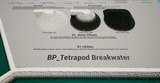
Automatic Tetrapod Generation – Automatically places tetrapods on both sides and at the end of the breakwater according to the configured settings.
Tetrapod Layer Adjustment – Configure the number of tetrapod layers directly from the Details panel.
Random Tetrapod Rotation – Apply random rotation to individual tetrapods within the configured rotation range.
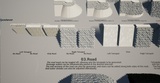
Automatic Road Generation – Generates road meshes along the spline and allows you to adjust the spacing of drainage outlets.
End Road – Optionally add a road section at the end of the breakwater.
Stair Generation – Optionally add stairs to the road.
Multiple Railing Configurations – Railings can be generated independently on the left, right, and end sections, with options for iron, concrete, and segmental concrete railings.
Water Effects – Adjust water height, barnacle height and level, algae height and level, and concrete water streak intensity.
Edit Mode – Temporarily hide generated meshes to make spline editing easier.
Length Display – View the current breakwater length directly from the Details panel.
Blueprint-Based Workflow – Fully implemented using Unreal Engine Blueprints without C++ code.
Editor Controls – Configure generation, water effects, tetrapods, roads, railings, and other settings directly from the Details panel.
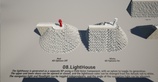
Lighthouse Generation – Adjust generation, opening of the upper and lower doors, red/white color selection, navigation light rotation, navigation light activation, and floodlight activation directly from the Details panel.
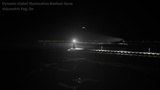
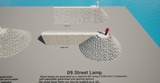
Street Lamp Generation – Adjust generation and light activation directly from the Details panel.
BP_LighthouseDoor Control – Open and close the upper and lower doors independently.
Color Adjustment – Change the default red lighthouse color to white.
Navigation Light Control – Turn the navigation light on or off and adjust its angle.
Floodlight Control – Turn the floodlight on or off and adjust its spacing.
BP_Street LampLight Control – Turn the street lamp light on or off.
Included ContentTetrapod, road, railing, stair, and other meshes
Blueprints (Tetrapod BreakWater, Lighthouse, Street Lamp)
Materials and Material Instances
Textures
Demo Map
Demo Map Requirement: The included demo map requires the Sun Position plugin for the SunSky actor. The Military Fence System itself does not require this plugin.