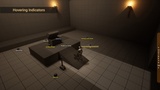
Opis
NavCompassPro adds smart, customizable directional and loot indicators to your game — with full Blueprint access and high-performance C++ backend.
Supports multi-layer tracking, off-screen arrows, item labels (Diablo/PoE style), distance display, filtering, and much more.
✅ Key Features
Multi-Layer Support
Organize different indicator types (e.g. Enemies, Objectives, Loot) into independent compass layers.
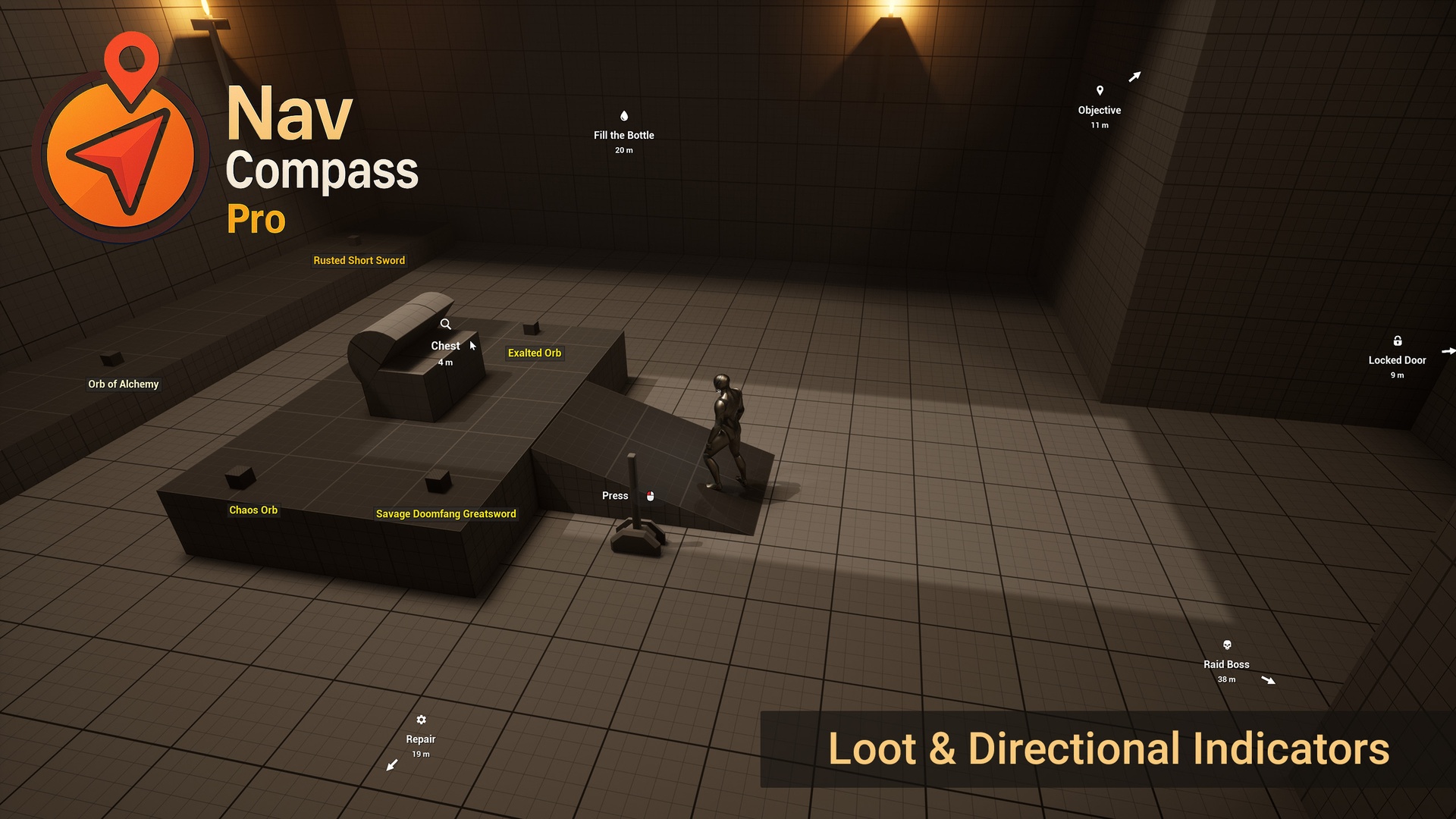
Loot Drop Indicators (Diablo / PoE Style)
Display floating item labels with rarity-based color coding, tag-specific icons, and distance-based visibility control.
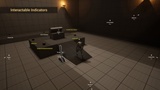
Fully Customizable Indicators
Configure icons, label text, borders, distance formatting, and arrows per gameplay tag.
Off-Screen Direction Arrows
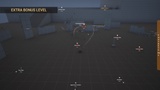
Clamp indicators to screen edges and auto-rotate arrows to point toward off-screen targets.
Lock-On Mode
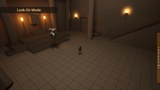
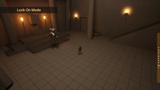
Highlight specific tracked actors with a lock state — perfect for bosses, main quests, or player focus.
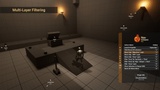
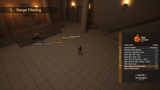
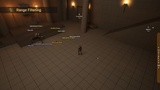
Built-In Filtering
Show only actors with specific tags, filter by item rarity, limit by distance range, or display only the closest N actors.
Per-Tag Styling
Override label text, icons, and visuals per tag (e.g. Rare, Quest, Boss).
Dynamic Tracking
Add or remove tracked actors at runtime with per-actor settings (label, offset, hide range).
Auto-Scaling by Distance
Scale indicators based on distance — shrink distant ones or emphasize nearby targets.
Interactive UI
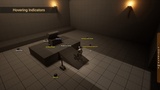
Mouse click, hover, and release events supported via Blueprint delegates and interfaces.
Sound Feedback
Play UI sounds for hover/click via Blueprint or tag config.
Distance Display
Formatted distance text with meter/kilometer switching and precision control.
Performance Optimized
Minimal GC overhead, smart ticking per layer and widget pooling
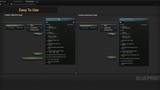
Blueprint First
100% accessible in Blueprints — no C++ required.
C++ Powered Under the Hood
Efficient native logic ensures high performance in large or complex worlds.