Description
Create dynamic gravity zones and force-based gameplay without building the underlying systems from scratch.
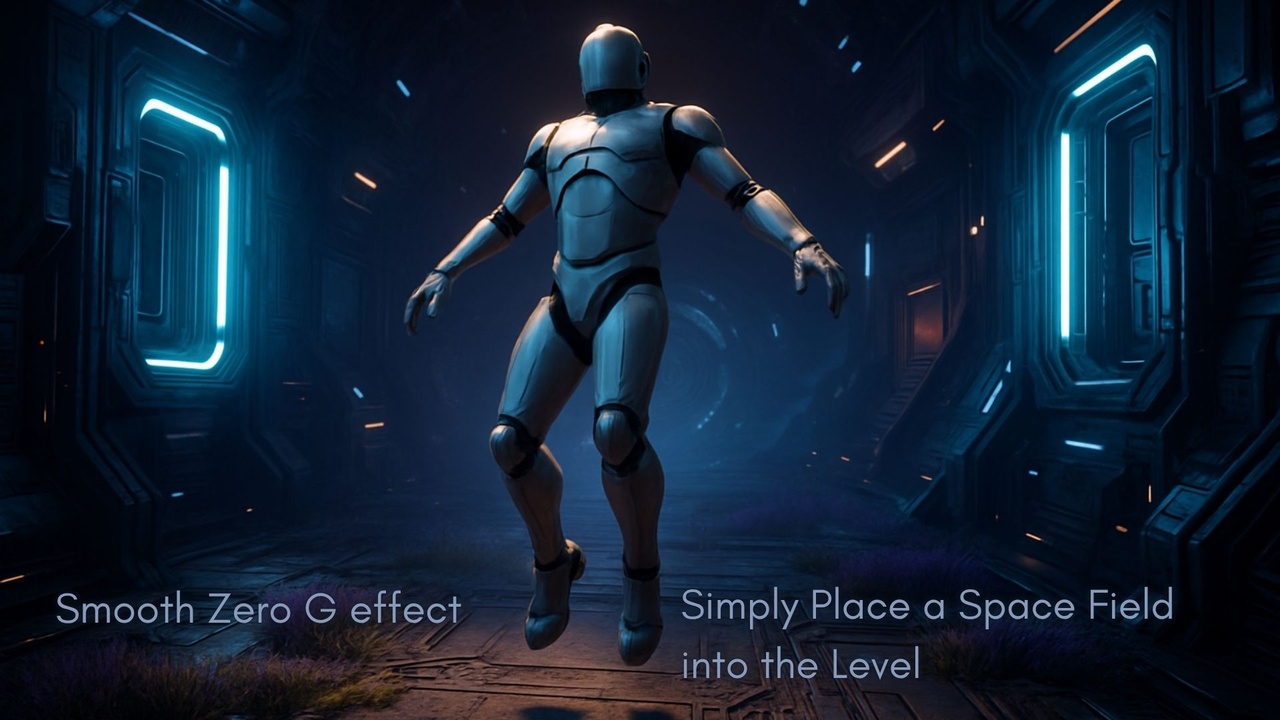
SpaceFields is a modular gravity and force field framework for Unreal Engine that lets you create areas that alter how players and physics objects behave.
Build zero-gravity zones, custom gravity fields, push and pull forces, sticky areas, movement modifiers and camera effects, with support for multiplayer projects and Blueprint customization.
Key Features
✅ Zero-G & Custom Gravity Fields
One unified Zero-G effect:Classic Zero-G (no gravity)
Or custom gravity vectors.
Optional “Instant Float” toggle makes characters start floating as soon as they enter the field, instead of only reacting when they jump or fall.
✅ Sticky Slow Fields
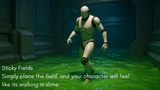
Create zones where movement feels heavy, viscous, or sticky:Slow player movement on entry
Increase drag for physics objects and projectiles
Optional extra slowdown near the center of the field
Great for traps, anomalies, energy goo, or “time sludge” areas.
🔄 Upside-Down Fields
Flip the world in a controlled way:
Camera-only flip for pure visual weirdness
Blended transitions so the change feels intentional.
✅ Niagara & Audio Integration
Per-effect FX profiles for enter / exit / loop Niagara systems and SFX, triggered via replicated events so all players see and hear the same thing.
✅ Multiplayer-Ready
Server-authoritative logic with replicated state. Clients handle visuals and audio; forces and movement changes are computed on the server for reliable co-op and PvP.
✅ Designer-Friendly
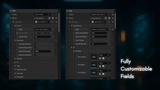
Configure everything from the Details panel: presets, filters (which actors are affected), blending times, and FX settings.
The Plugin required the "Niagara" plugin to be enabled in order for it to work.
Documentation: https://71-studios.gitbook.io/71-studios-docs/spacefields-documentation
Support and Questions: https://discord.gg/BwjF8X485a