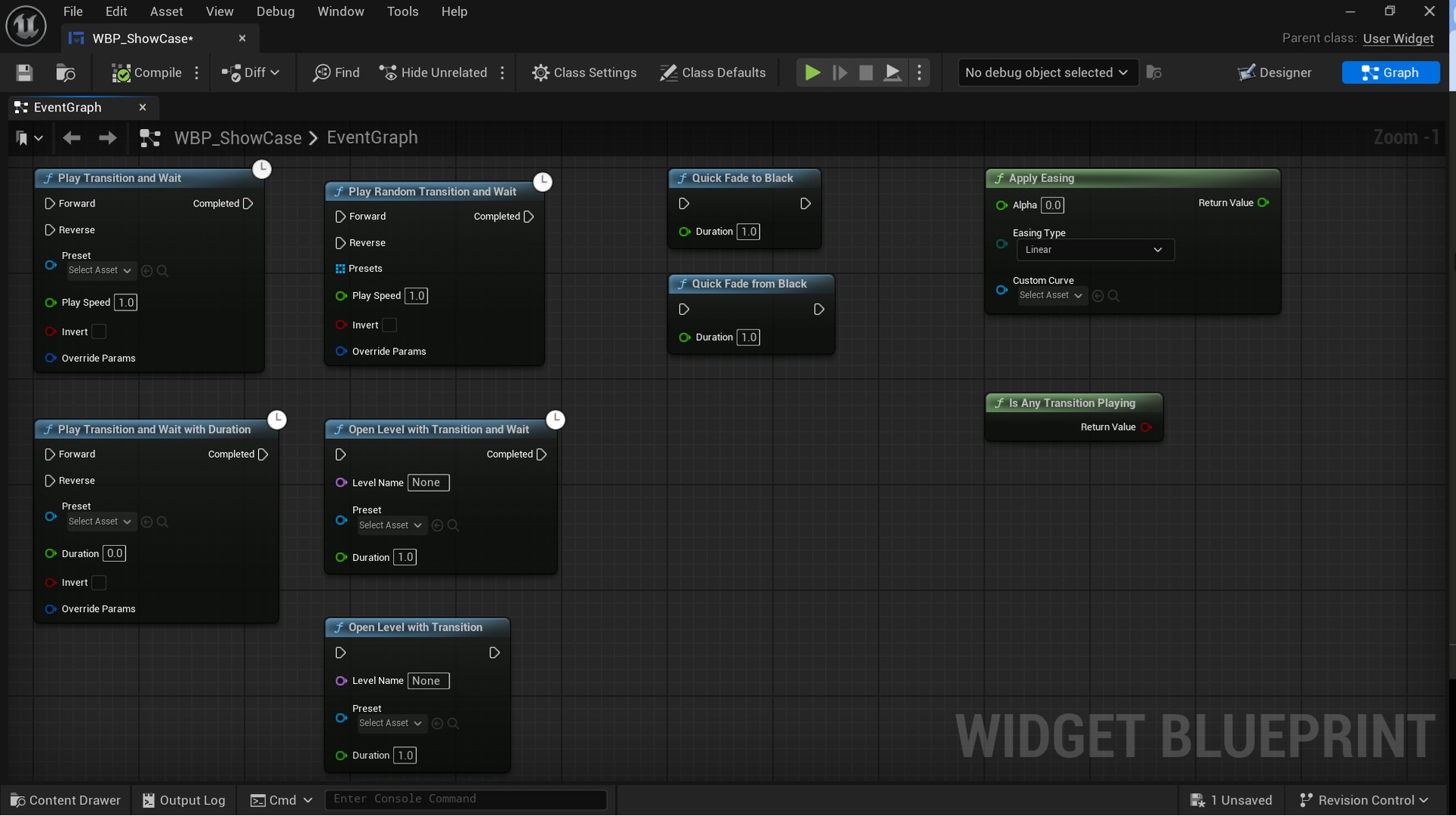
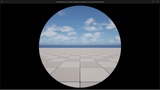



Description
TransitionFX is a data-driven screen transition plugin for indie developers and small teams.
Every effect is drawn procedurally with SDF (Signed Distance Field) math, so it stays sharp at any resolution, is aspect-ratio corrected, and uses zero texture memory.
A complete fade-out, load, fade-in flow takes one latent Blueprint node and one reusable preset.
Effect gallery, docs and issues: https://github.com/EmbarrassingMoment/TransitionFX_Dev
Showcase video: https://youtu.be/L8d-S7VqaMs
KEY FEATURES
30 built-in transitions
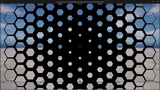
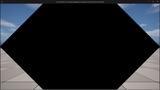
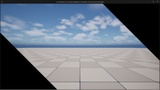
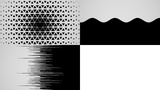
Fade, Iris, Flower Iris, Diamond, Diamond Band Wipe, Box, Box Roll, Linear Wipe, Sliding Doors, Corner Wipe, Split, Wavy Curtain, Radial Wipe, Fan, Spiral, Tiles, Random Tiles, Polka Dots, Blinds, Slice, Stripe Cascade, Hexagon, Triangle, Checkerboard, Cross Wipe, Dissolve, Wind, Pixelate, TV Switch Off, Texture Mask.
Two rendering paths, one API
Choose PostProcess (default) or a full-screen widget-layer overlay per preset. The widget layer renders above UMG and Slate, so menus, HUDs and loading screens are covered by the transition too. The Blueprint API is identical for both paths.
Widget-layer variants for 14 effects
Ready-made widget-layer presets and UI-domain materials for Fade (plus Fade to Black), Iris, Linear Wipe, Dissolve, Radial Wipe, Checkerboard, Blinds, Texture Mask, Diamond, Sliding Doors, Corner Wipe, Polka Dots, Random Tiles and Hexagon. A Widget ZOrder setting keeps the overlay on top of your own widgets. Pixelate and Slice are available on the PostProcess path only.
Workflow
Single-node Blueprint API – PlayTransitionAndWait runs the whole lifecycle as a latent action.
Transition Presets – effect class, material, duration, easing, color, sound and input blocking in one swappable Data Asset.
OpenLevelWithTransition – fades out, loads the level, then fades back in. State lives in a GameInstance subsystem and survives level changes.
Fade-out stays covered – a finished fade-out keeps the screen covered until you fade back in, start the next transition or stop it, so nothing flashes between fade-out, loading and fade-in.
Hold-at-Max – stay fully covered while async loading runs, then release when ready.
Sequence system – chain transitions with per-step duration, delay and looping, and wait for the whole sequence with one node.
Playback and control
12 easing curves, plus any custom Float Curve.
Forward and reverse playback plus Invert – four looks per effect.
Runtime overrides for color, duration and material parameters, or a default transition color per preset.
Progress delegate and threshold callbacks – react mid-transition without polling.
Sound sync, input blocking and pause-aware ticking.
Shader preloading helpers avoid first-play hitches.
Editor Preview Panel
Real-time playback of the PostProcess materials with easing and duration controls, plus animated GIF export. Widget-layer presets are verified in PIE.
Sample project
Available on GitHub Releases: a showcase level that plays all 45 presets and a comparison level that shows the widget layer covering an opaque UMG panel where PostProcess cannot.
Extensible
Implement ITransitionEffect for a custom renderer, or author your own SDF material and drop it into a preset.