Opis
🎬Usage
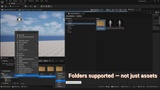
Unreal Engine's built-in Collections accept only assets. Favorites accept only folders. Smart Collections removes that split — pin any mix of Content Browser folders and assets into a single named, persistent workspace.
Collections are saved as individual .uasset files inside your project. They travel with your repo, check in to Perforce or Git, and can be checked out per-collection so teammates never block each other.
Features
Mixed content
Add any combination of assets and folders to one collection.
No type restriction.
Hierarchical collections
Organize collections into parent/child trees.
Drag a row onto another to reparent. Drag above/below to move to the same level.
Cycle detection prevents invalid trees.
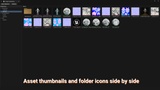
Asset thumbnails in tile view
The entry panel renders full asset thumbnails (96×96) next to folder icons.
Recognize assets at a glance without opening them.
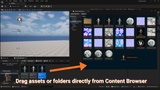
Drag & drop to add
Drag assets or folders from the Content Browser directly onto the entry panel.
They are added to the selected collection instantly.
Content Browser context menu
Right-click any asset or folder → Add to Smart Collection → pick the target.
Works with multi-selection.
Double-click navigation
Folder entry → Content Browser navigates to that folder.
Asset entry → opens the asset in its default editor.
Source control friendly — plain-text JSON
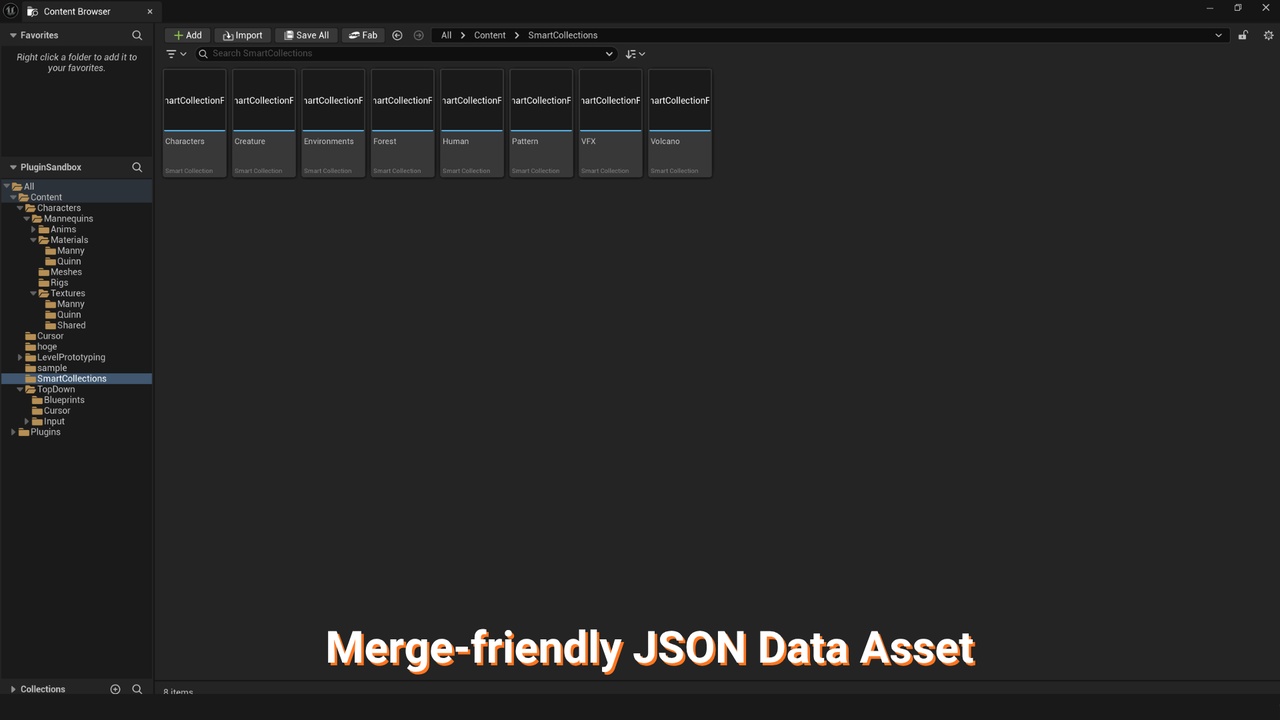
Each collection is saved as an individual .smc file in clean, human-readable JSON.
Every field diffs clearly in Git and Perforce — merge conflicts are resolved
as plain text with no binary headaches and no editor required.
Check out only what you edit. No shared state. No lock-file contention.
Scriptable via plain-text JSON
Each .smc file is standard JSON — readable by any Python script, CI pipeline,
or text-processing tool without launching the Unreal editor.
Build custom validation, reporting, or batch-processing workflows around collection data.
Typical Use Cases
• Task-based workspaces — one collection per active task (e.g. "Task_CharacterRig",
"Task_LevelArt_Forest"). Switch collections as you shift focus.
• Cross-department handoff — an animator pins the rig asset, the source folder,
and the target level in one collection and shares it with the rigger via Perforce.
• Pipeline validation — a Python script reads the .smc JSON files nightly
and validates every asset in a curated collection without manual folder traversal.