Opis
Demo | Example Video | Documentation | Reviews
If there are any issues, questions or technical assistance, please let me know, I'll reply as soon as possible.
Please provide Order ID for support: Discord | [email protected]
Update History (Updated 12/21/24)
-----
System uses a Character Component: Few nodes need to be added inside your Character BP.
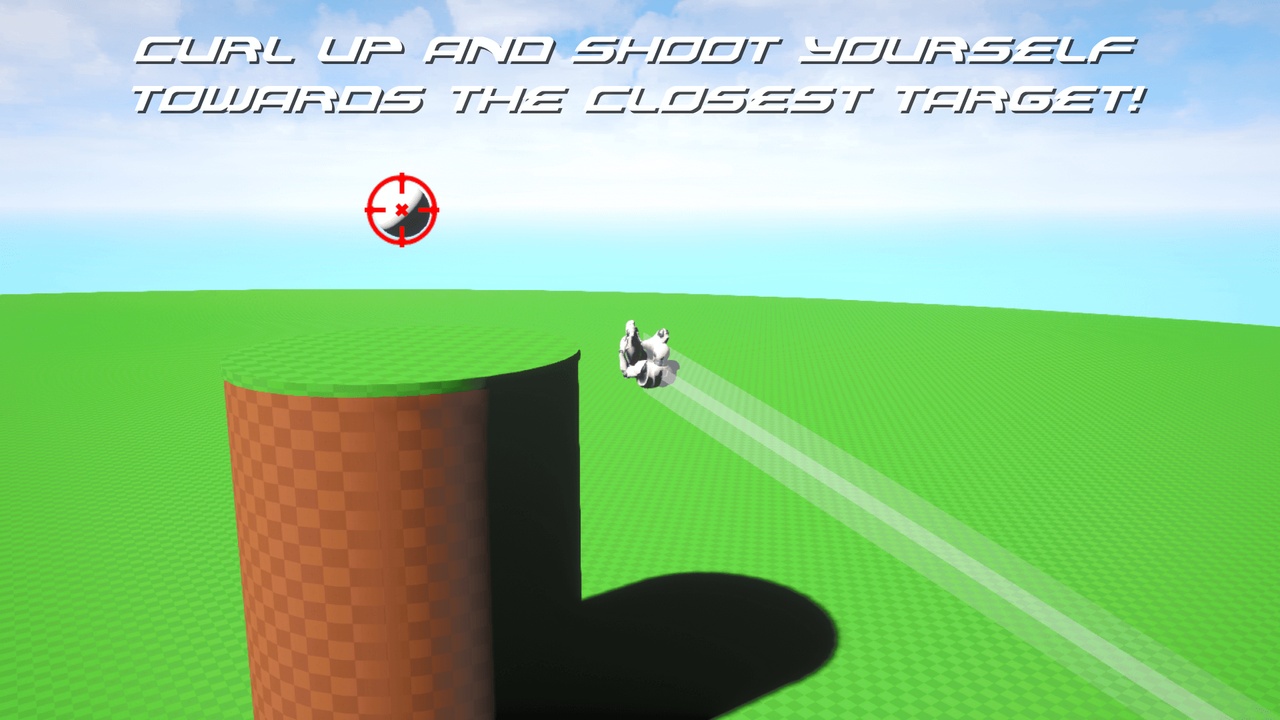
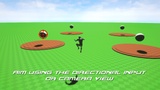
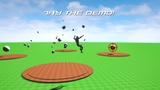
While Falling, press the Jump button to launch a Homing Attack that zeroes in on the closest Target! Movement input is disabled while using the Homing Attack. The targeting system will place a crosshair on top of enemies so the character can interact with them.
Not Replicated
-----
Requirements:
A Character Movement component + Animation Blueprint that can play Montages.
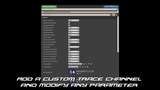
A Custom Trace Channel used by the component and blocked by the Target Actors only.
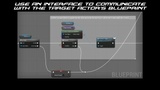
A Blueprint Interface implemented by the Target Actors. It's the provided type of Blueprint communication used by the Component.
-----
Limitations:
Targets / enemies located directly above or bellow the Character won´t be selected.
It won't work as intended if your Character uses a system that constantly updates it's Gravity and Velocity. Before initiating the Homing Attack, both Gravity and Velocity are set to 0. After it ends, the Gravity is returned to it's previous value. Depending on your project, any logic that constantly updates Gravity and Velocity should pause momentarily before using the Homing Attack and resume after it ends.
-----
Additional Notes:
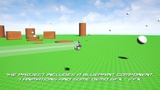
The project provides a Demo Target that can be destroyed upon hit but it is up to the users to add new logic to the enemies they use in their projects. Please check the documentation for information about using the Interface to trigger events inside new enemy blueprints.
Unreal Engine's Control Rig Foot IK solution will rotate incorrectly both Character's legs during the Homing Attack. To prevent that, we need to set the IK Alpha value to 0 during the Homing Attack and return it to 1 after it ends. The documentation provides more information on how to do it.
-----
Attribution:
The following assets are included in this product: Link