Description
Keep the performance. Lose the jitter.
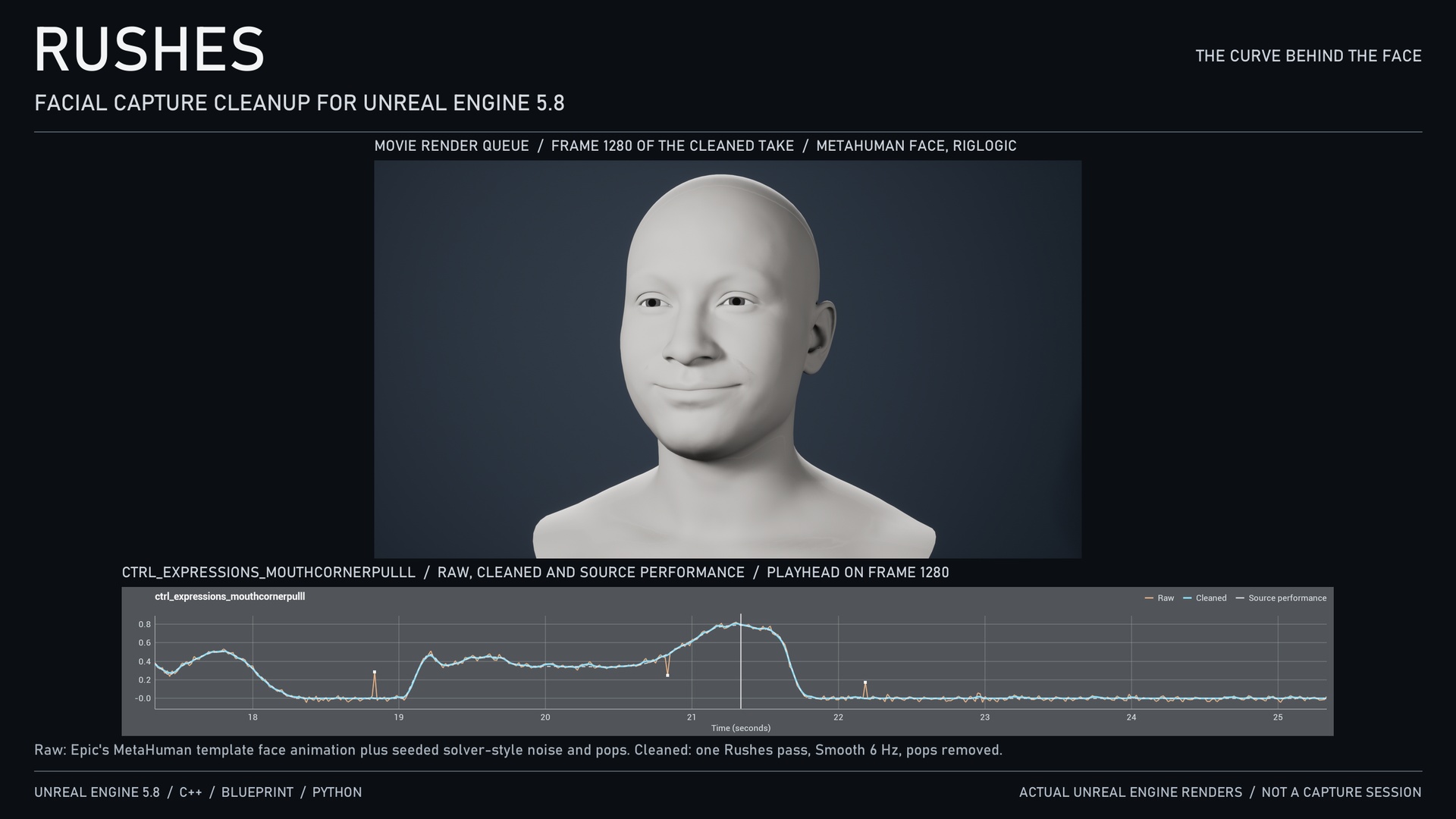
Rushes cleans frame-to-frame jitter and single-frame pops out of animation float curves in Unreal Engine 5.8, such as the CTRL_expressions curves that MetaHuman Animator writes, without lagging the performance.
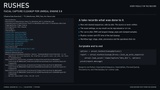
Clean up from the Content Browser
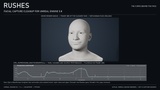
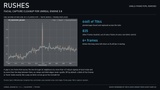
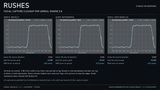
Right-click one or more Anim Sequences and choose Rushes: Clean Up Capture Curves. The dialog previews the real asset before anything is written: every float curve with its jitter reduction, a raw-versus-cleaned graph of the selected curve, and how far the curve moved, its phase lag and any pops removed. Press Clean Up to write a separate <Name>_Clean sequence and a take record. The source sequence is never modified, and running it again updates the cleaned copy in place.
Filtering that means the same thing at every frame rate
Each response is designed in closed form so the cutoff you choose is exactly -3 dB at the take's own frame rate, at 24, 30, 60 or 120 fps, and a forward-backward pass adds zero phase lag.
Smooth (default): critically damped, no ringing on blinks and held expressions.
Sharp: Butterworth, the steepest roll-off.
Gentle: the first-order filter from earlier Rushes versions.
Optional single-frame pop removal, output clamping for 0..1 face controls, and wildcard allow and deny lists for curves.
Measured, not asserted
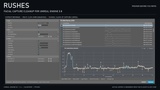
On Epic's MetaHuman template face animation (60 fps, 45 seconds) with seeded solver-style noise and pops added, Rushes reduced RMS error against the original performance by a median of 71% across 150 moving face controls (lowest 48%), and found 6,465 of 7,064 planted single-frame pops. The C++ result matches an independent Python implementation of the filter to 4e-8. The noise is synthetic, not a capture session, and the gallery says so wherever it is shown.
Know the trade-off: at the default 6 Hz, very fast moves lose some peak. On that animation, 11 of the 150 controls lost more than 8% of their range: ten lip controls with pulses about 100 ms wide (up to 25%) and jawRight (9.5%). Clean fast lip curves in a second pass with a higher cutoff, or exclude them; the README gives the measured numbers.
Every cleanup is on the record
A take asset stores the exact settings, per-curve before/after measurements, and the Rushes version and time of the cleanup, so any result can be reproduced or re-run.
Scriptable
Everything the dialog does is available from Blueprint and Python, and a runtime filter library works on any sample array in game code.
Requirements and compatibility
Unreal Engine 5.8, Win64 editor. No other plugins required. The optional Python scripts need the Python Editor Script Plugin. Rushes cleans curves; use MetaHuman Animator or your capture tool to produce them. Float curves only: bone transform tracks are copied unchanged.