描述
Keep Your Unreal Project Clean, Consistent, and Enforced
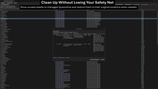
Project Structure Guard helps you enforce naming and folder conventions across your Unreal Engine project before structural problems turn into long-term technical debt.
Scan your entire project or selected content, search and inspect validation results, preview structural fixes before applying them, protect critical folders, track newly introduced violations with baselines, and clean unused assets through a controlled quarantine workflow.
Key Workflows
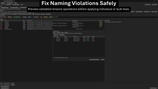
Validate naming and folder conventions across your project
Search, filter, and inspect large validation result sets quickly
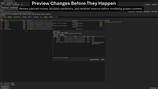
Preview rename and move operations before applying changes
Track New, Existing, Resolved, and Unclassified findings with Baseline Tracking
Protect critical content from rename, move, and auto-fix operations
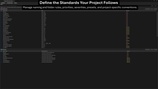
Manage and test project rules from one dedicated interface
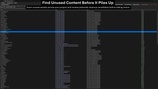
Find unused assets and move them through a controlled Quarantine workflow
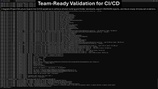
Integrate validation into automated pipelines with baseline-aware CI policies
Validation, Search & Safe Fixes
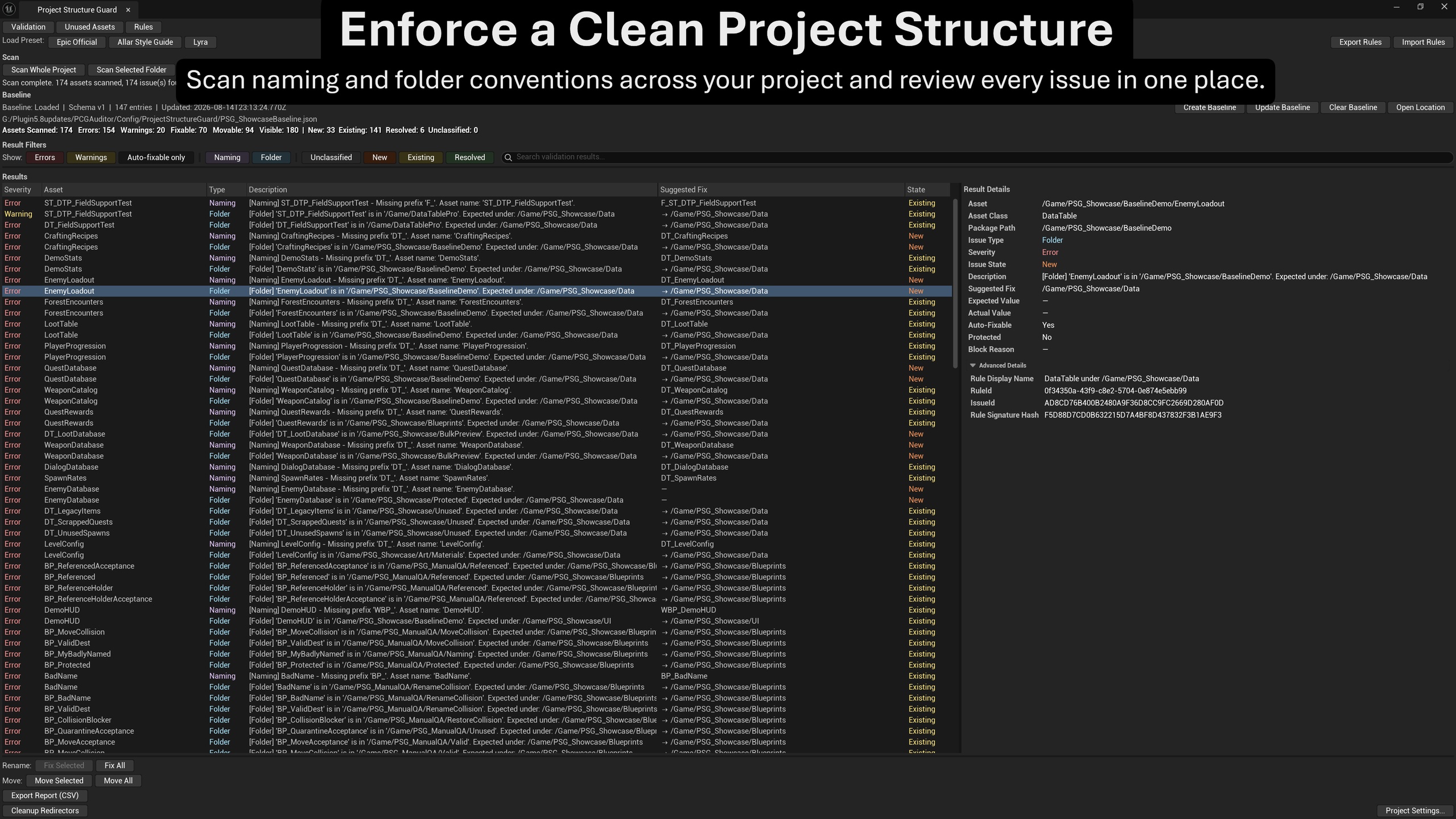
Scan the entire project, selected Content Browser folders, or individual assets for naming and folder violations.
Search large result sets instantly by asset, path, issue information, suggested fixes, severity, and baseline state. Search works together with the existing validation filters, making it easier to isolate specific findings in larger projects.
Select any finding to inspect its asset, class, package path, issue type, severity, baseline state, description, suggested fix, expected and actual values, protection status, and block reason. Advanced Details keep rule and issue identity information available without cluttering the main result view.
Preview planned rename and move operations before anything is changed. Project Structure Guard checks destination conflicts, protected content, blocked operations, and other preflight conditions so you can review what is Ready, Blocked, Skipped, or Conflict before execution.
Baseline Tracking
Capture an accepted project state and compare future validation scans against it.
Findings are classified as:
New — introduced after the baseline
Existing — already accepted in the baseline
Resolved — baseline issues that no longer exist
Unclassified — findings without an applicable baseline state
Create, update, or clear the baseline directly from Project Structure Guard and use a configurable project-relative baseline path for source-control workflows.
This makes it easier to focus on newly introduced structural problems instead of repeatedly reviewing known issues.
Protected Paths
Mark important project folders as protected.
Violations remain visible for review, while rename, move, and applicable auto-fix operations are blocked with clear reasons. This allows teams to enforce conventions without exposing critical content to unintended structural changes.
Rule Management
Manage naming and folder rules directly inside Project Structure Guard.
Enable or disable individual rules
Reorder rules by priority
Search and filter configured rules
Test individual rules in read-only mode
Use built-in Epic Official, Allar Style Guide, and Lyra presets
Export and import rule configurations as JSON
Unused Asset Cleanup
Find unused project content without mixing the results with generated Blueprint artifacts, redirectors, or managed quarantine content.
Unused assets can be moved into a controlled Quarantine workflow instead of being deleted immediately.
Managed quarantined assets can be restored to their recorded original locations with safety checks, while Permanent Delete remains a deliberate guarded action for managed quarantined content.
Content Browser & On-Save Workflows
Run scoped validation directly from the Content Browser for selected assets or folders.
On-Save Validation can also surface structural issues while working, helping conventions remain part of the normal editor workflow instead of becoming a cleanup task at the end of production.
Reporting & CI/CD
Export detailed validation results as CSV or JSON, including baseline state, rule and issue identity, expected and actual values, protection information, and block reasons.
Run validation from automated pipelines with policies including:
-failonerror
-failonwarning
-failonnew
The baseline-aware -failonnew workflow allows CI to detect newly introduced validation problems without failing for already accepted baseline findings.
Resources & Support
For setup questions, bug reports, feature requests, and product support, use the Hanke Unreal Tools Discord.