説明
UE Builder - Architectural Modeling Tools for Unreal Engine
Documentation | Overview Video |
Features
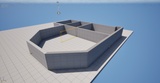
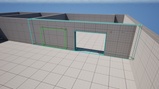
Wall Tool — Click two points to instantly create walls. Adjacent walls automatically miter at corners for clean joints. Fully adjustable height, thickness, and material.
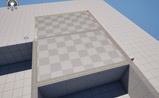
Floor Tool — Define boundary vertices with clicks, double-click to finish. Generates a procedural floor mesh at your specified height.
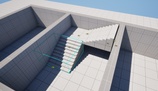
Stair Tool — Click a start and end point to generate stairs. Customize step count, width, height, and slope in the details panel.
Ramp Tool — Same click-and-drag workflow as stairs, but generates adjustable ramps for accessibility or terrain transitions.
Select & Edit — Click any building element to select it. Drag endpoint anchors to resize or reposition. Anchors auto-snap to nearby endpoints for precision. Full Undo/Redo support.
Door Openings — Enable Door Mode in the Select tool to cut openings directly into walls. Adjust width, height, and Z-offset. Delete openings without affecting the wall.
Reference Image Overlay — Import a floor plan or reference image as an editor overlay, then trace walls and geometry directly on top.
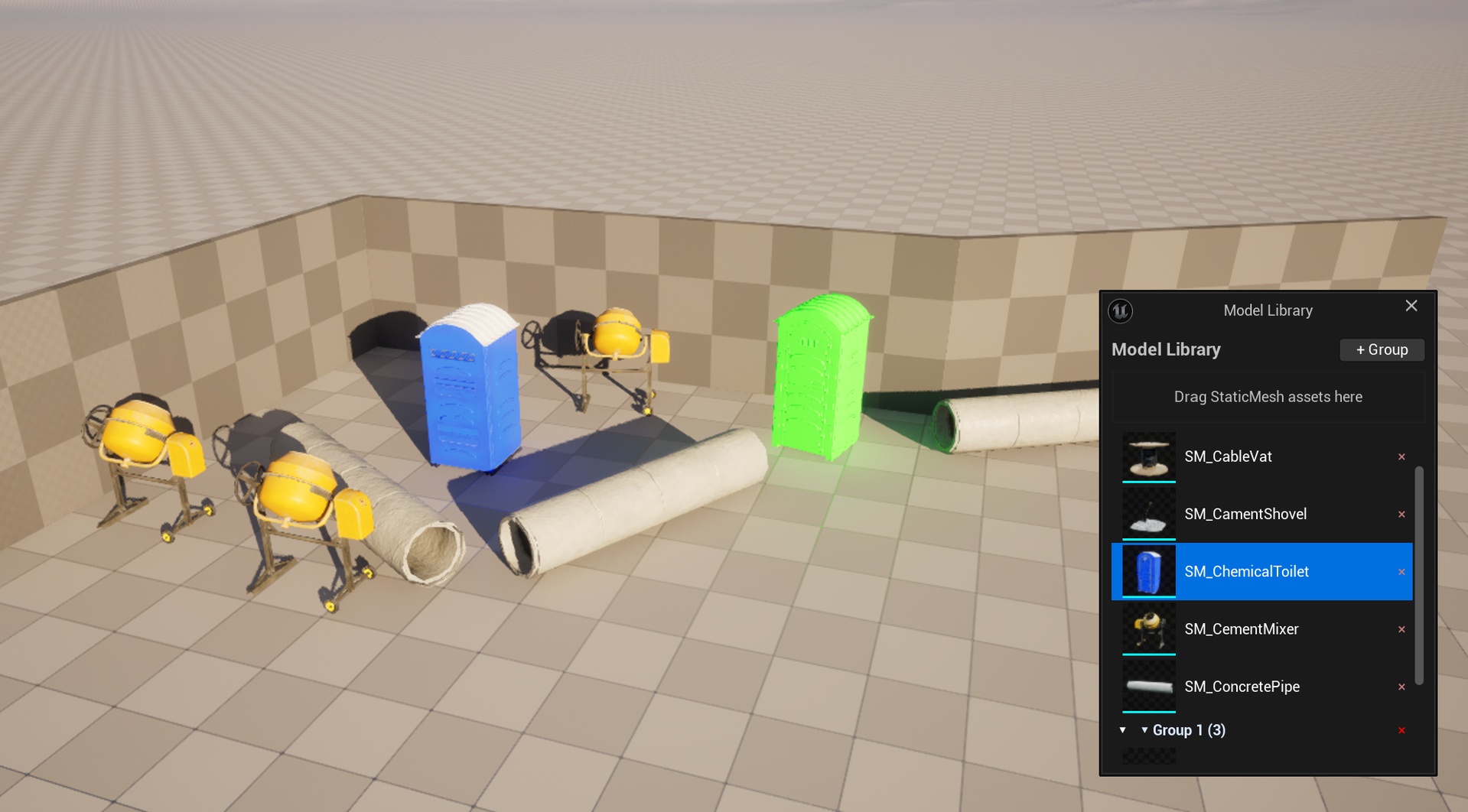
Model Library & Place Tool — Import and manage custom Static Mesh assets with thumbnail browsing, drag-and-drop from Content Browser into categorized groups, and rename groups/models. Left-click in viewport to place models with green ghost preview, mouse wheel to rotate, right-click to cancel placement. Drag models between groups for organization.
Key Details
- Source Code Plugin — compiles automatically on first launch, no pre-built binaries needed
- Compatible with UE 5.5, 5.6, and 5.7 — separate packages provided for each version
- Minimal Dependencies — only requires the built-in ProceduralMeshComponent plugin
- Procedural Geometry — all meshes are generated at runtime, no static mesh assets required
- Lightweight — clean C++ codebase under 250 KB
Use Cases
- Architectural Visualization — quickly block out building layouts for archviz projects
- Level Design Prototyping — rough out interior spaces and building structures before committing to modular assets
- Game Development — create buildings, walls, and environments with precise control
- Student & Portfolio Projects — fast iteration on architectural concepts in UE
Version Compatibility
UE 5.7
Important Notes
- Project path must not contain non-ASCII characters (Chinese, Japanese, etc.) to avoid compilation issues
- This is a source code plugin — it compiles in your project automatically
- Requires the ProceduralMeshComponent plugin (enabled by default in all UE versions)