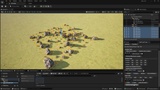
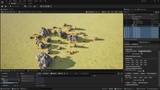
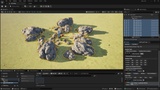
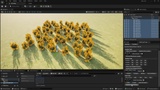
説明
MFL_LUT Level Tool
Editor Utility Widget for fast environment iteration
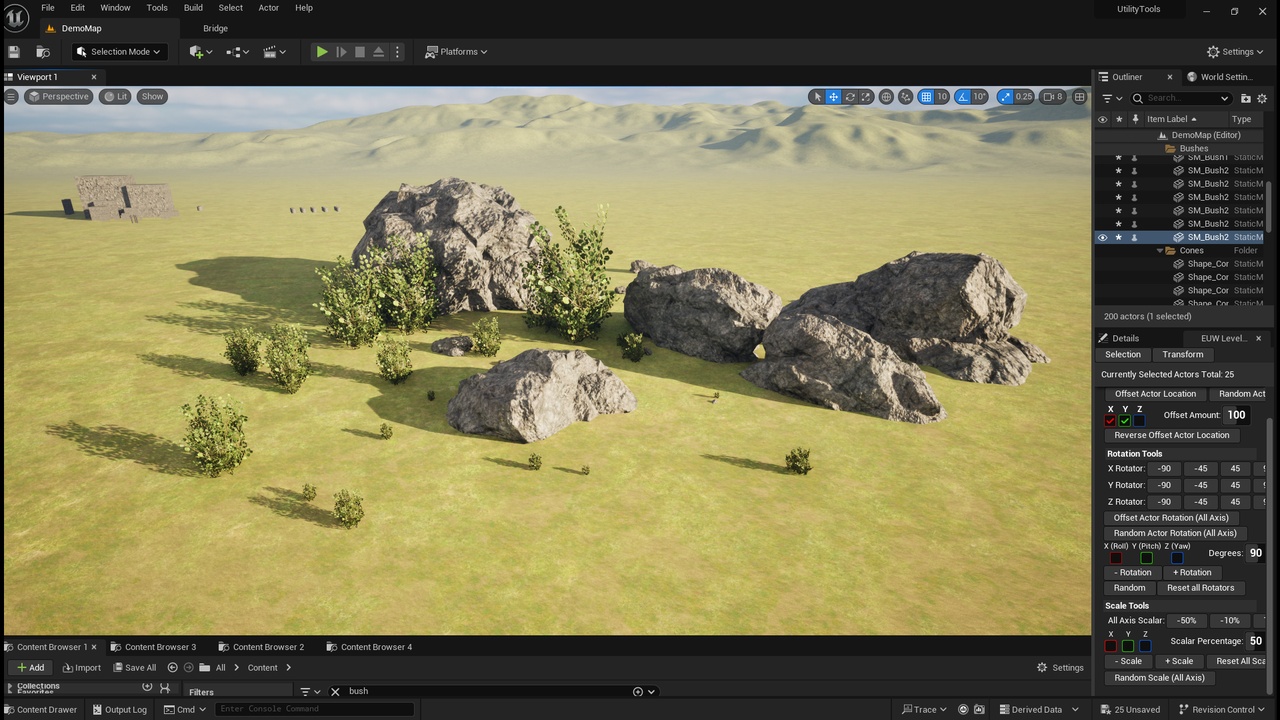
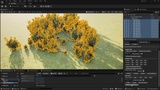
MFL_LUT Level Tool is an Unreal Engine Editor Utility Widget designed to speed up level dressing and layout workflows.
Designed for fast iteration when scattering rocks, foliage, and environmental props, helping you break up repetition and find natural layouts in seconds.
The tool provides intuitive Location, Rotation, and Scale utilities that work on explicitly selected actors, allowing artists and level designers to explore variation quickly without manual per-actor tweaking.
Key Use Cases
Breaking up repetition in rock formations and cliff faces
Adding natural variation to bushes and foliage clusters
Iterating on pillars and repeating structural props
Rapid layout exploration during environment polish passes
Features
Batch Location, Rotation, and Scale tools for selected actors
Axis-based offsets and controlled randomization
Pre-set rotation and scale buttons with customizable values
Per-click randomization (predictable, non-continuous behaviour)
Fully undoable operations (Ctrl + Z)
Editor-only, non-destructive workflow
Included Tools
Selection and batch selection utilities
Location offset, random offset, and reverse offset tools
Axis-based rotation pre-sets and full-axis random rotation
Scale pre-sets, axis scaling, and random scale tools
Workflow Focus
This tool is built around short feedback loops:
Select → adjust → evaluate → repeat
By encouraging iteration and experimentation, MFL_LUT Level Tool helps reveal natural, organic layouts that are difficult to achieve through manual gizmo adjustments alone.
Technical Details
Type: Editor Utility Widget (EUW)
Engine Compatibility: Unreal Engine 5.3+
Editor-Only: Yes (no runtime impact)
Undo Support: Yes
Documentation & Demo
Included README documentation
In-editor README utility widget
Demo map with example assets for immediate testing
Discord Support Channel: https://discord.gg/mkzQWxCedj
Notes
This product is designed for professional Unreal Engine workflows and is intended to be extended or customized as needed. Additional tools and features can be added based on user requirements.
### Video Demos
• Rock scattering & iteration
https://youtu.be/D32558xjl0s?si=Ok2UB0L6Y0Jz8IS2
https://youtu.be/H3mIJCROAN8?si=x-yU-MFg6k6Szbx5
https://youtu.be/V9v2MScZv8M?si=60VKJVJezFVnGX4I
• Foliage variation workflows