


Descrizione
Alpha Video Player
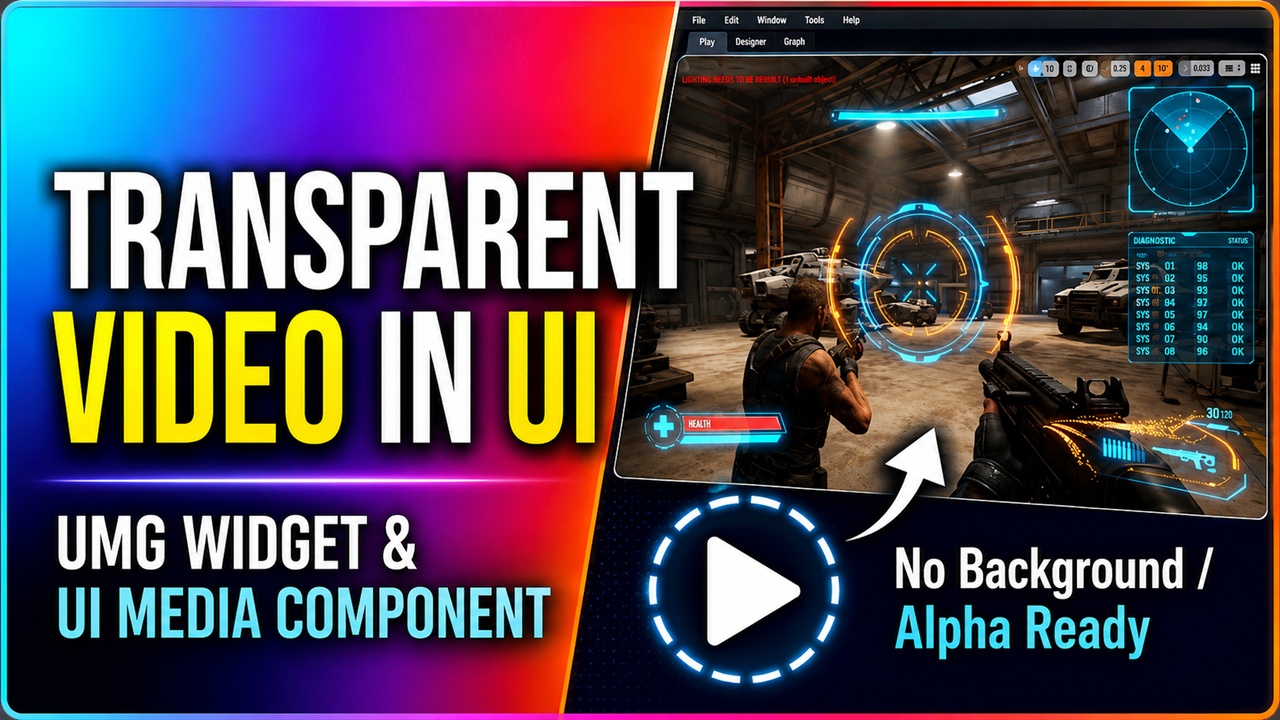
A UMG widget for playing videos with full alpha transparency support.
Multiple blend modes, color grading, playlist, fade in/out, poster image, volume control, and Blueprint events — all in one drop-in widget.
Unreal Engine's built-in Video Player widget does not support transparency. If you need a video playing over your UI, a cutscene with a transparent background, or an animated overlay with alpha, you're on your own. Alpha Video Player solves that with a single drop-in UMG widget that handles everything.
Key Features
🔹 Alpha / Transparency Support
Five blend modes covering every compositing use case:
Opaque
Alpha Composite (for pre-multiplied alpha sequences)
Alpha Blend (for straight alpha)
Additive (for glows and effects)
Modulate (for darkening overlays)
🔹 Blueprint-Exposed Events
OnPlaybackResumed, OnPlaybackPaused, OnPlaybackComplete, OnMediaOpened, and OnPlaylistFinished are all BlueprintAssignable delegates. Bind to them directly in your widget Blueprint with no C++ required.
🔹 Volume Control
Set volume as a float between 0 and 1. Independent from mute — muting silences the audio without losing the volume setting, and unmuting restores it exactly where it was.
🔹 Aspect Ratio Modes
Fill, Fit (letterbox), Stretch, and Center. Controls how the video scales inside the widget bounds without you having to manage sizing manually.
🔹 Color Grading
Brightness, Contrast, Saturation, and Tint Color are all Blueprint-settable at runtime. Drive them from gameplay events, animate them on a timeline, or use them to stylize your video at design time.
🔹 Poster / Thumbnail Image
Assign a static texture to show while no video is playing. It is shown automatically on open and after playback ends, and clears automatically when playback starts.
🔹 Playlist Support
Assign a UMediaPlaylist and the widget advances through entries automatically. PlayNextInPlaylist, PlayPreviousInPlaylist, and OnPlaylistFinished give you full manual control when needed.
🔹 Fade In / Out
FadeIn(Duration) and FadeOut(Duration) animate the widget's opacity smoothly. FadeOut calls Close automatically when the fade completes.
🔹 Auto-Play on Visibility
Optional flag that starts playback automatically when the widget becomes visible. Useful for looping background videos and cinematic sequences triggered by UI state.
⚠️ Important — Source Format
This widget is primarily designed and tested for PNG image sequences and EXR image sequences, which carry a true per-pixel alpha channel natively. These are the recommended formats for any use case that requires transparency.
Other video formats can be used with this widget for non-transparent playback, but alpha transparency requires the source file to actually contain an alpha channel. Standard MP4/H.264 and MP4/H.265 do not support alpha.
If you need transparency with a video file rather than an image sequence, your source must be encoded in one of the following formats:
Apple ProRes 4444 — widely supported, high quality, large files
WebM with VP8 or VP9 codec — smaller files, good browser/web pipeline compatibility
HAP-Alpha codec — GPU-decoded, very high performance for real-time playback
Note: Encoding and preparing source files is outside the scope of this plugin. The widget renders whatever the Media Framework decodes — if the source has no alpha channel, the blend modes that rely on alpha will have no effect.
⚙️ Compatibility
Works with any UMediaSource type:
Image sequences (ImgMediaSource)
Local video files (FileMediaSource)
Streams (StreamMediaSource)
Playlists (MediaPlaylist)