Описание
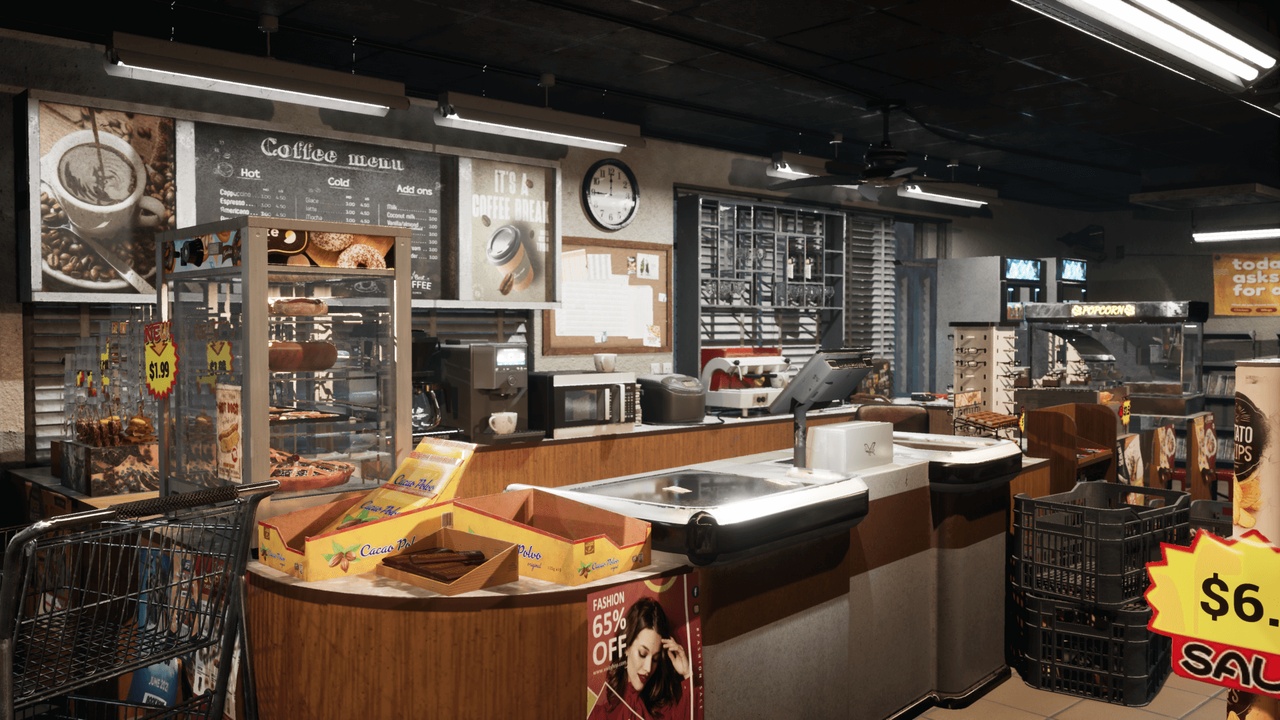
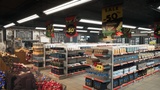
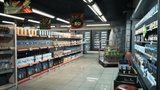
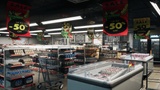
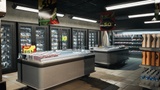
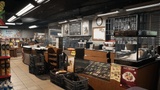
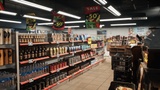
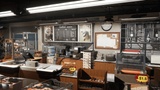
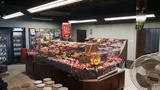
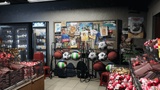
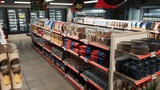
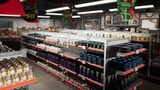
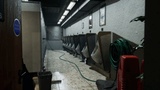
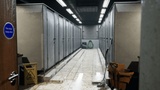
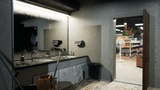
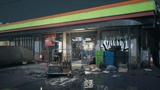
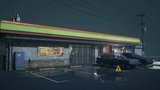
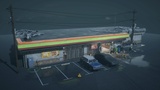
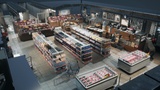
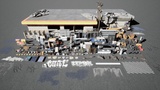
A supermarket environment that combines Asian and American convenience store styles. The scene includes a complete building and interior scene, including a lobby and two toilets (male/female)
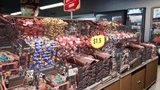
The text in all promotional advertisements and price tags in the scene can be freely edited through blueprints (including numbers, symbols, and English). It also includes a candy cabinet and a beverage cabinet that can switch random seeds. The scene comes with customizable wire and water pipe blueprints, a fan with adjustable rotation speed, and a clock blueprint that moves according to real time.
This project contains 4 levels. The default level is Showcase_raytracing which uses ray tracing. The other two main levels are Showcase_lightmap_editor which uses lightmap and Showcase_editor_BP which still has editable wire blueprint (because ray tracing does not support splinemesh, wires and pipes in ray tracing level have been merged into mesh)
Because gpu lightmass is used in lightmap level, this project needs to enable gpu lightmass, ray track, global clip plane for planar reflections and virtual shadow maps
All promotional labels and price labels in the scene can be edited individually. Just enter the content you need in the text of the blueprint.
If the content you enter is too long, the text in the label will exceed the maximum range and be removed. If you need to modify the font, text size, font color, etc., you need to go to the widget folder in the blueprint folder, find the corresponding widget file and modify it.
Warning: All text in promotional labels and price labels will only appear after running. All text is invisible in the default editing state. During the first run, your view may freeze briefly or run at a relatively low frame rate for 15-30 seconds, and then return to normal. This is caused by the loading and caching of the text components in the label. The duration will vary depending on the number of labels and configurations in the scene.
The clock is available in round and square styles,and the clock blueprint in the scene runs at the speed of real events. You adjust the minute hand, hour hand and second hand of the clock to determine the start time.
For example, if you need to adjust the time to 3 o'clock, you need to adjust the number of the hour hand in the blueprint to -90 (-90 degrees), and the same applies to the adjustment of the minute hand and second hand.
After setting the angle in the blueprint, you cannot preview the changes and movement of the hour hand in the editor. You can only see the movement after the scene starts running.
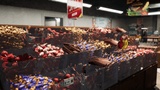
Both the candy cabinet and beverage refrigerator can choose random assignment and manual assignment mode. There are a total of 18 different options for candy in the candy cabinet, six in the large beverage refrigerator, and five in the small beverage refrigerator.
The fan can only control the speed, and does not include the animation from stop to rotation. All vehicles in the scene do not include the driving system.
Likewise, you cannot preview the speed of the fan in the editor; you can only see the movement once the scene is running.
The three-color sign on the front of the store can glow, but in the end I felt that the effect was not very good so I turned it off... You can still control the glow intensity in the material
Blueprint usage and scene demonstration video:Blueprint usage demonstration
(Due to a bug in the screen recording software, recording the screen while Unreal is running will cause the recorded video to freeze. I had no choice but to record the video with my phone in a narrow space....)
7/5 UPDATE:After learning how to use NVIDIA to record the screen, I re-recorded a short supermarket Tag blueprint demonstration video
https://mega.nz/file/vqohnLJD#HhPHOj3LAC8yJJqNLhxFw5EwhzwpqEIV8qwAOmSK0BE
4K image:screenshot
If you have any questions, please contact me by email first:[email protected]