Descrizione
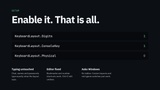
Hotbars, weapon keys and the console work on every keyboard layout. The number row always reads as 1-0, and an optional physical mode makes WASD work on AZERTY, with key names that match the player's keyboard.
Documentation
You can find plugin docs here, along with docs for all other plugins i made.
Information
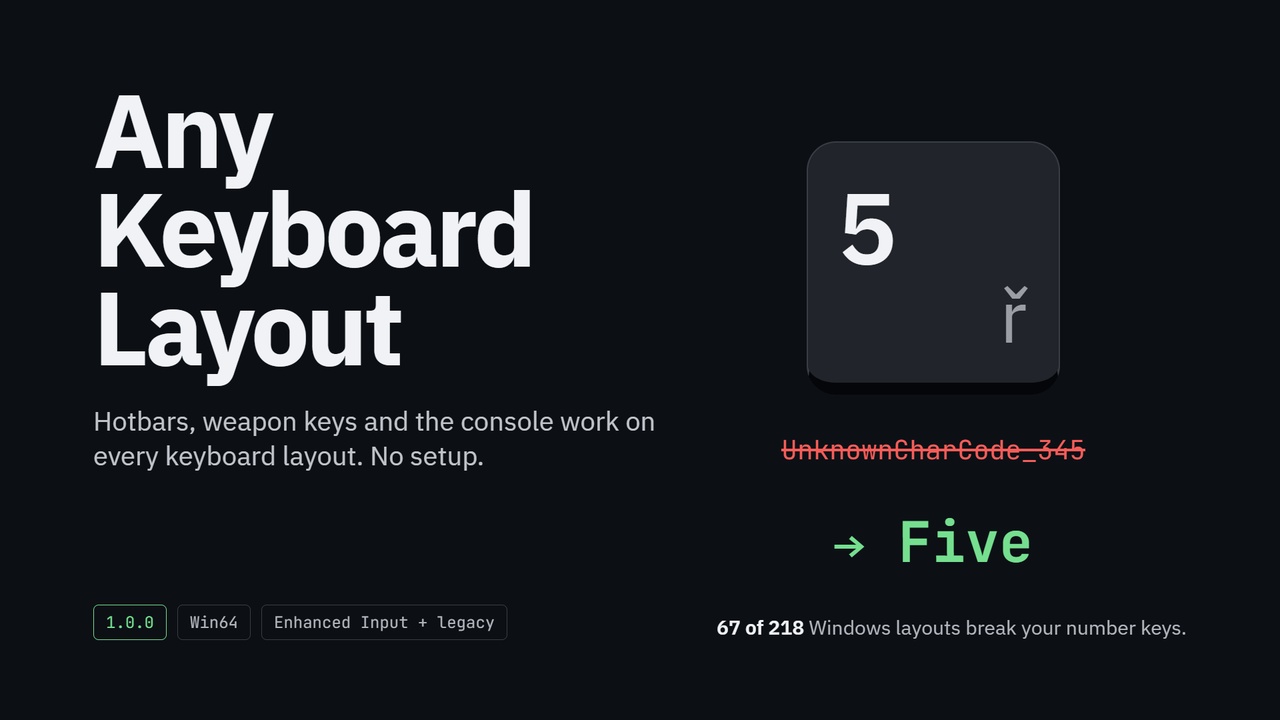
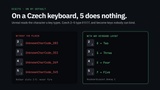
On a Czech keyboard, pressing 5 does nothing in your game. Unreal decides which key was pressed from the character it types. On a Czech keyboard the 5 key types ř, and Unreal turns that into a key nobody can bind. On French AZERTY, the number row becomes Ampersand, E_AccentAigu, Quote. Lithuanian, Slovak, Belgian, Thai and Vietnamese players have the same problem. Out of the 218 keyboard layouts Windows ships, 67 break your number keys.
Any Keyboard Layout fixes it with no setup. Enable the plugin, and a key with 5 on its keycap is Five on every layout. Your hotbar, weapon switching and every binding on 1-0 just work, in Enhanced Input, legacy input and your widgets alike. The console key works too, on Czech and German keyboards where Unreal's own table misses.
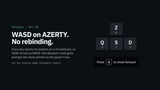
Want WASD on AZERTY? Turn on Physical, and every key reports its position on a US keyboard: ZQSD arrives as WASD. Show key names with one Blueprint node and your prompts read "Z" where the player's key says Z.
Typing is never touched. Chat, names and passwords are exactly what the player's layout types, and text boxes keep Ctrl+Z and Ctrl+A on their labels even in physical mode.
The editor benefits too. Bookmarks, view-mode shortcuts and the Material editor's hold-1-and-click finally work for Czech and French developers, and Ctrl+Z still undoes.
Features:
Digits mode (default): keycap digits on every layout, no unbindable keys
Console Key (default, can be turned off): the key left of 1 opens the console on every layout
Physical mode: US-QWERTY positions for every typing key, with keys for the ISO, Ro and Yen keys
Layout-aware key names for binding UIs and prompts, with a layout-changed event
Text boxes, the in-game console and AltGr typing are protected
Editor number shortcuts fixed; editor letters never move
Asks Windows for the active layout, so it needs no tables and handles custom layouts and switching mid-game
Console variables, project settings and Blueprint setters for all three switches
KeyboardLayout.Debug and KeyboardLayout.Dump diagnostics