
Описание
Watch a short overview video about what the tool has to offer HERE
Watch a short video about Update V3.2 HERE
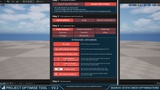
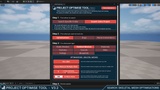
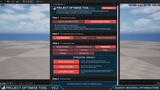
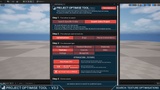
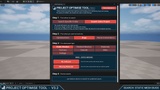
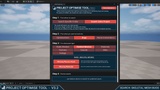
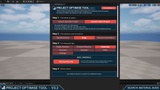
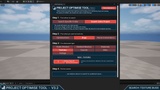
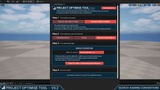
Quickly identify bugs and optimisation opportunities in your UE5 project's content!
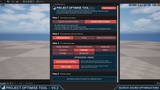
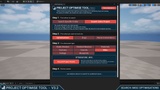
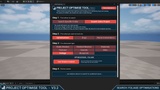
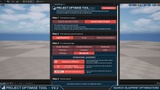
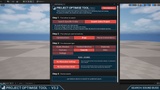
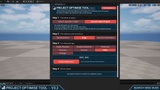
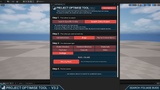
A PROJECT-WIDE, CONTENT-FOCUSED TOOL – search your entire project's content library for:
Optimisations:
24 Different Types Of Optimisations
Spread Across 8 Asset Types
Bugs:
10 Different Types Of Bugs
Spread Across 7 Asset Types
Naming Checks:
Identify Assets Not Using Consistent Naming Conventions
Define The Prefixes You Prefer To Use In Your Own Projects
--
NOTE: The tool doesn’t make changes to your project; it only reads your assets to generate logs of potential issues that you could look into.
I thought this was important because projects are highly contextual. What's correct for one project may not apply to another. For example, a static mesh without collision might be an intentional design choice rather than a bug.
--
Guides:
Video Guides:
--
Functionality Breakdown
Optimisation Searches:
Static Meshes:
No LODs
No LODs & Nanite Disabled
Same Material In Multiple Slots
X or More Materials
X or More UV Channels
X Or More Verts
With Nanite Enabled / Disabled
Skeletal Meshes:
No LODs
Same Material In Multiple Slots
X Or More Materials
X Or More Verts
Materials:
Using Translucency
Using Two-Sided
List All Master Mats
Textures:
Non-Power Of Two
Has size X
Has Virtual Textures Enabled / Disabled
Sounds:
No Concurrency Settings
WAV Length
Misc:
Unused Project Assets
Foliage:
Cast Shadow Enabled
Blueprints:
Replication Enabled / Disabled
Net Update Frequency Greater Than Or Equal To X
Network Cull Distance Greater Than Or Equal To X
Bug Searches:
Static Meshes:
No Collision
Missing Materials
Skeletal Meshes:
Missing Physics Assets
Missing Materials
Materials:
Missing Phys Mats
Textures:
LODs Bias Value Of X
Sounds:
Missing Attenuation Settings
Sounds:
Missing Sound Class Asset
Misc:
Project Redirectors
Foliage:
Missing Meshes
--
Why This Tool Exists
I have been making games in the Unreal Engine for over 10 years now and I’ve seen how easily small issues can creep into your project without you ever realising. While these problems might seem minor on their own, when they accumulate, they can harm the player’s experience just as much as a major bug could. Think of it as death by 1000 cuts (bugs).
For instance, a sound cue missing its Sound Class could make it unaffected by volume settings, or a static mesh used for a pickup might have no collision, causing it to fall through the floor when dropped.
In much the same way, as your game grows it is easy for small optimisation opportunities to be missed and build up to create a larger impact on your games framerate. This can be for many reasons (all of which I’ve done): rushed development, change in design, lack of optimisation knowledge at that time, and simply human error.
And so that is why this tool exists. I use it in my own projects to help me weed out issues and keep my projects as solid as possible.
I hope you find the tool useful, let me know if you have any suggestions to make it better!