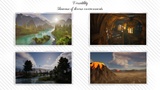
설명
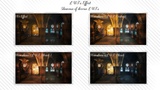
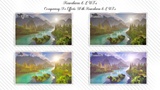
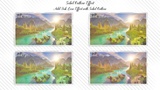
Painterly Effect: Give your scene a professional painterly look using the well-known Kuwahara filter.
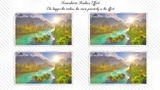
Outline/edge detection: A Sobel outline/edge filter is also incorporated in the same material. This outline filter is tunable in terms of intensity and color.
Custom Depth: To exclude some objects from the post-processing effect, render them in a customDepth pass. To do so, select the object in the level and enable this parameter: Render CustomDepth Pass.
You also can invert this: In the material instances, there is a switch parameter called Invert Custom Depth under section: 0. Global. If this parameter is switched to true, the post-processing effect will only apply to the custom depth objects (having Render CustomDepth Pass enabled).
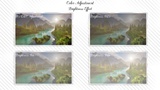
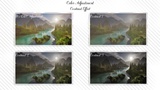
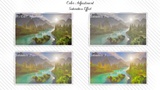
Image Adjustment: You can have an overall adjustment of your image via brightness, contrast, and saturation parameters.
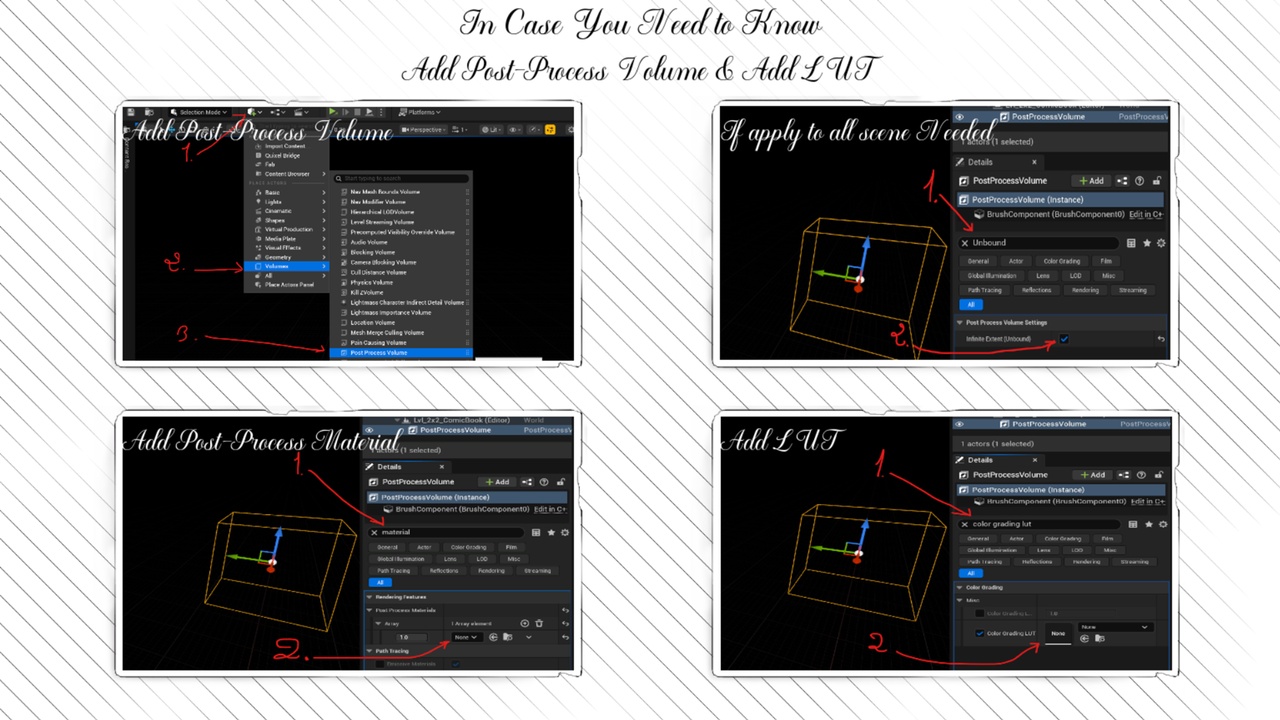
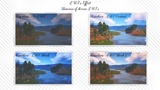
More Artistic Control: To give you even more control, 124 LUTs were added to the projects, offering a wide range of moods and styles.
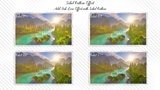
Split Compare: split the screen to compare to the original scene.
Overall Effect Amount Parameter: a 0 to 1 parameter giving you the ability to tune the amount of this post-process applied to the scene; 0 -> no effect and 1 -> Full effect amount.
Disclaimer: The environments shown on this page are for display purposes only. They are not included in the actual product. These environments are: 2 in 1 Nanite Environment Bundle 1, Dragon Temple (Temple, Cathedral, Temple Interior, Cathedral Interior, Dungeon), and Stone Pine Forest.
Notes: The post-process material is at the blendable location "Scene Color After Tonemapping". Depending on special cases of your project, you might need to duplicate the "NK_M_PP_Kuwahara" and modify its blendable location.