


الوصف
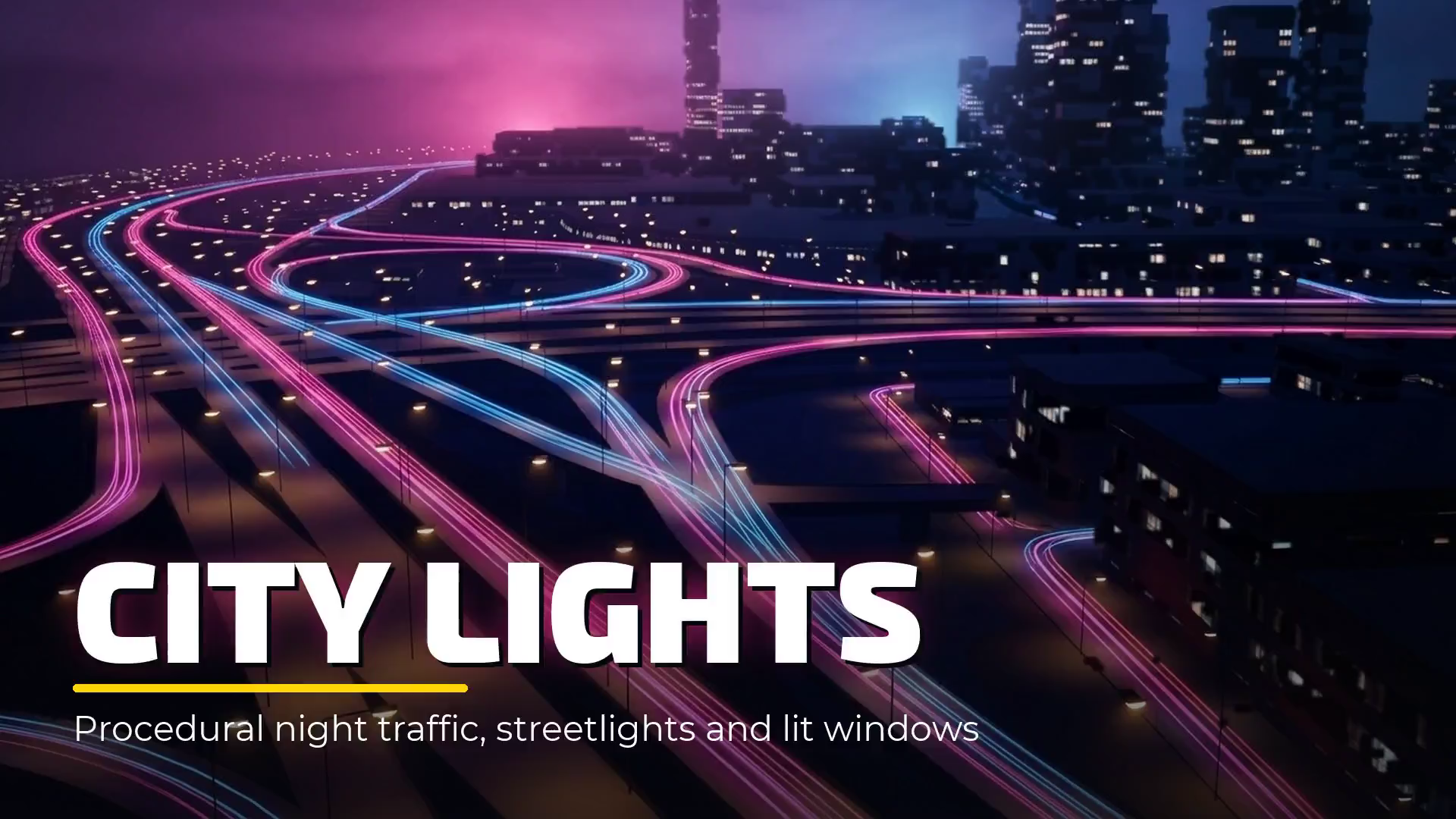
City Lights is a procedural night city system for Unreal Engine: city traffic, streetlights and lit building windows for any city, drawn by materials instead of thousands of actors. Draw a spline to get a street full of moving traffic and streetlights, add one material function to light the windows of any building, and direct the whole city from a single actor. No light actors, no vehicle actors and no window textures.
▶ Video Tutorial · Documentation
Why You Need This:
A night shot of a city needs thousands of cars, streetlights and lit windows. Built from real lights, vehicles and hand-painted textures, that takes days to set up and is heavy to render.
Need a night aerial or skyline shot, but real lights and vehicles slow the scene down?
Tired of placing streetlights one by one along every road?
Buildings with no UVs and no emissive textures, and no time to make them?
Want to change the mood of the whole city without touching hundreds of actors?
Need the same render twice, frame for frame, for a multi-pass or a re-render?
City Lights is a lighter way: all of it is shader work, so a whole city stays cheap and can be art-directed in minutes, in the editor and in the Sequencer. Made for night aerials, skylines and cityscapes, establishing shots, the background traffic behind your hero car, the city seen from an archviz window at night and the city in the background of a game, on any city: hand-built, generated or Datasmith-imported.
What's Included:
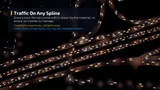
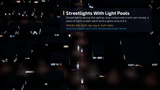
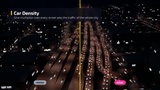
Streets Blueprint: Draw a spline and it builds the street: traffic strips, streetlights with their pools of light, their glow and their poles. One-way or two-way, 1 to 4 lanes per direction, lane width and median, reverse direction for left-hand traffic, snap to ground.
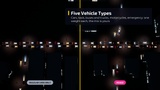
Procedural Traffic Material: Every vehicle, its headlights and its taillights are drawn in the material. Oncoming cars show headlights and departing cars show taillights. Five vehicle types in one mix: cars, taxis with a roof sign, long vehicles (buses and trucks) with side markers, motorcycles and emergency vehicles with flashing bars.
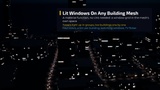
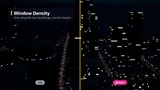
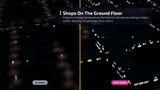
Building Windows Material Function: Add it to your own building material to get lit windows, shop windows on the ground floor and blinking roof lights. It works in the mesh's local space, so no UVs are needed and rotated buildings look right.
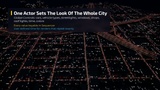
Global Controls Blueprint: One actor that sets the look of the whole city: cars, vehicle mix, streetlights, windows, shops, roof lights, time and colors. Its values can be keyed in the Sequencer.
Demo Level: A city with 205 streets, 1,691 buildings and 3,278 streetlights, set up and ready to render.
Key Features & Parameters:
Traffic Speed & Density, per Street and Global, with Per-Lane Variation
Vehicle Mix by Weight: Regular Cars, Long Vehicles (Buses & Trucks), Motorcycles, Taxis, Emergency Vehicles
Turn Signals, Flashing Emergency Bars, Taxi Signs, Long Vehicle Side Markers
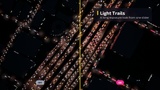
Headlight Beams on the Road, Light Trails (Long Exposure), Brake Lights in Traffic Waves
Car Size, Light Size & Brightness Ranges, Lane Position Variation, Street End Fade
Streetlight Spacing, Start Offset, Pattern (Middle, Left, Right, Zig-Zag, Both Sides), Height & Color Temperature Range
Streetlight Pools, Glow & Poles, City-Wide Streetlight Intensity, Dead & Flickering Streetlights
Window Size & Gap Ranges per Building, Density for Low Buildings and Towers, Window Groups, Building Tint
Living Windows: Switching over Time and TV Flicker
Ground Floor Shops: Height, Window Width & Gap, Density, Brightness
Blinking Roof Lights: Minimum Building Height, Size, Softness, Blink Rate Range, On Time
Weighted Colors for Everything: Cars, Headlights, Taillights, Long Vehicles, Taxis, Emergency Lights, Windows, Shops, Roof Lights
User-Defined Time: Key the Clock in the Sequencer and Every Render Repeats Exactly
Built for Scale:
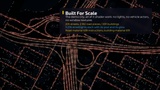
Streetlights and their glow are instanced meshes: one component per street, not one per streetlight
Road strips cast no shadow and skip distance field lighting; long pieces on straight roads cut draw calls by over 40 percent
Light pools fade out when they get too small on screen
Nothing rebuilds when a global value changes: the city updates in place, in the editor and in the render
Road material about 640 instructions, building material about 620
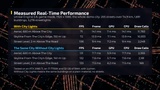
Measured in Unreal Engine 5.8 at 1080p on an RTX 2080 Ti with a 4-core i7-7700K: the whole 75 km demo city at about 71 fps over the city and 106 fps at street level. City Lights adds 1.0 to 1.5 ms of GPU time; the rest of its cost is draw calls, which grow with the streets in view (every figure on the performance slide)
Requirements & Contents:
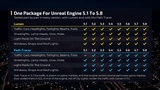
Unreal Engine 5.1 to 5.8 on Windows, Mac and Linux
No plugins and no C++: Blueprints and materials only
2 Blueprints (Streets, Global Controls), 1 material function, 6 materials, 3 material parameter collections, 7 meshes, 5 textures (core assets; the demo level's buildings and roads come on top)
No LODs included
Demo level with a showcase sequence of 8 shots
If City Lights helps your shot, a rating on this page helps other artists find it.