Descrição
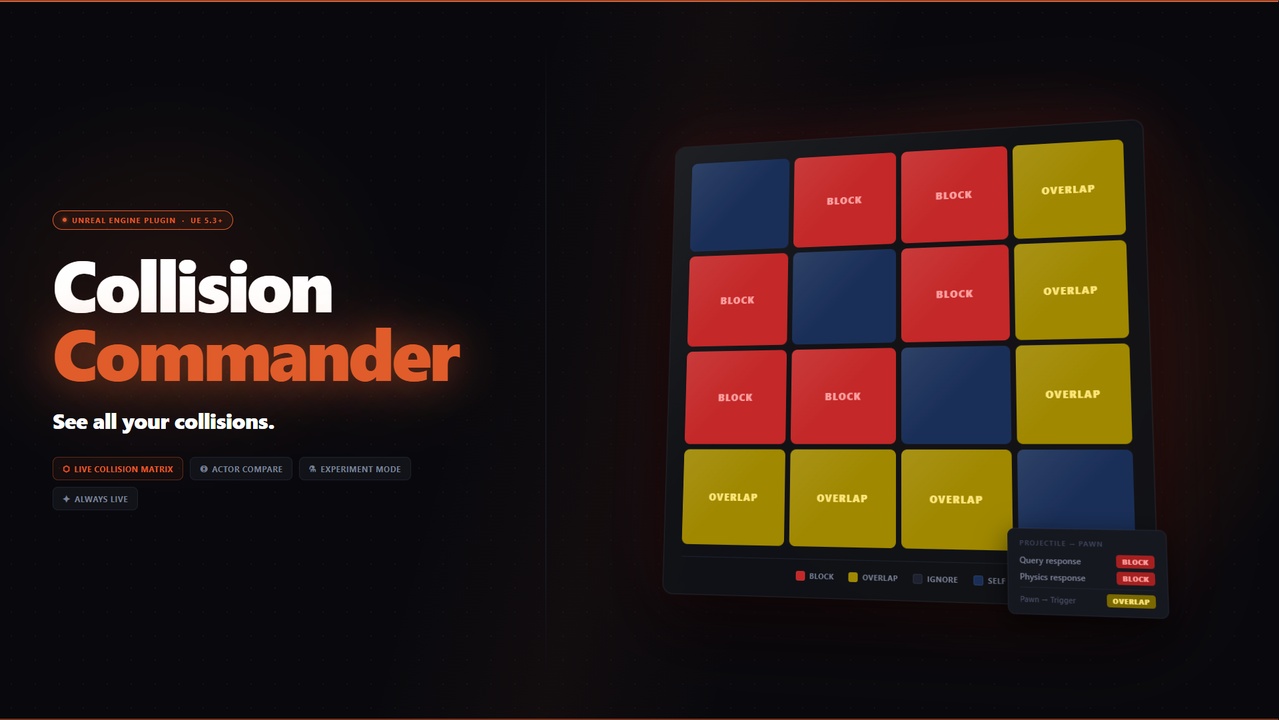
Collision Commander is a single dockable editor panel that shows you the complete collision picture for your project all the time, always live, in one place. UE's collision configuration is spread across Project Settings, Detail panels, and per-component properties. There is no built-in view that shows you how everything relates. As projects grow, presets drift, channels fill up, and collision bugs become expensive to find. Collision Commander fixes that.
What's inside
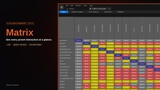
1. Matrix
An N×N grid of every preset in your project against every other preset. Every cell resolves to Block (red), Overlap (yellow), or Ignore (grey). UE built-ins and custom presets are visually separated. Hover any cell to see both contributing responses and the resolved result. Click any cell to jump straight into Collision Compare for that pairing. Toggle between Query and Physics response sets from the top bar.
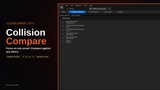
2. Collision Compare
Pick a focus preset, then build a list of presets to compare it against. See every interaction in a single focused view instead of hunting across the matrix. Each row shows the resolved result, the individual contributions in both directions, and an inline warning if an Overlap result requires Generate Overlap Events to be enabled on both actors to actually fire.
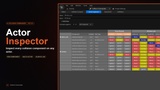
3. Actor Inspector
Pick any Blueprint actor from the level or Content Browser. The panel enumerates every collision-capable component on that actor and shows each one's preset, collision enabled state, and object type. Build a list of target presets below to see the full interaction table, per component, colour-coded the same way as the Matrix. Components using a manually overridden Custom profile are flagged with a warning so nothing slips through.
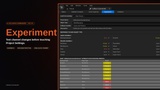
4. Experiment
A what-if sandbox. Design a preset from scratch or load an existing one as a starting point, then edit its channel responses freely. The interaction table updates live as you make changes. Nothing touches Project Settings unless you explicitly press Create Preset and confirm. Safe to use at any time.
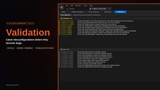
5. Validation
Ten built-in rules catch common misconfigurations automatically. Checks include custom channel budget warnings, duplicate presets, presets that ignore WorldStatic (your dynamic actors will fall through the floor), asymmetric Block/Ignore pairs, overlap event mismatches, Custom profile components, and more. Validation runs on every refresh and after every experiment commit. The badge in the tab strip always shows the current error, warning, and info counts from any tab. Each rule is individually toggleable in plugin settings.
How to open the Panel : Window -> CollisionCommander
Technical details
Engine versions: 5.3, 5.4, 5.5, 5.6, 5.7
Platforms: Windows 64-bit (Editor only)
Project type: C++ and Blueprint-only projects both fully supported
Module type: Editor. This does not ship with your game build
No third-party runtime dependencies — uses only UE built-in APIs
Support:
email: [email protected]
docs: https://www.paracosm.gg/collision-commander/
Version history
1.0 - Initial release. Collision Matrix, Actor Compare, Experiment Mode, and Validation. Everything you need to simplify collision.
1.1 - Added trace channel visibility to Matrix & Actor Inspector.
1.2 - Small bug fixes. Added Update Reminder
Made with <3 by a game dev just like you.