Opis
Video Instructions
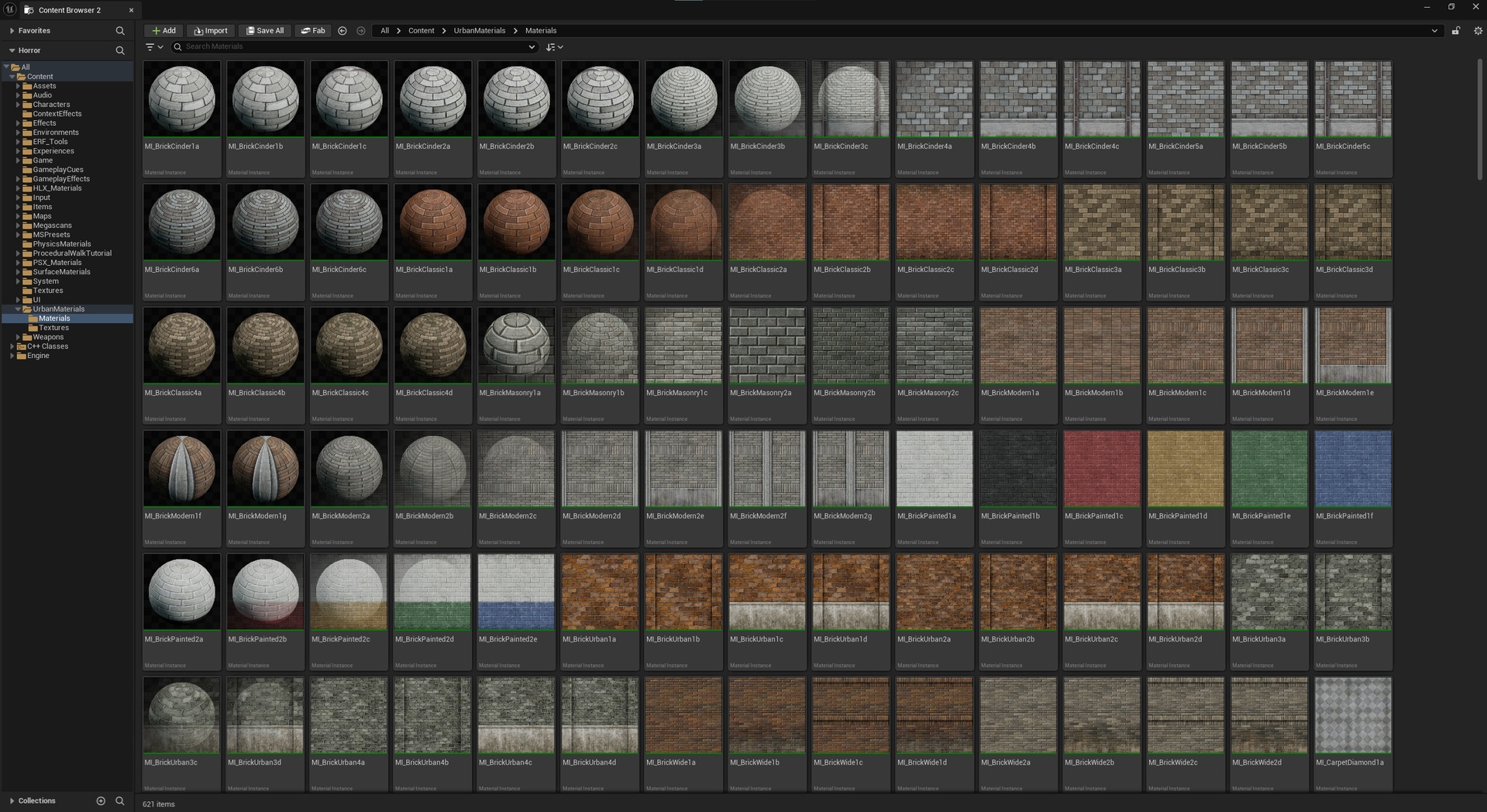
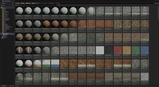
Allows you to render all of your project's material thumbnails from the default spheres to flat material thumbnails with proper framing.
Pros
Beautiful, flat, readable thumbnails
Cons
Must re-save all materials for the new flat thumbnails to save to the asset
If that works for you, get this plugin!
Instructions
Since the default spheres are already cached inside each asset, you'll have to "Refresh Thumbnails", which will re-render them. This process will dirty all of your materials so they'll need to be saved again. That may be a problem if you're on a team and they don't want you re-saving and pushing 8,000 material updates to the shared repository.
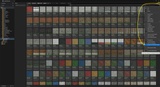
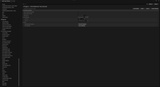
Once the plugin is enabled, go into your "Project Settings -> Flat Material Thumbnails" settings (see picture for a quick shortcut to this):
1) You can optionally make any changes to where it manages material thumbnails (by default, your project is enabled, and plugins are disabled)
2) Click "Refresh Thumbnails" to re-render the thumbnails and dirty the material asset for saving
3) Click "Save Thumbnails" to save them to the material asset so they persist between editor runs