Opis
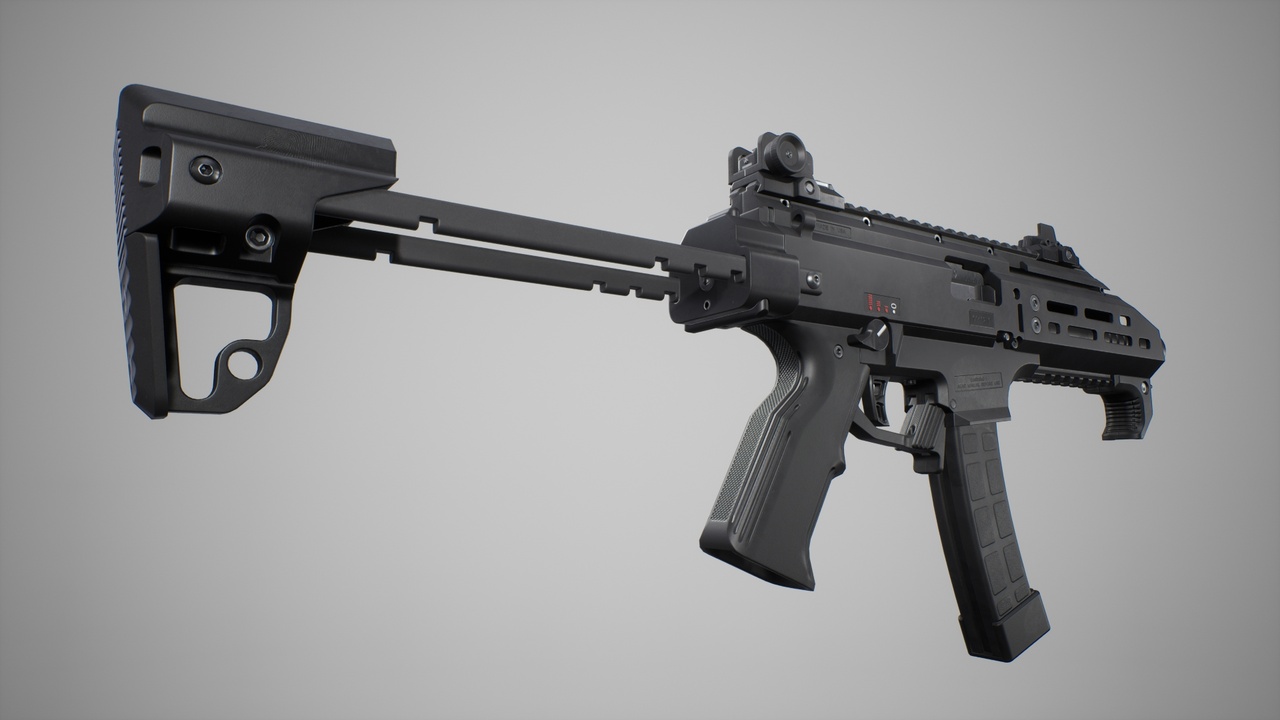
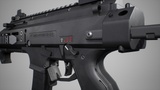
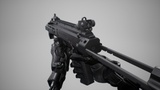
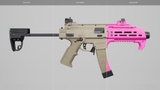
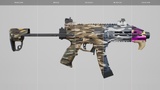
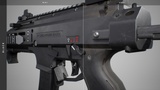
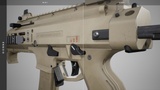
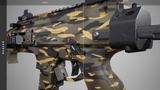
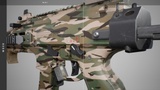
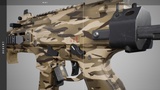
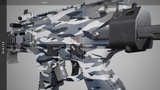
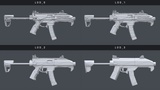
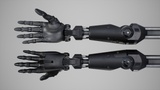
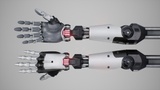
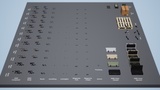
It's a submachine gun (9x19). Weapon has a modular structure and consists of separate meshes: body (static & skeletal), stock (static & skeletal), iron sights (static), hand stop (static), Picatinny rail (static) for parts permutability with our packs. Materials: monochrome - black, sienna, camo - modern, desert, winter, woodland; supports scratch intensity, color, camo colors parameters. Each arms animation take has 3 versions depended on left hand position (handguard, angled grip, folding grip).
Weapon Meshes:
SMG
Stock
Iron sight front
Iron sight rear
Hand stop
Picatinny rail
Bullet
Bullet shell
Caliber
Magazine empty
Magazine full
Animations:
Arms:
A pose
Aim in spring
Aim out spring
Bolt action
Check ammo
Check ammo bolt catched
Check chamber
Check chamber bolt catched
Check magazine
Equip
Equip bolt action
Equip bolt drop
Fire
Fire aim
Fire empty layered
Holster
Idle loop
Idle loop aim
Inspect
Interact
Jog loop
Jog start
Jog stop (by jog loop hand position - left, middle, right)
Jog to jump (by jog loop hand position - left, middle, right)
Jump landed
Jump loop
Jump start
Jump to jog
Pick
Reload empty bolt release
Reload empty charging handle
Reload loaded
Sprint loop
Sprint to jump (by sprint loop hand position - left, middle, right)
T pose
Walk loop
Walk loop aim
Rifle:
Ammo 1 pose
Ammo 2 pose
Ammo 3 pose
Ammo 4 pose
Ammo 5 pose
Ammo empty pose
Bolt action
Check ammo
Check ammo bolt catched
Check chamber
Check magazine
Equip
Equip bolt action
Equip bolt drop
Fire
Fire bolt catch
Fire empty layered
Holster
Reload empty bolt release
Reload empty charging handle
Reload loaded
Unlocked pose
Stock:
Buffer collapsed pose
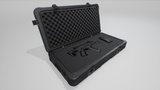
Rifle case animations:
Open
Opened pose
Close
Particle Effects:
Muzzle flash
Muzzle smoke
Bolt gas
Sound Effects:
Bolt drop
Bolt pull
Bolt pull half motion
Bolt release
Bolt release half motion
Bullet shell drop on concrete (5 variations)
Magazine attach
Magazine detach by hand
Magazine detach by drop
Magazine drop on concrete (5 variations)
Magazine release push
Magazine release release
Safety off
Safety on
Shot loud dry (5 variations)
Shot with silencer dry (5 variations)
Shot loud wet (5 variations)
Shot with silencer wet (5 variations)
Shot tail loud
Shot tail with silencer
Trigger push
Case open
Case close
Environment Props:
Ammo box full, container & cover
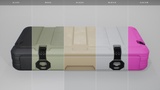
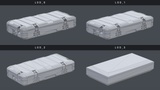
Rifle case
Carton box
Pallet
Project setup
1) Set in project settings "Near Clip Plane" to 2.0 and restart engine.
2) For projects before UE 5.1 should bind axis mappings in project settings similar to official FPS template:
Turn (UE4), Turn Right / Left Mouse (UE5): MouseX (Scale: 1.0)
LookUp (UE4), Look Up / Down Mouse (UE5): MouseY (Scale: -1.0)
MoveForward (UE4), Move Forward / Backward (UE5): W (Scale: 1.0), S (Scale: -1.0)
MoveRight (UE4), Move Right / Left (UE5): D (Scale: 1.0), A (Scale :-1.0)
Retargeting
For best animation retargeting results to UE4 Mannequin follow this steps:
1) Go to UE4 Mannequin’s (target) skeleton hierarchy, click “Options” (top left), check “Show Retargeting Options”. All bones should be set to “Skeleton”, except ik_hand_root, ik_hand_gun, ik_hand_l, ik_hand_r – set them to “Animation”. Read more about this operation at UE Docs.
2) lowerarm_twist_01_<side> are keyframe animated to 100% of hand_<side> non gimbal locked roll rotation. To avoid improper lowerarm deformations for target skeleton:
Simple - remove them from humanoid rig for target skeleton before retargeting.
Advanced - create virtual bones which copy location/rotation of lowerarm twists at target skeleton hierarchy and assign them in humanoid rig to source skeleton lowerarm twists. After retargeting it will be possible to use this virtual bones as roll source for manipulating lowerarm twists inside AnimBP (with “Apply percentage of rotation” node). For custom character meshes with corrective blendshapes driving twists manually will be more suitable (via “Twist corrective” or “Pose driver” nodes).
Changelog
1.0.4 - June 19, 2025
Support for UE 5.6
1.0.3 - November 22, 2022
Support for UE 5.1
Input axes config migrated to Enhanced Input
1.0.2 - April 10, 2022
The names of the input axis events (for UE5) are matched to the new FPS template
1.0.1 - April 7, 2022
Support for UE 5.0
Drop support of UE 4.20, 4.21
1.0.0 - October 14, 2021
Initial release
Support & communication
For quick answer responses or help with product, please use email - write us to [email protected]