
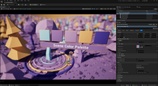
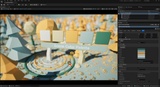
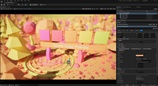
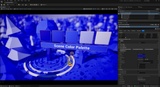




설명
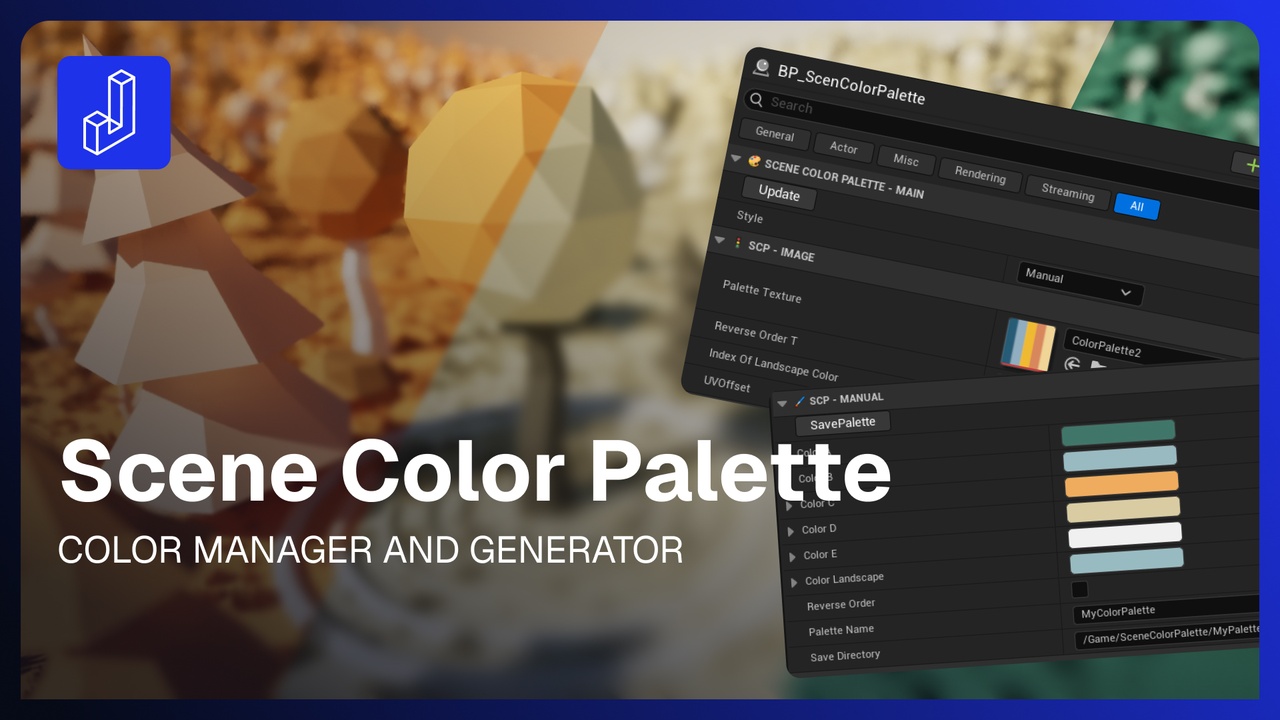
Scene Color Palette
Color Manager & Generator (Blueprint)
Quick Tutorial | Walkthrought Video
Take control of your entire level's color scheme from a single Blueprint.
Scene Color Palette manages a 5-color palette and pushes it straight into a Material Parameter Collection, so every material in your scene updates the moment you change a color.
Built entirely in Blueprints. No C++, no plugins, drop it in and go.
What it does
Apply instantly across the level. Colors drive a Material Parameter Collection, so one palette recolors every material wired to it in real time.
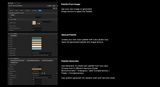
Define palettes by hand. Pick all five colors directly with the color picker and see the scene update live.
Save palettes to your own texture. Bake any hand-tuned palette into a texture you can reuse, share, or version.
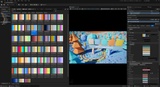
Load palettes from any texture. Drop in a texture you made, exported, or downloaded and the tool samples the five colors automatically.
Generate palettes. Build a palette randomly, or from a single base color using five harmony modes — Monochromatic, Analogous, Split-Complementary, Triadic, and Complementary.
Who it's for
Environment and level artists, indie game developers, virtual production, and archviz - anyone who wants fast, art-directed control over a whole scene's color without touching individual materials.
Workflow-friendly
Runs in-editor with one-click actions and updates the viewport live, so you can iterate on a look in seconds instead of hunting through material instances.