描述
Paper2D Plus
A complete 2D character pipeline and visual editor suite for Unreal Engine 5 Paper2D projects.
Take characters from raw sprite sheets to gameplay-ready data. One Character Profile Asset holds flipbooks, attack/hurt boxes, sockets, sprite alignment, frame timing, curves, gameplay tags, transitions, combo chains, Frame Cues, root motion, and optional directional art per animation. Character Layers, a Character Catalog, an Effect library, and advisory Combat scoring extend the pipeline.
Engine Support: Unreal Engine 5.0–5.8. Release builds and automation tests cover all nine versions on Win64.
CHARACTER PROFILE EDITOR
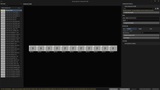
A dockable six-tool workspace with persistent layout, shared animation search and preview, full undo, and a playback queue for previewing transitions back-to-back.
Directional Animation
- Add an optional Directional Animation Set to any animation: 3–16 slots, angle offsets from -45° to +45°, and profile-wide or per-animation settings. Fill only the directions you have art for.
- The base animation owns identity, hitboxes, sockets, root motion, curves, transitions, tags, and Frame Cues, so gameplay edits apply across directions.
- A shared radial wheel assigns and previews directions across all six tools. Use click selection, keyboard navigation, or a remappable hold-point-release gesture.
- Details provides per-slot art pickers, Auto-fill from names with a reviewable proposal, and Mirror flags for building an 8-way set from five authored facings. Your game applies the mirror flag returned by the resolver.
- Blueprint queries expose directional art, occupied slots, and topology. Sector math matches PaperZD 2.2.4, but PaperZD is optional. Empty sectors return an explicit failure so your game controls fallback.
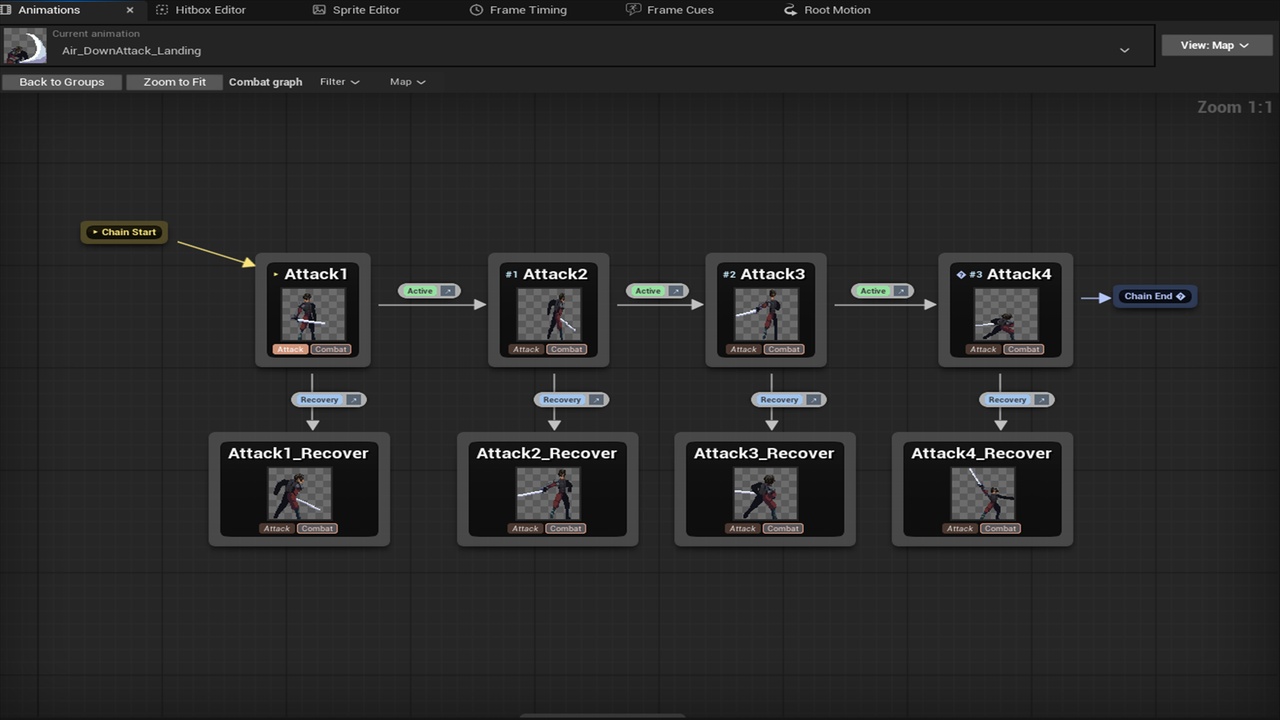
Animations: Grid, List, and Map
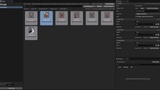
- Animated thumbnails, collapsible color-coded groups, drag-drop grouping, auto-group by prefix, inline rename, multi-select, and tag-aware search.
- Map view authors transitions, combo chains with start/end markers, transition phases, and comments on a node graph. Resolve Animation Transition returns a result enum and Success pin.
- GameplayTag identities for animations, groups, chains, and phases; a project-wide tag color registry; and a bundled recommended tag taxonomy. Details, Transitions, and Tags panels follow your selection.
Hitbox
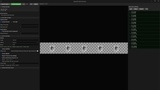
- Draw, select, move, and resize boxes on a zoomable canvas; place named sockets for attachments.
- Attack and Hurt boxes include position, size, damage, knockback, and optional Z-depth for 2.5D, with a companion 3D depth preview.
- Frame navigation, multi-select, batch copy/damage/knockback tools, and per-frame invulnerability.
Sprite Alignment
- Per-frame offsets through canvas dragging or numeric controls, with copy/paste and batch apply.
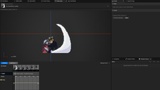
- Colored onion skinning with cross-animation continuation, non-destructive frame exclusion and restore, and drag-reordering.
Frame Timing
- An FPS-aware timeline with proportional duration blocks, drag handles, frame or millisecond display, and batch tools.
Frame Cues
- Frame-anchored Cues fire at a start or end anchor; Cue States span frames with Begin/Update/End lifecycles across loops, skipped frames, and interrupted playback.
- Create Blueprint Cue Types with payload variables and trigger or state behavior in a restricted, cook-safe, network-aware editor.
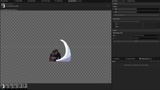
- Built-in Spawn Flipbook Cue with an offset you drag in the preview viewport.
- Live preview runs real cue behavior in an isolated editor world. Author per-frame scalar curves, such as cancel windows and hit-stop values, on the same timeline and query them from Blueprint.
- Per-cue network policies and a typed Blueprint listener node.
Root Motion
- Visually author per-frame translation. The runtime component applies it automatically, with no Animation Blueprint setup required.
CHARACTER LAYERS: SKINS, WEARABLES, AND BAKED APPEARANCE
- Stable layer identities, optional exclusive groups, complete appearance presets, and one required default appearance.
- Fixed/Baked mode compiles the default appearance into ordinary flipbooks with an exact, rollback-safe bake and no runtime layering cost.
- Runtime Customizable mode swaps skins, wearables, and cosmetic effects through one committed appearance descriptor that also drives layer-aware hitboxes, sockets, and Frame Cues.
- Blueprint customization tools enumerate options, slots, and presets for character-creator UI, then cycle slots, select options, toggle layers, or cycle presets on a live component.
- Optional hybrid crowd rendering assigns near/far/off-screen tiers and builds transient GPU composites within strict budgets.
- Per-layer recolor and a dedicated Layer Workspace with Art, Hitboxes, Frame Cues, and Appearance tabs. A persistent Structure dock supports search, one-level Sections, and drag-to-reorder.
CATALOG, EFFECTS, AND COMBAT
- Character Catalog: a project-wide roster with ordered groups, companion assignments, animation coverage warnings, progress meters, cook-safe soft references, and a Select Character from Catalog Blueprint node.
- Effect Profile: a tag-classified effect library using soft references, so loading the library does not load its art. Blueprint queries return ordinary hard flipbook references.
- Combat Profile: advisory utility scoring for AI attack selection. Physical facts come from the Character Profile without duplicate storage. Includes considerations, scoring profiles, scenario presets, a live Score Playground, Combat Lab, and attack-vs-attack Clash graph. It ranks and explains choices; your game controls playback and damage.
SPRITE EXTRACTION
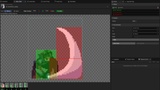
- Single-sheet extraction: island flood-fill or grid mode, pixel-based auto-detect, an interactive verify/adjust canvas, sprite or flipbook output, full undo, and Content Browser right-click integration.
- Bulk extraction: folder-wide frame detection with trimmed-art support, motion-preserving auto-pad, pivot-correct uniform trim, folder organization, batch rename, cross-sheet alignment, PaperZD sequence creation, add-to-Catalog, and de-bake recovery of a clean base plus variant overlays.
- Aseprite files join the same Bulk Sprite Extractor as batch source rows.
ASEPRITE AND PIXEL EDITING
- Batch-import .ase/.aseprite files by dropping them onto the Content Browser or extractor window, or through Paper2D+ Actions > Import Aseprite Files. One Character Profile and one Layer Profile serve the batch; Import All merges every file into that Layer Profile.
- Import layered art or choose Separate flipbooks only. Each row's editor provides a composited preview, per-layer selection, per-tag animation checkboxes, and editable Section suggestions from the source file's folders.
- Preserve exact frame durations and linked hold cels. Map named layers to hitboxes with configurable prefixes and to sockets with socket_<Name>. Optionally keep source files in the project's SourceArt folder.
- Structural reimport recognizes layer/tag renames with unchanged pixels and preserves stable identities, groups, preset membership, and authored gameplay data. Incremental reimport regenerates only changed assets.
- Force Full Reimport supports single-source Layer Profiles. For shared layers in multi-source Profiles, reimport all sources together as a batch. Live Auto-Reimport can be disabled and reconciles changes when re-enabled.
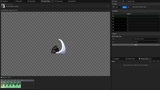
- Flipbook Draw brings Aseprite-style pixel editing to flipbook frames inside Unreal, including drawing tools, symmetry, onion skinning, and undo/redo.
VALIDATION AND PROFILE TOOLS
- Consistent validation through asset editors, Content Browser actions, UE Data Validation, and a CI-ready headless commandlet with JSON reports.
- Sprite references are checked against the Asset Registry; missing layer art is reported as a named error.
- Profile Tools provides capsule-fit character sizing, sprite bounds audits, on-demand re-extraction, and PaperZD sequence tools.
- JSON profile import/export with versioned schema migration.
RUNTIME
- Event-driven components with zero tick cost when idle; stock flipbook components are also supported.
- Opt-in automatic hit detection arms attack windows and broadcasts On Hit Connected, On Hit Received, and On Attack Whiffed. Detection is deduplicated, multi-target, and authority-gated; your game applies damage.
- World-space hitbox/socket conversion with non-uniform scale, 2D and depth-aware collision checks, AI attack-range queries, hit validation, and explicit hit-stop.
- Debug overlay CVars and a debug component, stripped from Shipping builds.
- Optional intent-based appearance/animation replication with server authority gating. Single-player is the default, with no replication cost. A per-API Authority Contract is included.
DEPENDENCIES
- Paper2D, GameplayTagsEditor, and DataValidation: built-in engine modules, enabled automatically.
- PaperZD: optional and detected at build time. Paper2D Plus compiles and runs without it.
DOCUMENTATION AND COMMUNITY
Source, designer guides, and changelog: https://github.com/Infinitegameworks/Paper2DPlus