Beschreibung
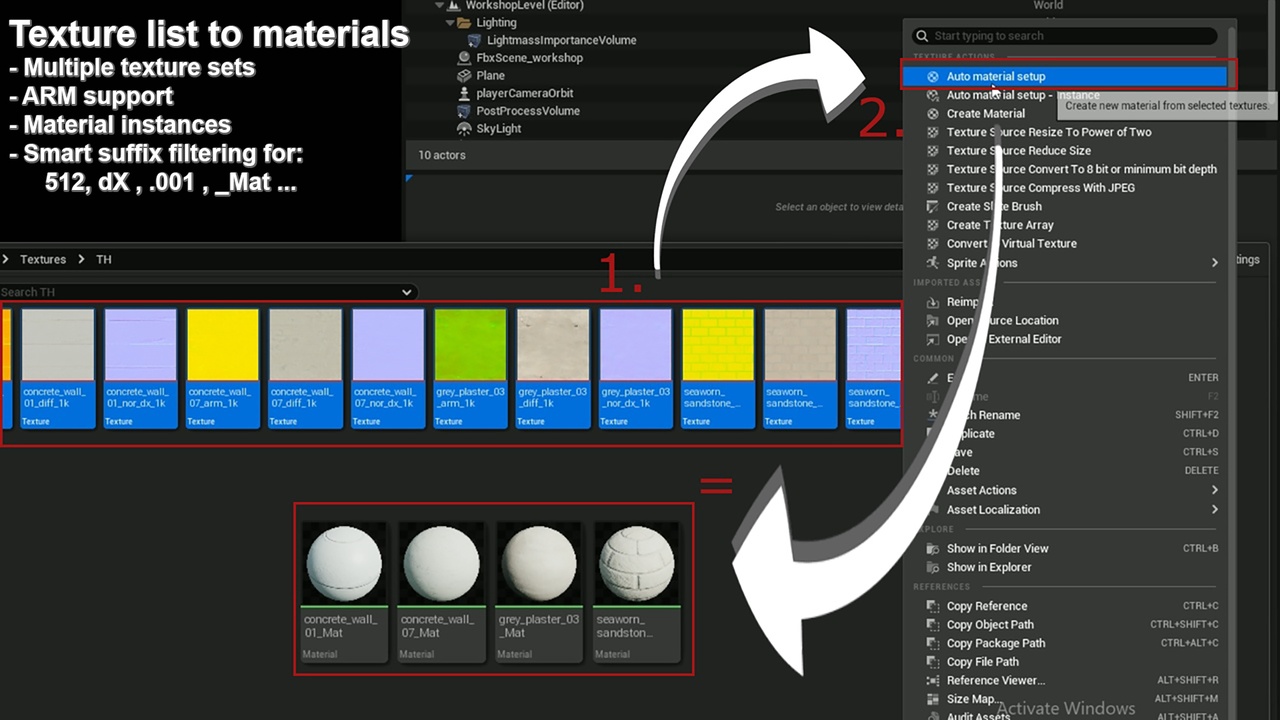
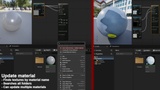
Creates new materials from all selected textures and automatically connects their PBR texture nodes inside the material editor. Similar to “Node wrangler” for Blender.
Can also find and connect textures to existing material or by mesh slot names.
Features:
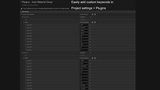
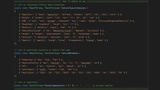
Automatic material setup from large naming database
Recognizes multiple texture sets and creates multiple materials
ARM texture support.
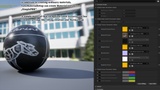
Can also create Material instances from provided “SimplePBR” material
Cleans material names from metadata like (_2k, Dx, 512, sRGB, Raw…)
Sorts nodes in material editor so that they don't overlap
Properly sets sRGB property on texture (sRGB should be off for roughness…)
Sets proper texture node sampler type in material editor (Linear color,Normal…)
Contains SimplePBR material that is optimised and modifiable (tiling, normal intensity, rotation…). It is also compatible with the UE5 USD import system.
How to use:
In UE5 content browser
Select all textures you want in the new materials
Right-Click on one of them
Click “Auto material setup” from dropdown menu
If you won’t heavily modify created material, “Auto material setup - Instance” is recommended
If your textures are properly named and have supported extensions (_Color...) new material will be created in the same location, with all recognized texture nodes automatically connected.
Feel free to report bugs and issues, i usually fix them in few days.