Açıklama
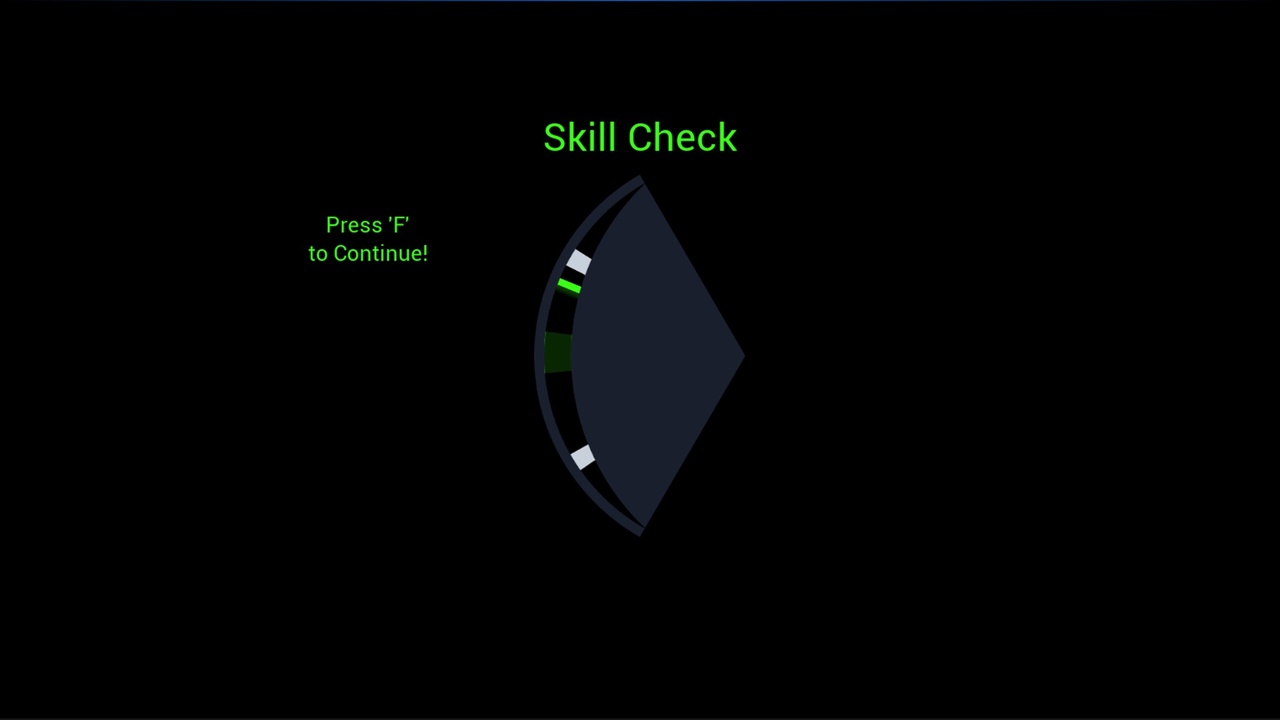
A drop-in oscillating timing skill check. A needle sweeps across an arc; the player presses at a moment of their choosing; the widget reports how far from center the needle was. One float in, one float out — the consumer decides what the result means.
Use it for lockpicking, fishing bites, reeling, precision reloads, QTEs, crafting checks, or any moment that should reward timing.
QUICK START
Create Widget of class WBP_TimingSkillCheck and set Difficulty (0.0–1.0) on the spawn pin
Bind to the OnSkillCheckResolved event dispatcher
Add to Viewport
When the player presses your resolve key, call ResolvePress on the widget reference
Read the Deviation float off the dispatcher — 0.0 is dead center, 1.0 is the outer edge
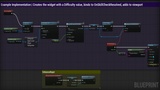
The widget owns no input. You bind whatever key or button you want and call ResolvePress from your own graph, so it drops into any existing input setup without conflicts. See BP_TimingCheckDemo for a complete working example.
Adjust Difficulty, MaxAngle, TitleText, and PromptKey in the Details panel to tune it — no Blueprint editing required.
INCLUDED ASSETS
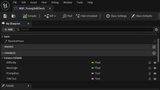
WBP_TimingSkillCheck: the skill check widget
BP_TimingCheckDemo: example integration actor, fully commented
T_Needle, T_ArcOverlay, T_ArcBacking: widget art
IA_DemoResolve, IMC_Demo: example input for the demo map
Demo: playable demo map
NOTES
Difficulty maps to needle sweep speed. Higher values sweep faster and are harder to time.
Deviation is a distance-from-center measurement, not a score. Lower is better. Invert it with a 1 - x node if you want a conventional score.
One check per spawn. Queue or respawn the widget yourself for repeated checks.
Please find the README located at the link below:
https://drive.google.com/file/d/1lfi1XVOFTR_X8CBJ6AryNWXiMdXVQZ50/view?usp=sharingPlease find a video of the Demo map in action below:
https://youtu.be/XtPWC2xzXGo