
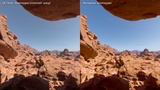
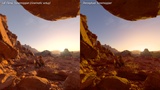
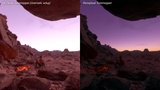
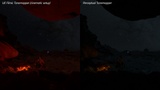
설명
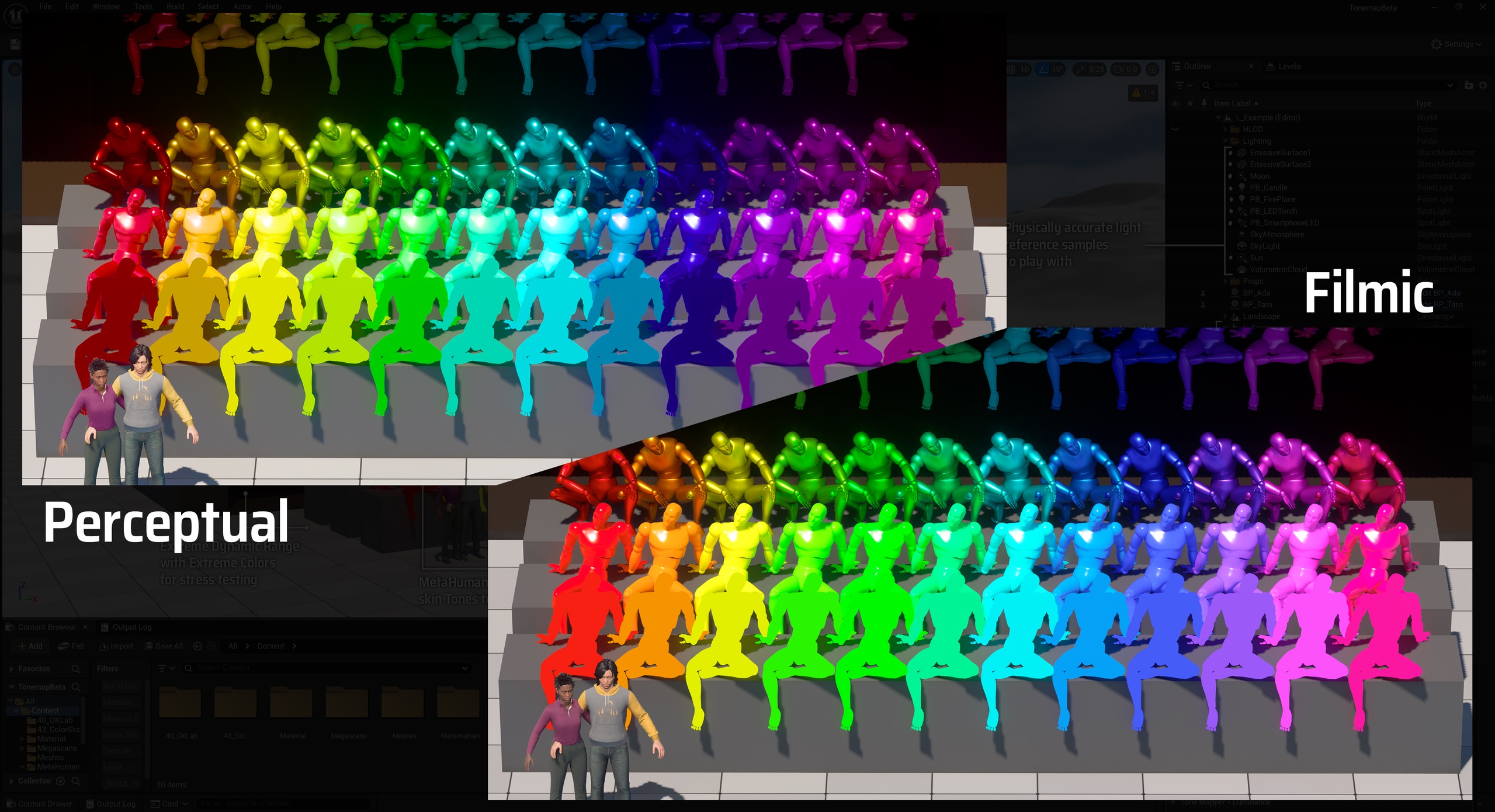
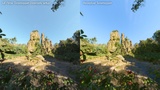
A Tonemapper that simulates the human perception of color and light replacing UE's filmic look, with untwisted, vibrant colors, scotopic night human vision, perceptual exposure and a full Lightroom-like precision Color Grading suite.
See your scenes the way your eyes would
The Perceptual Tonemapper replaces Unreal Engine's filmic tonemapper with a perception-based pipeline built on the OKLab color space. Lightness and chroma are tonemapped separately, giving you natural highlight roll-off and faithful color at every exposure, with no filmic hue skews and no baked-in look.
You'll finally see the colors in your materials come out 1:1 in the final render.
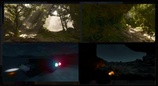
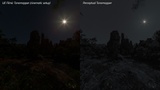
Human Low Light Adaptation: A scotopic (rod) vision simulation desaturates and shifts colors naturally as scenes get dark, per pixel, driven by scene exposure, including optional animated rod-noise grain. Moonlit scenes will naturally render as moonlight instead of underexposed daylight or feeling artificially tinted.
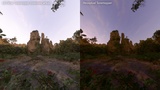
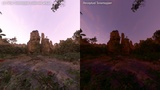
Perceptual Exposure. The engine's eye adaptation is remapped through an artist-controlled perceptual exposure curve, so dark lighting will always render dark and bright scenes will always render bright. Humans are not cameras that can perfectly expose any lighting condition, here we try to simulate that.
Lightroom-like Perceptual Color Grading: The Perceptual Tonemapper bypasses the default Nuke-style Color Grader to give you a more intuitive experience and better results. Naturally tint your scenes based on luminance zones, with lightness preservation. Tune Levels and Selectively manipulate individual Hues with absolute precision.
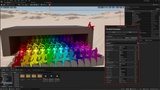
Edit Parameters Live: All Color Grading, White Balance and Exposure Compensation parameters update instantly in the viewport while you drag sliders, no shader recompile. Everything is driven from one floating panel opened from a toolbar button.
Safe Engine Shaders Override: One click applies the Tonemapper, one click restores the Default Files. The engine's original shaders are backed up before any change and restored byte-identical on Revert, or automatically when the editor closes (unless you choose to persist changes for packaging). No engine source changes, no custom engine build: it works with the stock launcher engine.
How it works & what to know before buying:
The plugin works by patching two engine post-process shader files on disk at Apply time.
SDR (sRGB) display output only. HDR display output is not supported and probably renders incorrectly.
The plugin hooks to a PostProcessVolume in each level (it handles it automatically), so each map needs one to be present.
Always Revert before uninstalling the plugin or upgrading the engine, as it overrides some engine files.
Quick Start Video: https://youtu.be/Sogxx3eCbm8
Full documentation: https://docs.google.com/document/d/16HK7is6gMfpLCGm_29wa7lIBDKI_sDp7OM8bzb0Z6yI/edit?usp=sharing
Note on the 'Generated with AI' tag: The Tonemapper is fully handcrafted by me. I've used AI as support in building the Plugin that wraps around it and occasionally to understand how to properly inject myself into the Engine Shaders files and debug, nothing more.