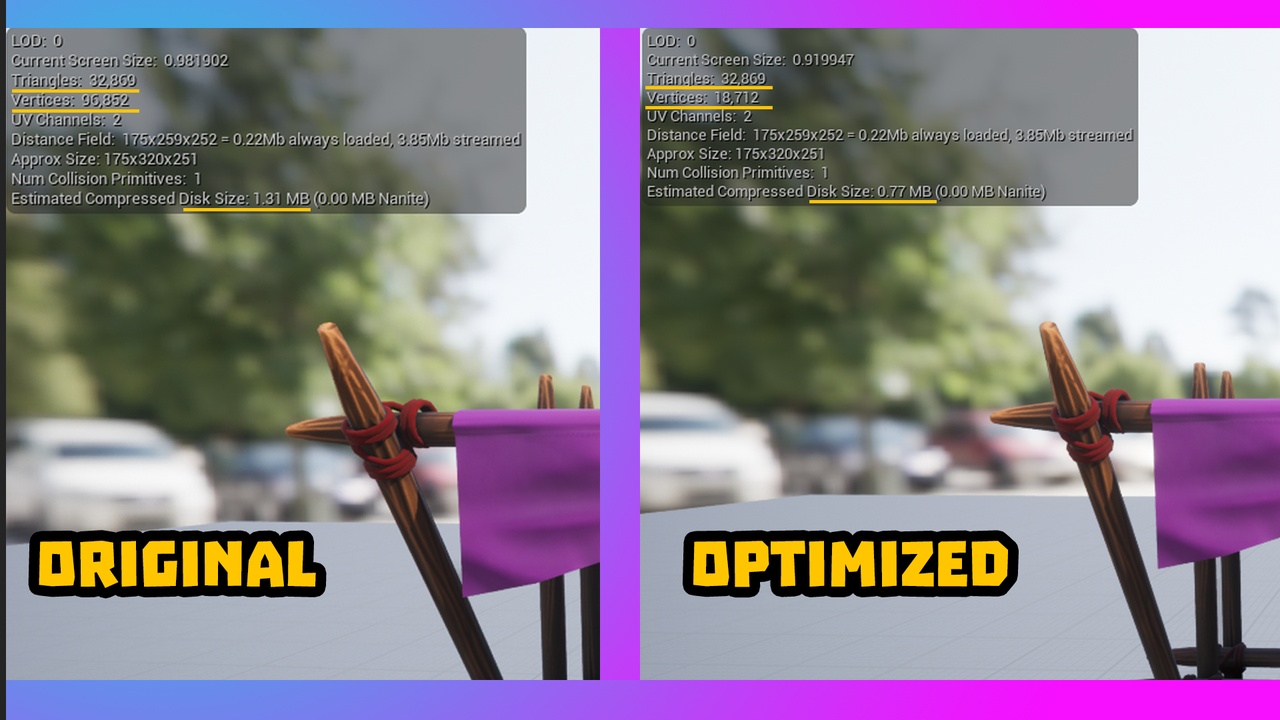
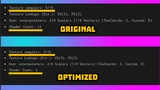
Description
A Editor Utility widget that helps to optimize Static Meshes and materials! Before using make sure to have Editor Scripting Utility plug-in enabled as well as the Python Editor Script plug-in
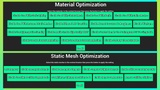
A lot of times there is unnecessary bloat this helps remove it! Tutorial: To use go to the Ultimate Optimization file in the content browser, then open the "EditorUtilityWidget" folder. After that right click on the Static Mesh optimization or the Material optimization Editor Utility Widget. At the top you will see " Run Editor Utility Widget" press that and the widget will pop up in a sperate window. Now you're good to go! Select what Static mesh or materials you would like to optimize inside the content browser and then on the Editor Utility Widget press each setting accordingly or select the Do all button.