描述
SCENE PRESET MANAGER — RVA STUDIO
One-click visibility control for Unreal Engine editors.
Quick Start -> https://youtu.be/Q-wLU_F_a-o
─────────────────────────────────────────────────────
THE PROBLEM
Every 3D scene gets complex fast. You're constantly toggling actor visibility in the Outliner — hiding props to check architecture, isolating lights to review lighting, selecting decor for bulk operations. It's repetitive, slow, and breaks your flow.
THE SOLUTION
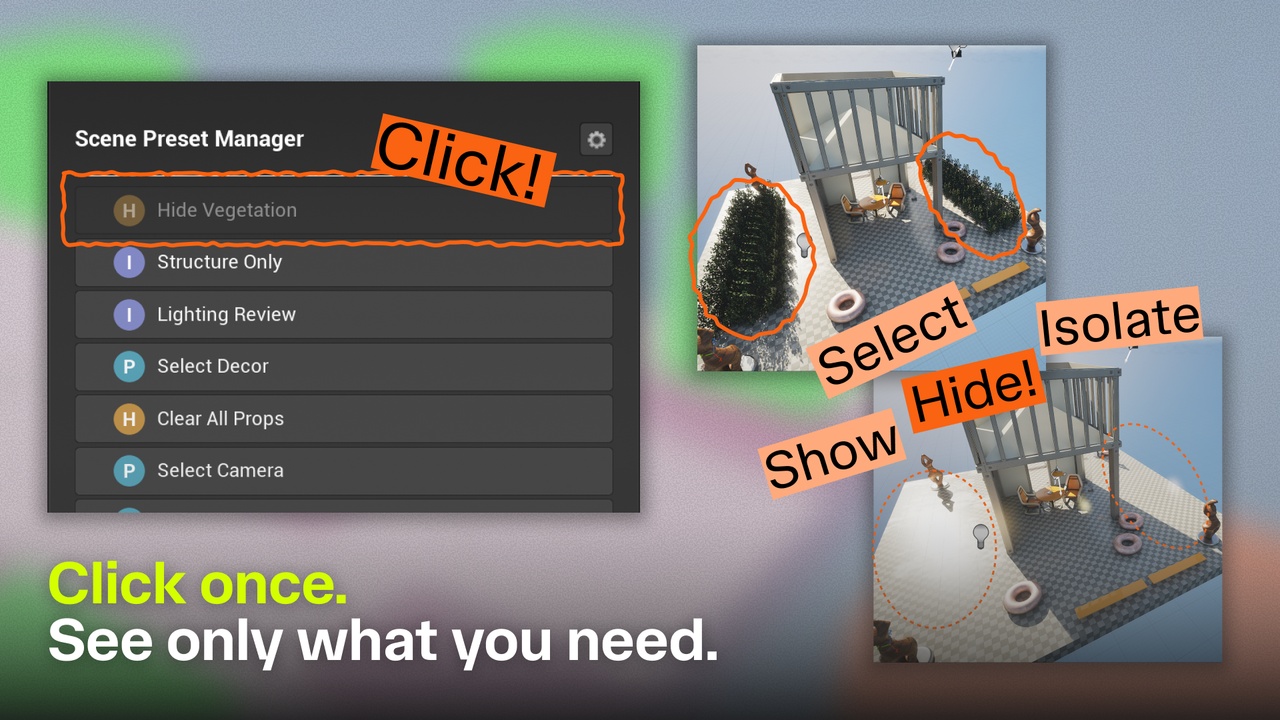
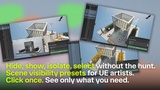
Scene Preset Manager lets you define named presets once and apply them instantly. Each preset filters actors by keyword (partial or exact label match) or class type, then hides, shows, isolates, or selects the matching set in a single click.
─────────────────────────────────────────────────────
FEATURES
● Four Actions
Hide / Show / Isolate / Select — one preset, one click.
Isolate hides everything except matching actors.
Select highlights matches with UE's native blue outline for bulk editing.
● Keyword + Class Filtering
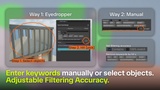
Match actors by label substring ("pillar", "bush", "lamp") or by UE class type (PointLight, SpotLight, etc.). Combine both in one preset — OR logic casts a wide net. Toggle Exact Match for precise full-label targeting.
● JSON Persistence
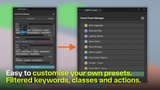
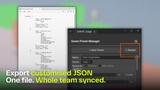
Presets live in a plain .json file — no DataTable, no Editor config. Commit it with your project. Share it with teammates. Edit it in any text editor. Reload without reopening the editor.
● Eyedropper Pick
Select one or more actors in the viewport, hit Pick — all their labels land as keyword chips instantly. No typing required.
● Preview Mode
Before applying a preset, Preview selects matching actors with UE's native blue outline. Visually confirm the match set before committing.
● Show All
One-click reset: make every actor in the level visible again.
─────────────────────────────────────────────────────
TECHNICAL
• Editor-only — zero runtime cost in packaged builds
• No external plugins required
• Compiled binaries included — no Visual Studio needed to install
• Documentation: https://documentsaving.notion.site/Scene-Preset-Manager-Documentation-3486026373628095991bda74efb68926
─────────────────────────────────────────────────────
INCLUDED
✓ Scene Preset Manager Editor Utility Widget
✓ Sample preset file with 7 presets — ready to use or replace with your own
✓ Demo level (LV_SceneManagerDemo) — open and run presets immediately