
Açıklama
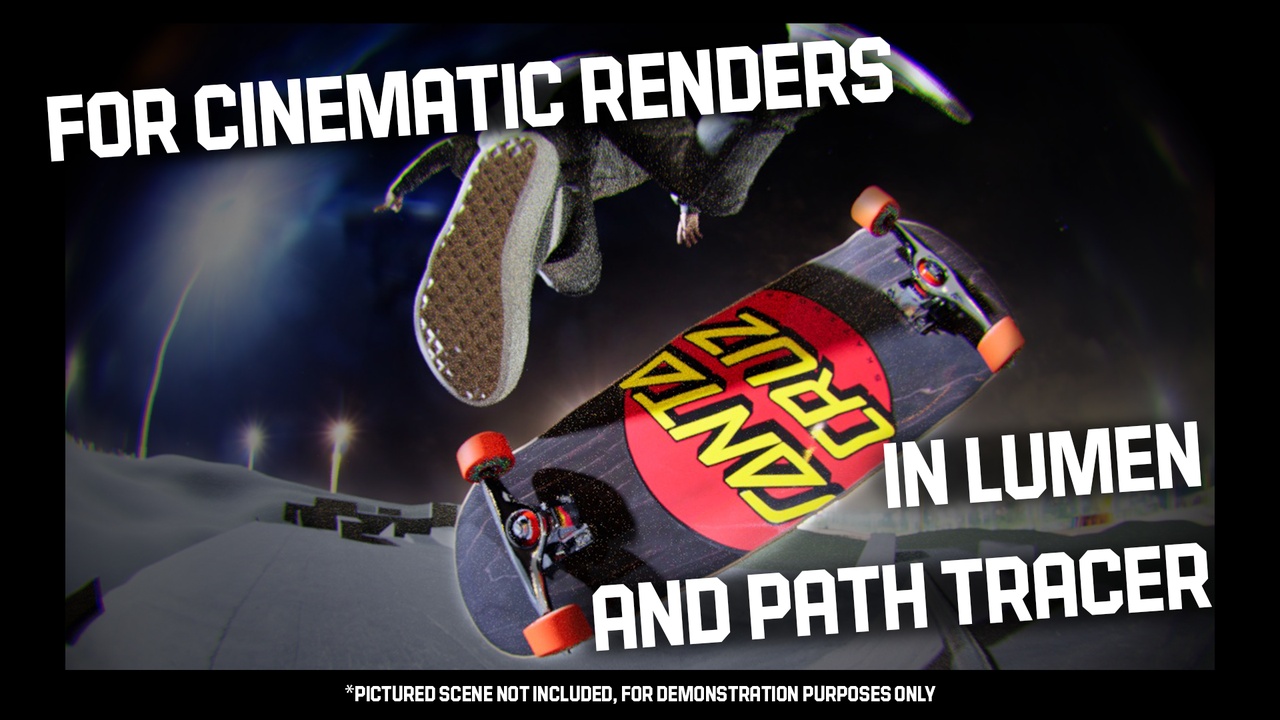
Cinematic Fisheye Lens is a blueprint that attaches to your existing CineCameras in Level Sequencer and renders the world in the ultra-wide distorted view of an extreme fisheye lens!!
Similar to the 270-degree "Flying Saucer" fisheye lenses in photography, this lens covers a huge field of view and will instantly give a unique feel to your scenes. Don't be afraid to get close to your subject!
Cinematic Fisheye Lens is best for animated scenes with action, skate / dance motion or a '90s music video vibe. Makes everything weird. Works with realistic scenes and cel shaded / unlit visuals alike*
VIDEO DEMOS & TUTORIAL
This project includes:
- The Fisheye BP with multiple frame settings and fill light
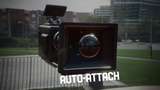
- A detailed 3D model of a fisheye lens body modeled after real world lenses
- A Demo Level with instructions, settings recommendations and an example Level Sequence
Setup:
1. Drop the Fisheye Lens BP into your level
2. Add the Fisheye Lens BP into your Level Sequencer
3. Click the plus sign on Fisheye Lens BP to tell it which CineCameras you will attach to.
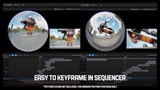
4. Assign the Fisheye Lens BP to said cameras using keyframes in the Level Sequencer.
The Fisheye Lens BP automatically connects to the keyframed movement of your existing CineCameras. Preview camera moves in your CineCamera and then switch to the Fisheye Lens BP as your final camera (using the Camera Cuts Track) across the whole Level Sequence before hitting render!
You only need one Fisheye Lens BP to cover multiple cameras in your Level Sequence. Camera switching is done via keyframes, cutting from one to the next seamlessly!
Rendering:
Render using Legacy or Movie Render Queue (recommended) with custom anti-aliasing settings (for Lumen anti aliasing of 1 spatial and 17 temporal samples works great, for Path Tracer start with 16 spatial x 16 temporal samples or more for less noise and smoother motion blur).
*This blueprint was made with Ray Tracing in mind, so we do not recommend buying this unless your GPU is capable of ray-tracing and you have hardware ray tracing enabled in your Unreal Engine Project.