説明
Build Faster, More Controlled PCG Workflows
Complex PCG graphs can become repetitive to assemble, slow to tune, and difficult to reuse across a project. Common tasks such as landscape filtering, spline placement, variation, density control, avoidance, regeneration, and debugging often require the same setup work again and again.
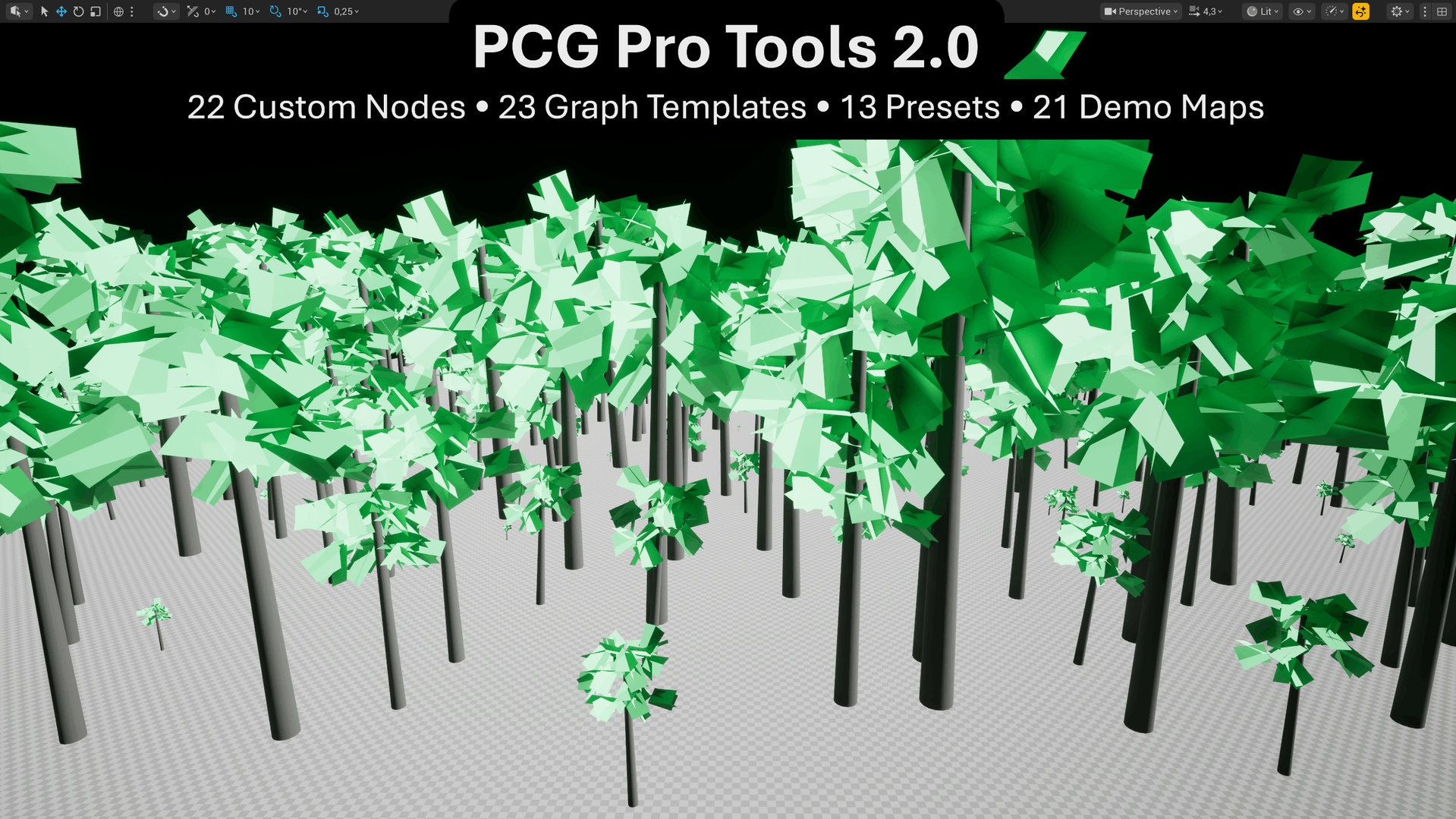
PCG Pro Tools 2.0 expands Unreal Engine’s native PCG framework with 22 custom PCG nodes, reusable graph templates, presets, demo maps, and dedicated editor tools. It helps environment artists, technical artists, level designers, and Unreal developers build and refine procedural workflows while continuing to work inside Unreal Engine’s native PCG system.
Watch the PCG Pro Tools 2.0 Preview
With PCG Pro Tools 2.0, you can:
• Add reusable placement, filtering, variation, spline, biome, and density workflows to native PCG graphs
• Start from prepared templates and presets instead of rebuilding common setups
• Inspect supported PCG properties and seed values directly from the Level Editor
• Create editable project copies of included templates
• Validate supported workflow requirements before spending time debugging graph setup
• Regenerate, reset, compare seeds, and inspect supported PCG workflows with less editor switching
What Is Included
Procedural Content
• 22 Custom PCG Nodes
• 23 Graph Templates
• 13 Presets
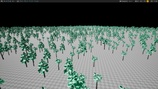
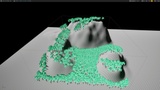
• 21 Demo Maps
Editor Tools
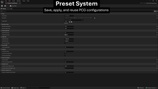
• Graph Inspector
• Template Library with Editable Template Copies
• Setup Validator
• Debug Overlay
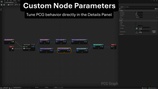
Custom PCG Nodes
The included nodes provide reusable building blocks for common procedural environment workflows, including:
• Landscape projection, height filtering, and Landscape Layer sampling
• Curvature, noise, density, and boundary filtering
• Spline alignment, offset placement, and spline avoidance
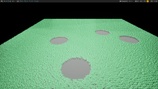
• Water Body avoidance
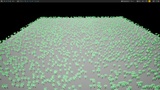
• Organic clustering, blue-noise scattering, and point relaxation
• Grid snapping and controlled spacing
• Weighted selection and tag-driven distance workflows
• Scale, rotation, and point-color variation
• Distance-based density control
• Biome masks and transition shaping
• Debug statistics
Graph Inspector
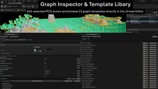
Inspect selected PCG actors and components directly from the Level Editor.
The Graph Inspector provides seed controls, point-count information, direct editing of supported PCG_Overridable node properties, per-property Reset, preset controls, and Regenerate Selected or Regenerate All workflows. Improved regeneration behavior also supports faster iteration after Undo, Redo, and Reset.
Template Library
Browse and reuse 23 prepared PCG graph templates through a dedicated editor panel.
Search and filter the library, add prepared setups to the current level, or create editable copies inside your own project for further customization.
Editable copies use automatically deduplicated names and open directly in the PCG Graph Editor.
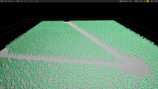
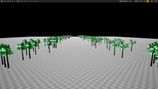
The library includes a prepared Roadside Generator template with three matching presets. It provides a reusable spline-based starting point for vegetation, rocks, signs, fences, props, and other roadside or path-based project content, with Left, Right, and Both Sides workflows.
Setup Validator and Debug Overlay
The read-only Setup Validator checks supported workflow requirements such as spline tags, loaded spline actors, Actor Selection Tags, Landscape presence, Water Body presence, and Roadside Generator tag setup.
Validation returns either a success result or a numbered warning list without automatically modifying project content.
The Debug Overlay adds persistent node-type filtering for supported PCG component debugging.
Presets and Demo Maps
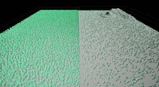
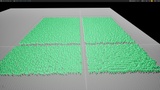
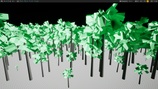
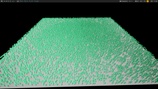
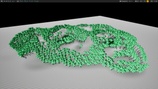
Use the 13 included presets as reusable starting points for variation, spline offset, distance LOD, roadside placement, forest, beach, mountain, and grid-oriented workflows.
The 21 demo maps provide practical examples for individual nodes and complete setups, making it easier to understand the included workflows and adapt them to your own project.
Use Cases
• Procedural forests and vegetation
• Roads, paths, fences, and roadside environments
• Landscape-layer-driven placement
• Biome masks and transition workflows
• Water and spline avoidance
• Terrain-aware scattering and filtering
• Organic clusters and controlled variation
• Distance-based procedural detail
• Modular and grid-based layouts
• Reusable PCG graph workflows
• Editor-side tuning, validation, and debugging
Resources and Support
Use the Hanke Unreal Tools Discord for setup questions, bug reports, feature requests, and product support.