





Descrizione
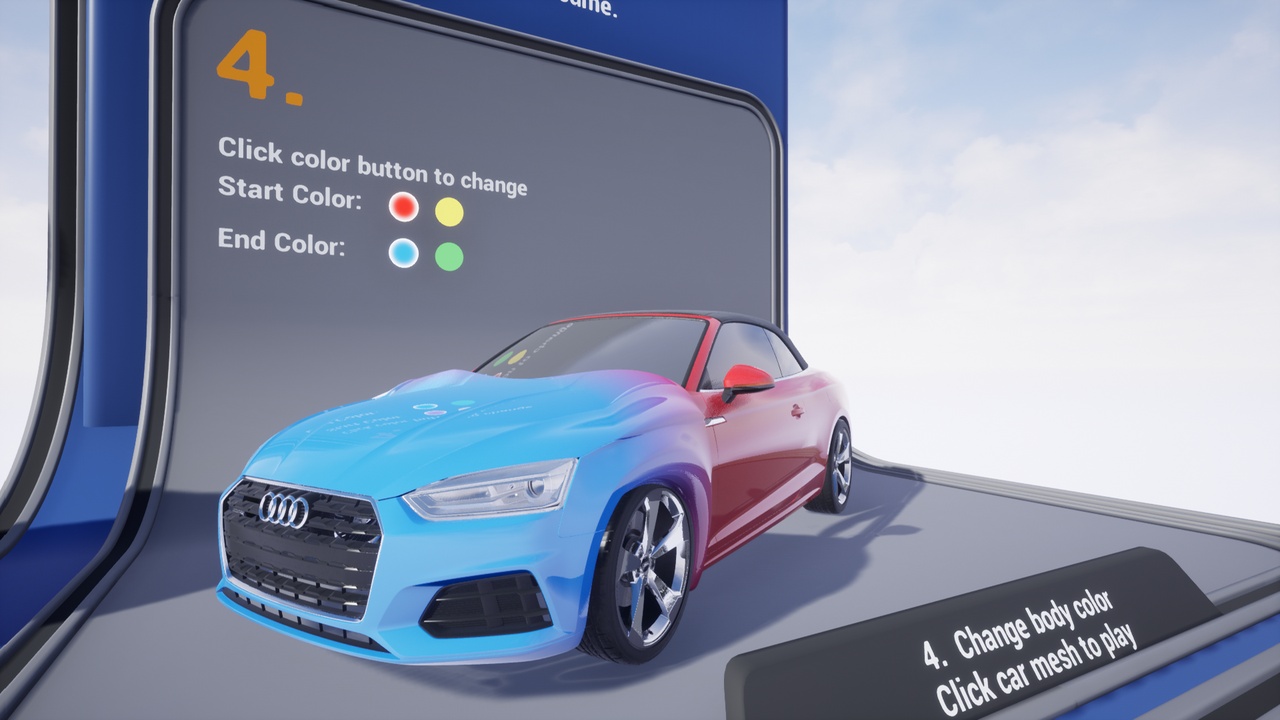
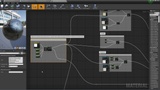
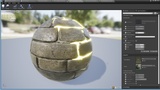
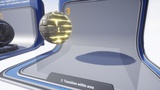
Plugin adds new material expression "Transition Wave" which allows to transition between various material parameters (e.g. Color, Alpha, Emissive) and affect mesh vertices for 3D effect .
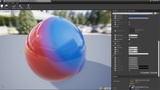
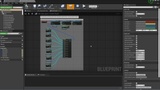
Transition Wave control parameters Video
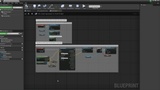
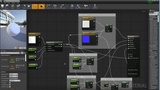
Blueprint and material setup example Video
Transition Wave material expression outputs two values - Alpha nad Displacement.
To apply the effect add "Transition Wave" node expression inside a material and use it to lerp desired material parameters by Alpha value. Attach Displacement output value to World Position Offset to simulate 3D wave effect on vertices.
The plugin contains TransitionWaveComponent which can be used for easier setup and control of the effect's parameters.
TransitionWaveComponent use case:
- Attach to actor.
- Initialize its default TransitionWave parameters.
- Call "Set Mesh Materials" function (e.g. in BeginPlay) to specify meshes and materials which should be affected by the effect.
- Call "PlayTransition" to start animated transition.
Checkout exemple project to see different use cases how to setup and control the effect.