
説明
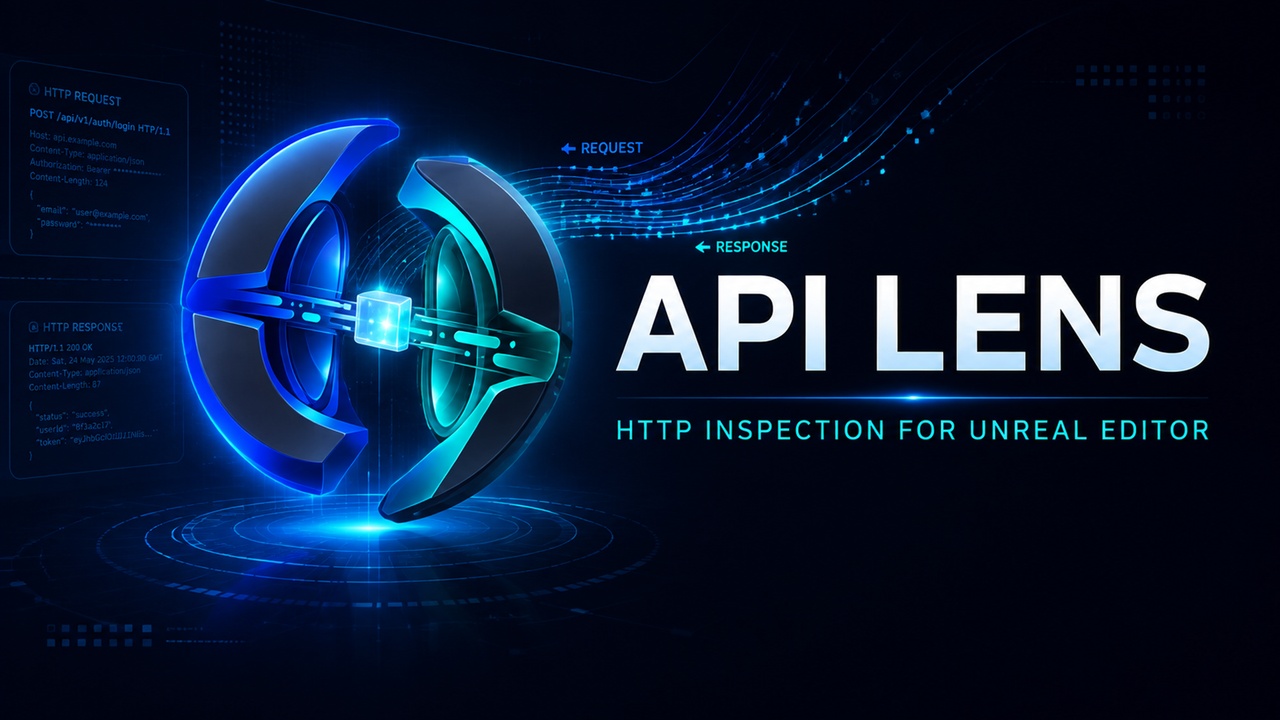
Stop debugging API integrations through scattered logs.
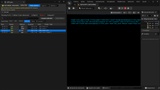
API Lens brings a browser DevTools-style HTTP inspector directly into Unreal Editor, giving developers and QA teams a clear view of requests made through Unreal Engine’s standard HTTP stack.
Capture traffic during Editor and Play in Editor, quickly identify failed or slow requests, inspect headers and bodies, explore structured JSON, safely replay requests, and export diagnostic sessions—all without leaving Unreal Engine.
Key features
Native Unreal Editor integration with a fully dockable interface.
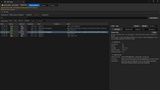
Inspect HTTP methods, URLs, status codes, timings, headers, bodies, and failures.
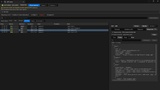
Quickly isolate traffic using search, sorting, status badges, host grouping, and smart filters.
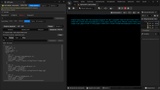
Explore responses using JSON Tree, Pretty, and Raw views.
Find values inside large JSON responses with built-in search and folding.
Replay safe requests or edit mutating requests before resending.
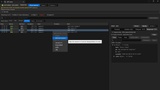
Copy requests as cURL, PowerShell, or Unreal C++.
Export captured sessions as JSON, CSV, or HAR.
Track the originating Play session and Blueprint context when available.
Automatically redact sensitive structured values such as tokens, passwords, API keys, and authorization headers.
Keep diagnostics controlled through bounded history, body-size limits, and explicit capture settings.
No external account, proxy, runtime service, or third-party dependency required.
Designed for
REST APIs, authentication systems, backend integrations, telemetry, online services, live-service games, Blueprint debugging, C++ development, and QA workflows.
Compatibility
Unreal Engine 5.6.1, 5.7.4 and 5.8.2
Windows 64-bit
Editor and Play in Editor
Separate, validated package for each supported engine version
API Lens observes requests made through Unreal Engine’s standard FHttpModule. It does not capture packaged builds, devices, consoles, custom sockets, or third-party networking stacks that bypass Unreal HTTP.
See your API traffic clearly. Find problems faster. Stay inside Unreal.