الوصف
The AKO Push System – Ultimate Object & Container Push
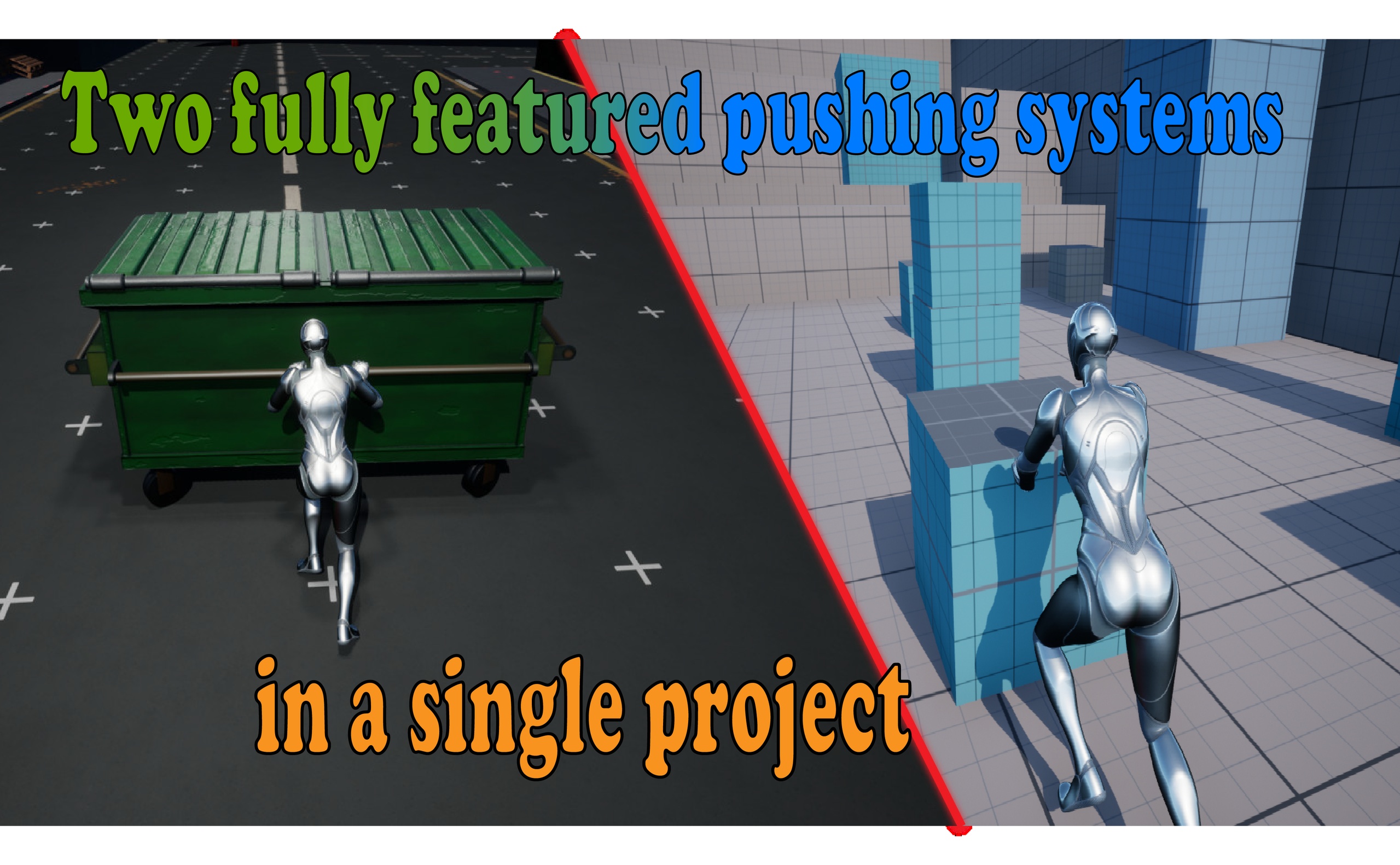
combines both the Advanced Object Push System and the Container Push System into a single package, providing a complete solution for push interactions in Unreal Engine.
🚨showcase video:
🔴Tutorial video:
Documentation Link:
🎯 Introduction | AKO_PushPlugin
Example Project:
[DEMO_DOWNLOAD]
Support is available through our Discord community:
https://discord.gg/gt93s6E7N9
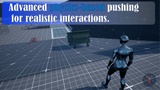
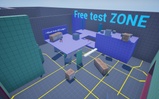
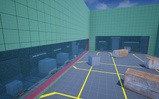
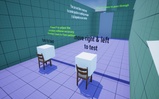
** The Object Push System is designed for pushing a wide variety of objects with different shapes. It supports both First-Person and Third-Person characters, includes flexible collision detection methods, customizable camera and audio systems, advanced animation support, and a wide range of settings for adapting the interaction to your project.
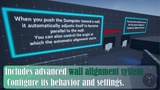
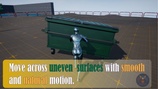
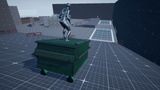
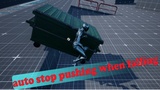
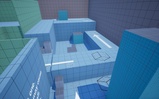
**The Container Push System focuses on physics-based container interactions, featuring smooth movement and rotation, intelligent wall alignment, predictive collision handling, a complete Push Positioning System with Motion Warping integration, Hand IK, suspension, terrain adaptation, and customizable camera and audio systems.
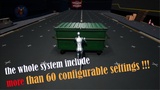
**Both systems are fully Blueprint-based, include complete documentation, video tutorials, example projects, and extensive debug tools for testing and customization. Together, they provide more than 100 configurable settings, giving you full control over movement, collision, positioning, animation, physics, and interaction while remaining easy to integrate into your own project.
Notes
This system uses Motion Warping for part of its positioning system.
Important: The Motion Warping plugin must be enabled before adding the system to your project. Enabling it after importing the plugin may prevent Motion Warping from functioning correctly.
Required Plugins
The example project uses the following Unreal Engine plugins:
Motion Warping
Enhanced Input
Modeling Tools Editor Mode
Make sure these plugins are enabled before importing the project or plugin.
Support is available through our Discord community:
https://discord.gg/gt93s6E7N9