
Beschreibung
Art direction usually happens outside the engine: references in PureRef on a second monitor, paintovers in Photoshop, color scripts assembled by hand from screenshots. ta Limner brings that work next to the viewport.
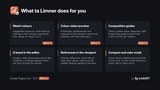
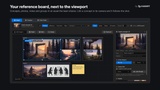
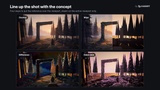
Keep the references of a level on a board inside the editor. Put a reference over the scene and line the shot up with it, as an overlay, a difference, an onion skin or a split wipe. Link a concept to the camera it was painted for, and it appears by itself whenever you look through that camera. Check the big light and dark shapes with value and notan views, see where the scene leaves the palette, and get numbers and hints for what to change. When the shots are blocked out, build a color script from your sequence in one click.
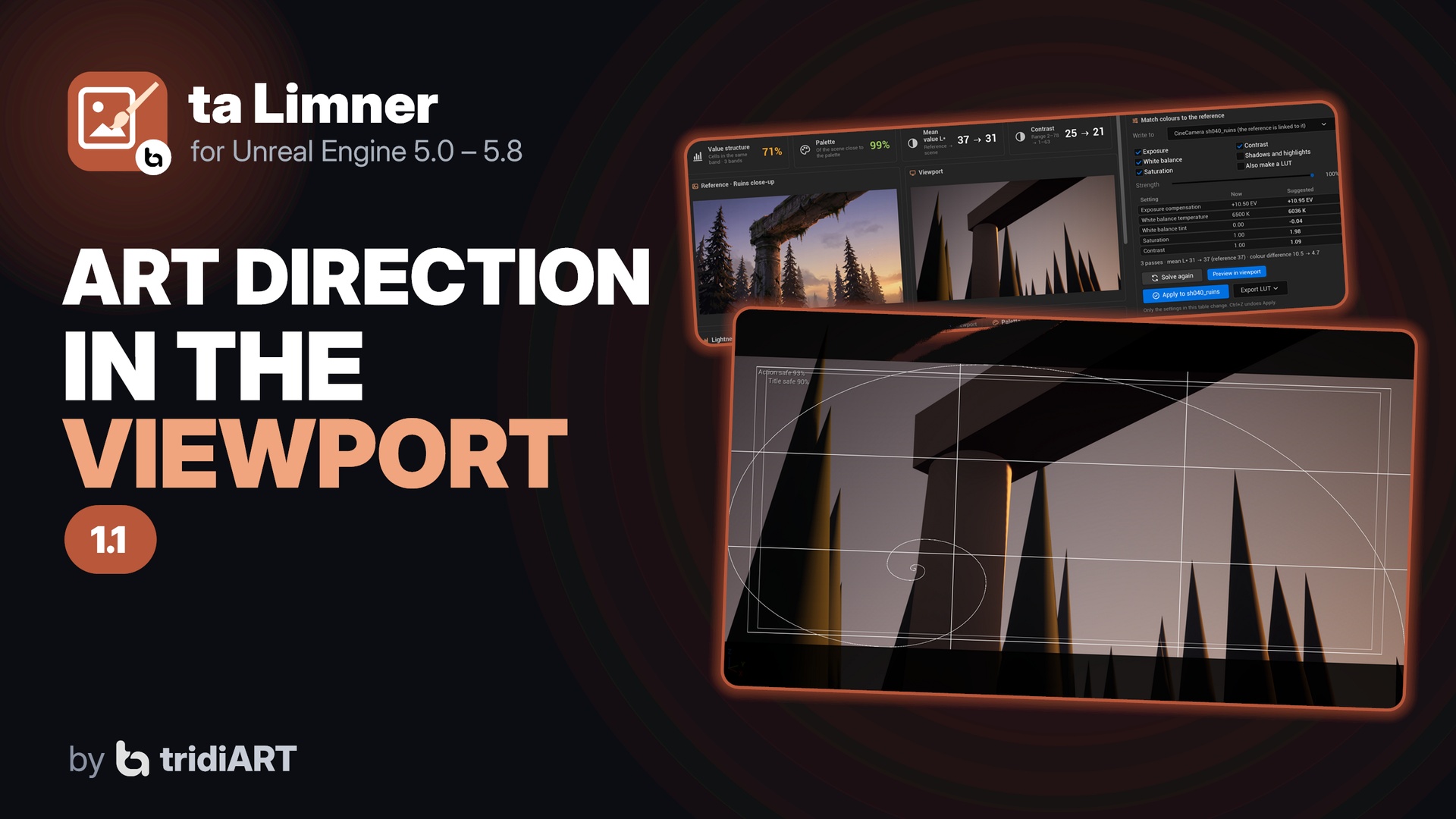
New in 1.1: let Limner match the viewport's colours to the reference with suggested exposure, white balance, saturation and contrast, previewed before anything is written. See the scene, the board and the palettes as people with colour vision deficiencies see them. Frame your shots with composition guides, safe frames and aspect masks, saved per camera.
A board is an asset, so the whole team gets the same references through source control.
Personal license $14.99 for buyers with up to $100,000 USD in gross revenue in the last 12 months, Professional license $39.99 above that. Both give the same rights (see the Fab EULA).
Features
Reference board: an endless canvas docked next to the viewport, with images, sticky notes and group frames. Zoom, pan, move, resize, duplicate and undo.
Drop image files, drag textures from the Content Browser, paste images from the clipboard (Windows), or add a capture of the viewport.
Images are stored inside the board asset; nothing is imported as a texture.
A board can belong to a level and opens with it.
References over the viewport:
Overlay with a strength slider;
Difference: black where the scene matches the reference;
Onion skin: the reference as outlines, for matching composition;
Wipe: reference on one side of a split line, scene on the other.
Fit, Fill or Stretch per reference.
Drawn by a post-process pass on the active viewport only: nothing is added to your level and the game is not affected.
Camera links: link a reference to a camera or a level bookmark, and it appears whenever the viewport looks through that camera or jumps to that bookmark.
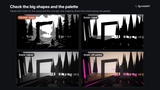
Value and colour views for the whole viewport: Values (lightness only), Notan (2 to 5 value bands) and Off-palette (magenta where a colour is far from the palette).
Palettes: extract the main colours of a reference, make them the board's key palette, and see how much of the scene stays close to it.
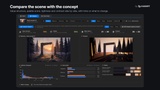
Compare the viewport with a reference in one click:
value structure match, palette score, mean lightness and contrast;
side-by-side previews in colour, values or notan;
lightness histograms and value band areas of both;
the palette's share in the reference and in the scene;
hints such as "The scene is 9 L* darker than the reference" or "Shadows cover 61% of the scene but 38% of the reference".
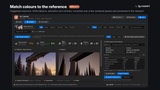
Match colours to the reference:
suggested exposure compensation, white balance, saturation and contrast, and optionally midtones, highlights and blacks;
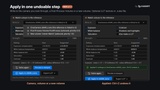
previewed in the viewport and corrected over a few rendered passes; nothing is written until you click Apply;
Apply writes the values to the camera you look through, a Post Process Volume or a new volume, in one undoable step;
an optional LUT for the rest: an Unreal LUT texture or a .cube file.
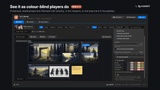
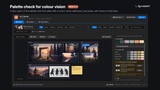
Colour vision preview: protanopia, deuteranopia and tritanopia, with severity, in the viewport, on the board and in the palettes. The palette check lists colour pairs that look alike for colour-blind players.
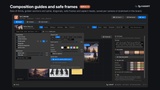
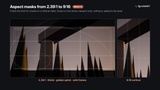
Composition guides: rule of thirds, golden sections and spiral, diagonals, safe frames (EBU R95, classic or custom) and aspect masks from 2.39:1 to 9:16 vertical. Save them per camera or bookmark in the board.
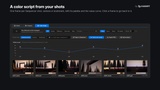
Color script from Sequencer shots or camera cuts, from every camera in the level, or from the bookmarks. Each frame is rendered with the real lighting and post process.
Value curve across the frames, palette and average colour per frame.
Click a frame to go back to it in the viewport.
Export as a PNG strip with a JSON of names and colours, or put the strip on the board.
Python and Blueprint API.
How to use
1. Open a level, open ta Limner from the Tools menu (tridiART section) and click New board.
2. Drop your concept art, photos and paintovers on the board.
3. Double-click a reference to show it over the viewport, and pick Overlay, Difference, Onion skin or Wipe.
4. Pilot a camera and choose Link to > The camera the viewport looks through: the reference now follows that camera.
5. Turn on Values or Notan, open Compare for numbers and hints, and open Color Script to build one from your sequence.
6. In Compare, click Solve in the Match colours card, check the preview, then Apply. Open Vision and Guides in the viewport bar for the colour vision preview and composition guides.
Supported
Unreal Engine 5.0 to 5.8. Editor plugin for Windows, Mac and Linux; nothing of it is packaged into your game. C++ source included.
Documentation: https://www.tridiart.com/docs/limner/
Support: https://www.tridiart.com/contact/