Описание
UltiUnreal Texture is a small, production-friendly toolkit to load and switch videos cleanly inside Unreal Engine. Made for simple A/B roll, quick “video switch” setups, and texture/video-driven graphics.
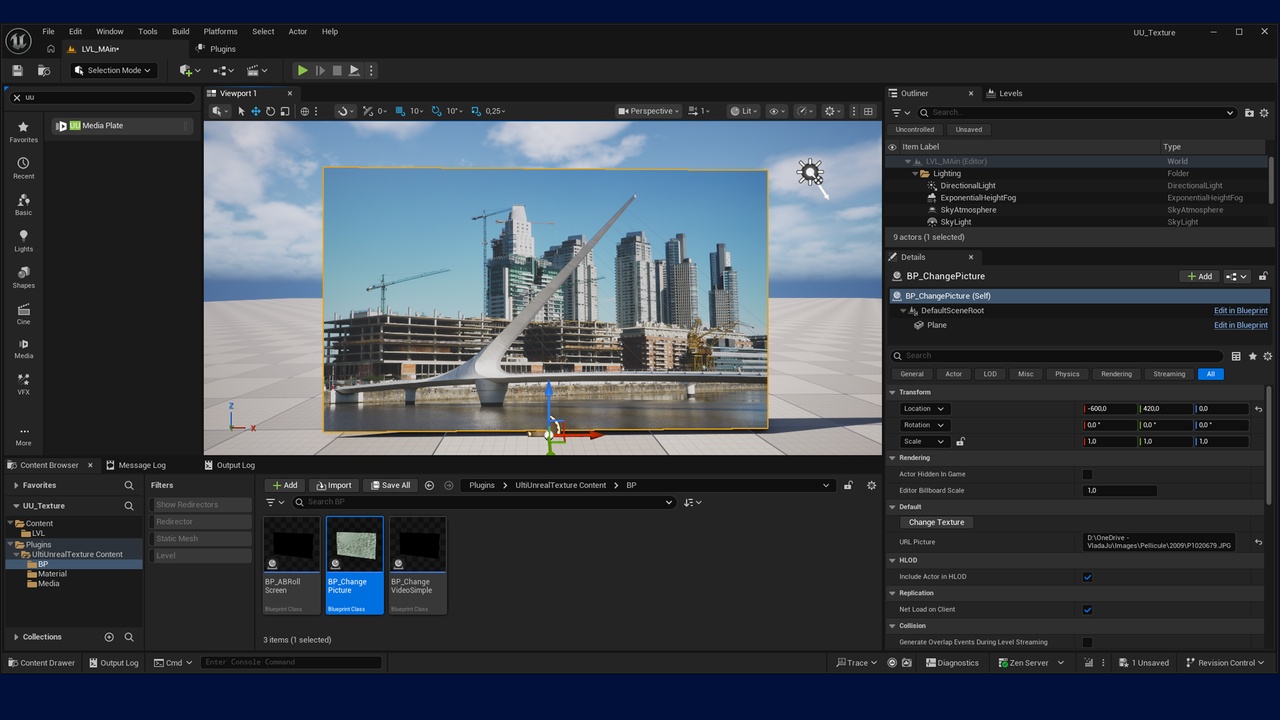
Instead of forcing you to build a complicated Media Framework setup every time, the plugin gives you a ready-to-use Actor (UU Media Plate), simple Blueprint actions (designed to be used in play (runtime) mode), and example Blueprints so you can get results fast.
UU Media Plate (ready-to-drop Actor)
UU Media Plate is an Actor based on Unreal’s Media Plate that you can place in your level and use on a plane, sphere, or any custom mesh (just like the original Media Plate).
It adds a clean, production-friendly workflow with Cue / Play / Stop:
Cue: pre-load the next media (so it’s ready in memory)
Play: if it was cued, it starts immediately; if not, it loads then plays as soon as it’s ready
Stop: stops playback cleanly
This makes it ideal for A/B roll and fast, operator-friendly switching (reduced loading latency).
What you can do
Cue a video (prepare it in memory so it’s ready)
Play instantly (if it was cued, it starts immediately; if not, it loads then plays as soon as it’s ready)
Stop cleanly
Use the included Blueprint examples to build:
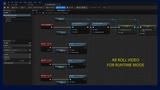
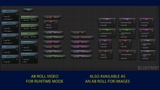
AB Roll
Switch VideoSimple
SwitchTexture
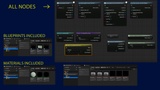
Included Blueprint Nodes (easy mode)
The plugin provides Blueprint nodes that handle the “boring plumbing” for you:
Open a media file (or URL), create/manage a Media Player + Media Texture when needed
Apply the Media Texture to your material/mesh setup (depending on the node)
Provide simple success/fail callbacks so you can drive UI buttons and logic safely
Requirements / What to Enable in Unreal
To use everything in this plugin, make sure the following Unreal plugins are enabled:
✅ Media Plate (Unreal built-in plugin)
✅ Unreal Media Framework
✅ ElectraPlayer
Important: Video format support depends on Unreal’s Media Framework and the playback backend available on your platform. The plugin does not “add codecs” by itself—Unreal does the decoding.
Typical Use (super simple)
Enable the plugins (see above).
Drop UU Media Plate or an example Blueprint (AB Roll / Switch VideoSimple / SwitchTexture) into your level.
Set your media paths / URLs.
Use Cue / Play / Stop to drive playback.
Documentation :
English : https://drive.google.com/file/d/1_7FfZTm7yFyq7jHEhV5ZOaOTxqISxqdG/view?usp=drive_link
French : https://drive.google.com/file/d/113Er6Oi_OFU_S3vI7VThGnV-fMxmm03O/view?usp=drive_link
Video : https://youtu.be/3-tlXgg5LWc