Description
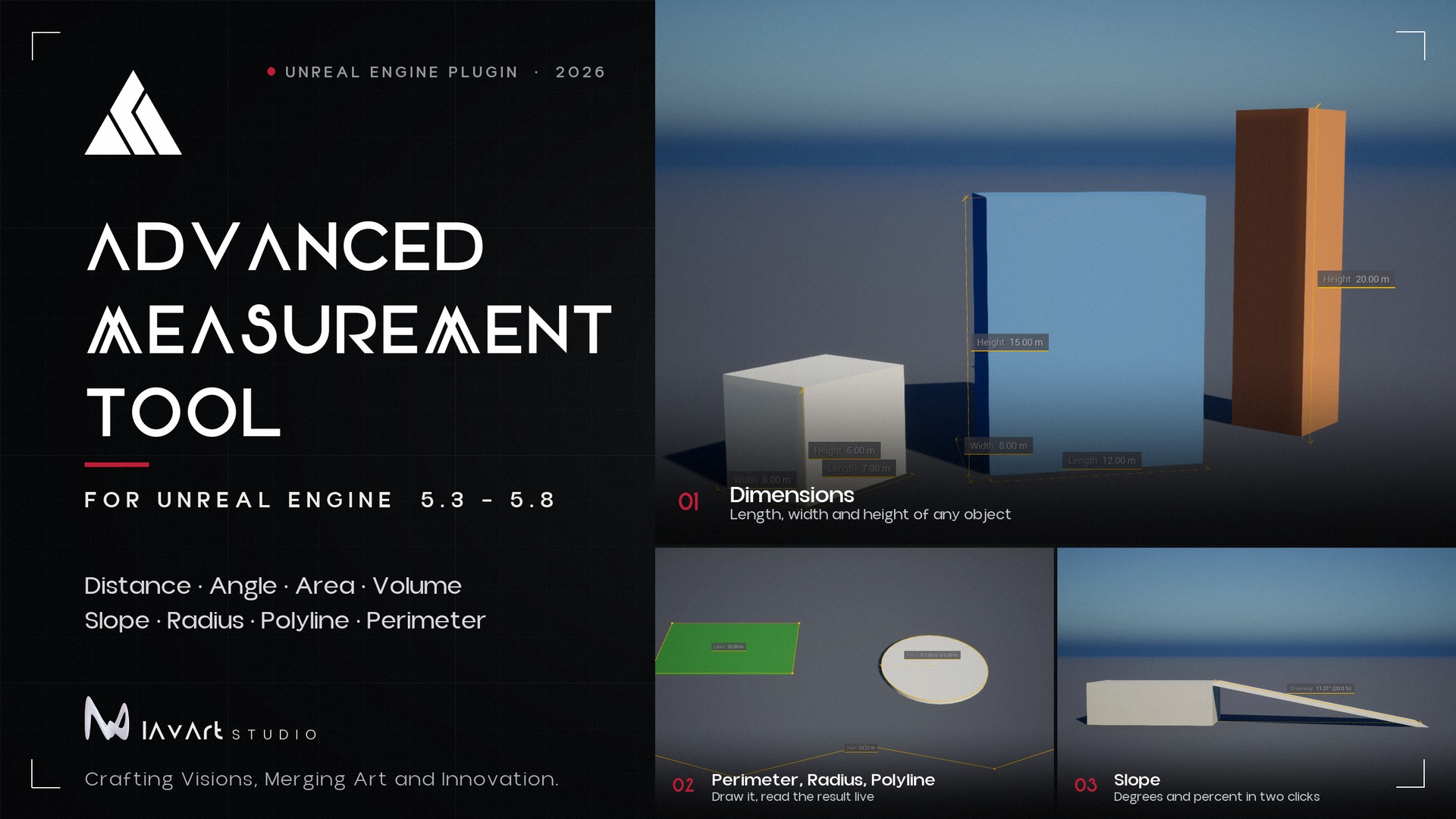
Advanced Measurement Tool (AMT) gives level designers, architects and QA teams exact numbers from their scenes. Click to measure in the level viewport, keep the measurements in a list, switch between metric and imperial units, and export them for reports. Version 1.1 adds an optional interface for AI assistants.
MEASURE IN THE VIEWPORT
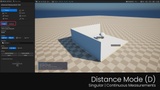
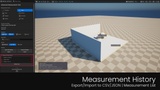
- Distance: two points, single or continuous. Optional ground projection shows the horizontal distance and the slope.
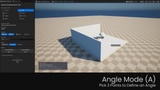
- Angle: three points (start of the first leg, vertex, end of the second leg).
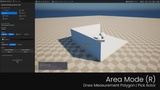
- Area: any polygon of three or more points, measured in 3D.
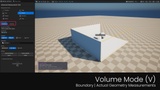
- Volume: a box from two opposite corners, or the volume of an actor's collision geometry.
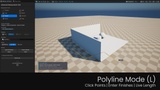
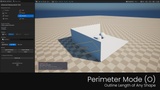
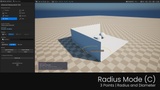
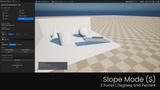
- Polyline, Perimeter, Radius, Slope (new in 1.1): click points along a path (the live length follows the cursor, Enter finishes), around a shape, three points on a circle, or two points for a slope in degrees and percent.
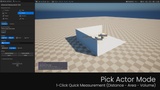
- Pick Mode: hover an actor and click. Distance gives its length, width and height, Area its footprint, Volume its bounds or geometry volume. Filter by actor tag.
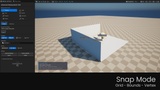
- Snapping to the grid, to the corners of actor bounds, or to the real mesh vertices.
KEEP AND SHARE
- A dashboard with the measurement list, show/hide, isolate the latest, delete, clear.
- Export to CSV or JSON, import from JSON.
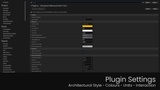
- Units: metric or imperial, with separate area, volume and angle units. Architectural or classic drawing style, line colour and thickness, point size, text scale, screen or world space labels.
- Blueprint and C++ access to the measurements, units and export, and a factory that builds a measurement from points.
NEW IN 1.1
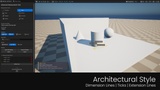
- An architectural drawing style, on by default: thin dimension lines with 45 degree ticks, extension lines back to the geometry, dashed rise and run for slopes, and quiet labels with a hairline of the measurement's colour. Switch to Classic in the settings for the 1.0 look.
- Four more measurement types with tools of their own in the viewport and the panel: Polyline (path length), Perimeter, Radius (circle through three points) and Slope (degrees and percent). They can also be created by the AI tools and from Blueprint or C++.
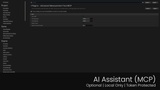
- AI assistant interface (MCP, optional, beta): an assistant such as Claude, connected by you, can see what the level contains (folders, tags, classes, layers), find actors by tag, folder, layer, class, name or one storey of a building, measure an actor or a whole group at once, the distance or clearance between two things, a region, a brush volume or a whole room (detected with rays from a point), add length, width and height dimensions or area and volume measurements to a group of actors and keep the dimensions in step when the actors move, manage and export measurements, frame the viewport and take a screenshot to check its own work. About 32 tools.
- Fixes: Restore Defaults now works, the CSV export labels volumes correctly, "latest measurement" is reliable, and Play-In-Editor no longer overwrites saved measurements.
PRIVACY AND SAFETY
The plugin never calls an AI service and never sends your project anywhere. The MCP server is part of the Unreal Editor session only (a packaged game does not contain it). It listens on 127.0.0.1, refuses requests from web pages and other machines, and needs a bearer token. Which assistant you connect, and what it does with what it reads, is your choice. Changes it makes to the level are undoable with Ctrl+Z, and file access is limited to the project folder. You can turn the server off in Project Settings.
GOOD TO KNOW
- It is an editor tool. The viewport tools, the dashboard and the AI interface exist only in the editor; the plugin's small runtime modules (measurement types, subsystem, unit and export helpers) are compiled into a game that enables it.
- Room detection needs collision on the walls, floor and ceiling.