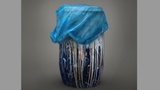
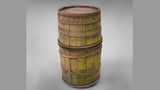
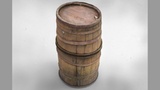
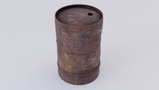
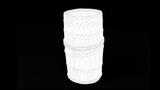
Description
If you want to support hand-painted work, take a look at this pack
3D Coat, Substance Painter, and Rebelle 7 Pro were used for asset texturing
Rebelle 7 Pro allows you to simulate watercolor and realistic smudges
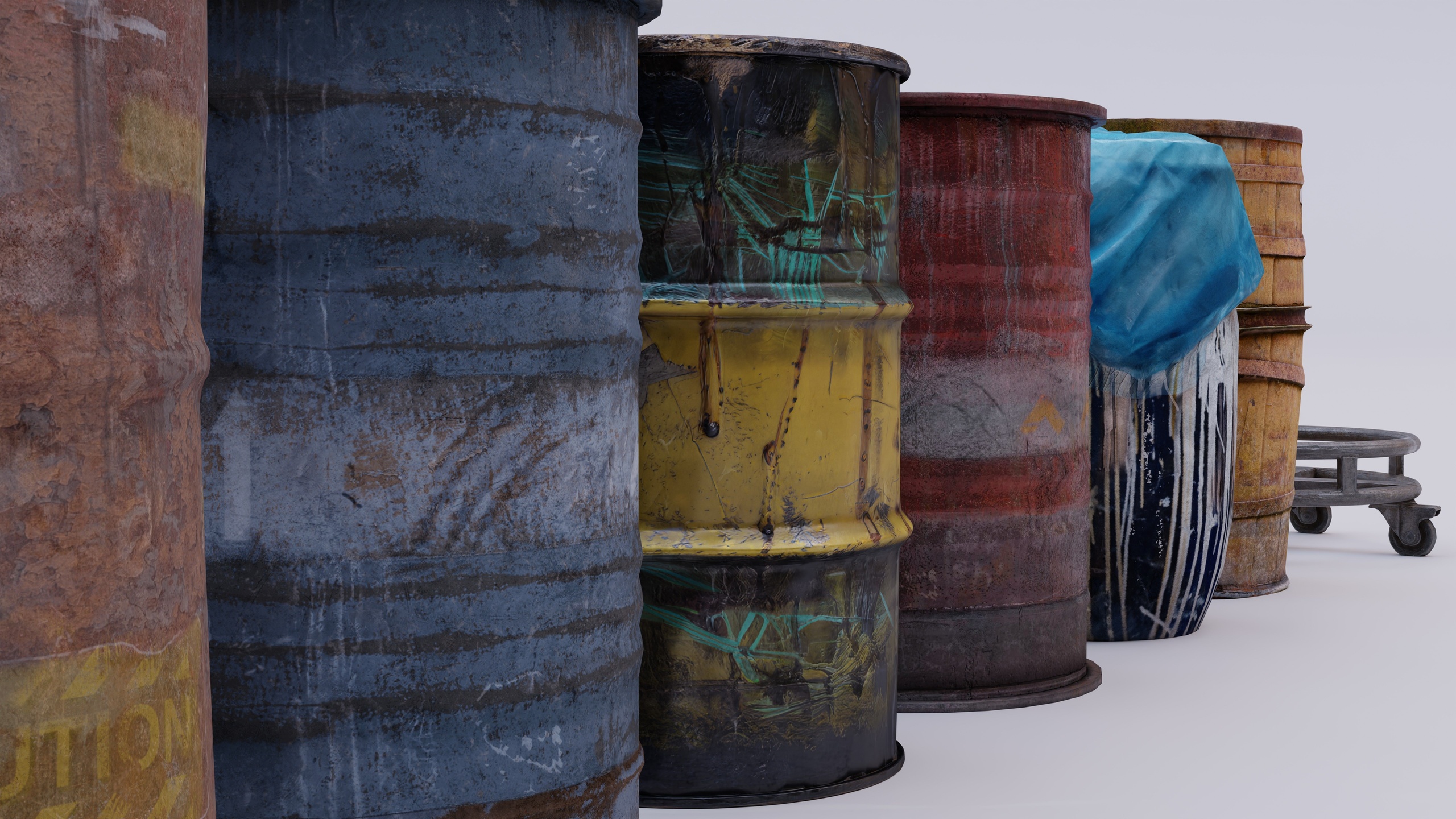
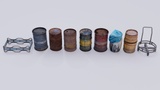
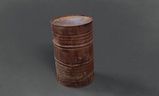
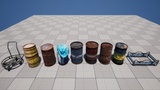
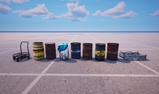
This pack includes 9 360 photorealistic barrels/drums and 2 racks/dollies with custom, precise, and optimized collisions (particularly useful for FPS)
Fit for both semi-realistic and realistic worlds
Photogrammetry was adopted, as well as texturing (a lot of hand-painting) and modelling:
PBR: High-detail roughness, metallic, ambient occlusion (packed as ORM), diffuse, and normal maps capturing authentic wear, rust, paint peeling, and weathering details.
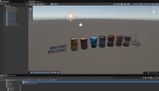
Game-ready geometry suitable for real-time engines (Unreal Engine, UEFN, Unity with prefabs and LODs) as well as offline rendering and tweaking (Blender, 3DCoat, Substance Painter files included).
Tweakable material - all maps are tweakable thanks to a custom material setup, including albedo tint
Modular components designed to blend seamlessly into urban, industrial, military, or historical environments
Assets can be inverted, thus adding to variety; all assets are 360, sculpted and painted on all sides
Drag and drop 2k/1k map for instant change (default is 4k)
Drag and drop wetness changes (drag and drop the ORM)
True 4K original workspace, which is huge - all maps in the scene are at default 4 K
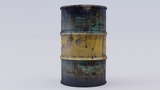
Barrel 03:
https://www.youtube.com/watch?v=lXkn_A8i_5I
You can easily squeeze the tall fishing barrel (created using photogrammetry) without noticeable quality loss. Also, please note that not all barrels must be the same; some are tall in the real world
GLTF file conversion failed, so ignore that; they are not representative of the quality of the assets
This asset pack uses Unreal Engine's Nanite Virtualized Geometry system for static meshes, delivering high-detail photogrammetry assets efficiently.
Please ensure your target hardware and rendering settings support Nanite before importing. For full technical requirements, setup instructions, and hardware specifications, refer to Epic Games' official Nanite Documentation: https://dev.epicgames.com/documentation/unreal-engine/nanite-virtualized-geometry-in-unreal-engine.