描述
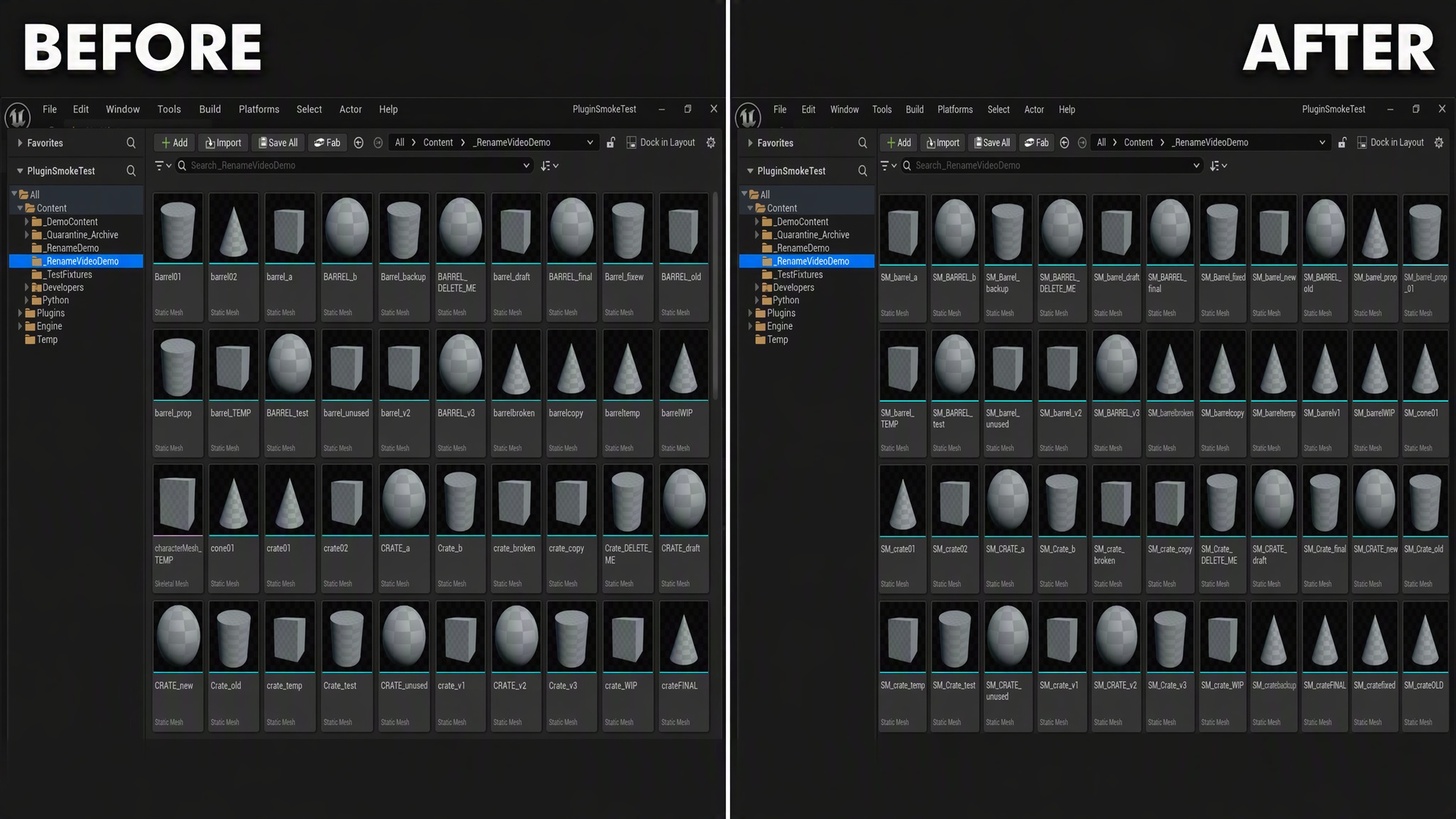
Right-click selected assets in the Content Browser and instantly apply standard, class-based naming prefixes (SM_, T_, M_, BP_, EUW_, BPFL_, and 70+ more) -- no dialogs, no separate tool window.
FeaturesDry-Run Audit before anything is renamed -- full itemized preview, saved to disk as a permanent log
70+ built-in class-to-prefix mappings, fully editable via naming_convention.json
Assets already correctly prefixed are skipped automatically
Collision-safe renaming (adds 01, 02... on name clashes)
Real batch undo ("Undo Last Rename Batch") since asset renames aren't tracked by Ctrl+Z
Batch-renames Level Actor labels in the World Outliner too
Optional regex or plain-text search-and-replace rules for bulk migrations
Optional PascalCase / camelCase / snake_case casing enforcement
Automatic ghost redirector cleanup after every rename
Refuses to touch anything outside your project's /Game/ content
Requires the Python Editor Script Plugin and Editor Scripting Utilities engine plugins -- both are enabled automatically when you install this plugin, no manual setup needed
Copy the SmartRenameTool folder into your project's Plugins/ directory, restart the editor, and confirm it's enabled in Edit > Plugins
Select one or more assets in the Content Browser
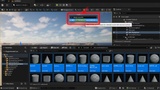
Right-click the selection and choose "Smart Rename: Add Prefixes..."
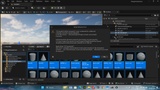
Review the Dry-Run Audit summary dialog and the itemized report saved to Saved/SmartRenameTool/
Confirm to apply the rename
If needed, right-click any folder and choose "Smart Rename: Undo Last Rename Batch..." to reverse it
To rename Level Actor labels, select actors in the World Outliner or viewport and choose "Smart Rename: Rename Actors..."
Nothing is renamed until you confirm the Dry-Run Audit
Renames assets in place, applying the class prefix (and any configured search-and-replace or casing rules)
Fixes up references created by the rename and removes the resulting ghost redirectors
Actor-label renames only change the display label in the World Outliner -- no asset or reference is touched
Creates/updates Saved/SmartRenameTool/ (audit reports) and naming_convention.json (your rules config)