설명
WebGL Demo • Documentation • GitHub Demo • Discord
THIS TOOL IS COMPATIBLE WITH UNITY 6.
😭 Unity has a problem...
Animator is great, but it is very limited when adding new content to your awesome game! Magic Blending sets you free from spaghetti animators by introducing Animation Overlays - a feature that animates poses using the same Animator Controller.
❔ How can I use it in my game?
Imagine you have a nice Animator Controller, and now you need to add weapons or items. With Magic Blending, you don't need to create new animations or modify your Animator Controller at all - just create a Magic Blend Asset and adjust the sliders!
Moreover, this plugin uses unique procedural blending, ensuring the final result is smooth and natural.
🌟 Sounds interesting? Here are some more details about Magic Blending
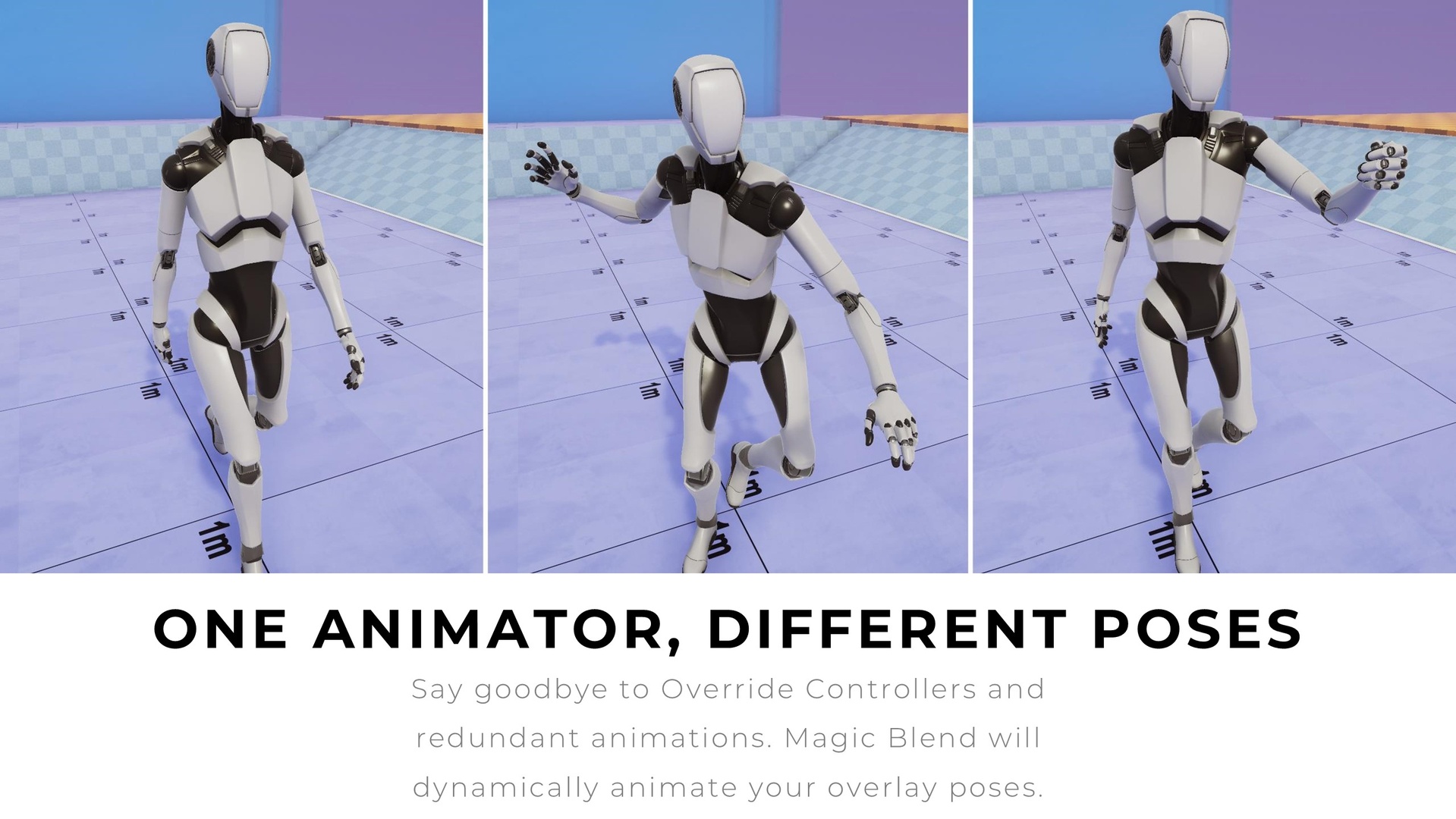
✔️ One animation, different poses
Forget about spaghetti animator controllers. Save your time with scalable Magic Blend Assets.
✔️ Next-gen blending
Unique procedural blending ensures a smooth and natural final result. Forget about linear and jittering transitions.
✔️ It is incredibly simple
Very fast setup and no need for code knowledge make it perfect for artists and beginners!
✔️ Works with Animation States
Bind Magic Blends to the States, and the system will perfectly sync it with your animator controller.
✔️ Compatible with third-party plugins
Magic Blending enhances the animator controller, which means you can use it with any other package (e.g. Animation Riging).
✔️ Simple customization
Just tweak the sliders in runtime to control the blending. No need to restart the game.
✨Try the procedural animation magic and see the difference!