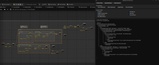

Description
🆕 NEW IN V2.1:
Whole-Blueprint Export:
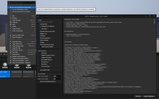
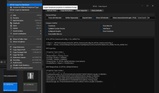
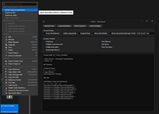
right-click any Blueprint in the Content Browser → "Export Blueprint to Markdown".
View with selectable sections: Components, Variables, Event Dispatchers, Class Defaults, and all Graphs (every event/function/macro exactly once).
Works with Widget Blueprints (adds Widget Tree), Anim Blueprints (adds Pose Flow), GAS, function/macro libraries. Multi-select supported.
Command-line batch export:
Export Blueprints as text directly from the command line, no editor session needed. Same Blueprint always produces the same text, so you can put your Blueprint logic in version control and see exactly what changed between commits. Ideal for CI and automated diff workflows.
🆕 NEW IN V2.0:
✓ AnimGraph & PCG Graph Analysis (Beta): parse Animation Blueprint and PCG graphs into structured AI-readable text
✓ Class Defaults Export: export default property values from any Blueprint, GAS ability, Editor tool, or data-driven asset class
✓ DataTable & DataAsset Export: right-click any DataTable, DataAsset, or PrimaryDataAsset in the Content Browser to expose its content as text
✓ Adjustable Trace Depth: dual independent depth controls for pin chain resolution and execution flow traversal
⚠️ NOT SUPPORTED: Material Graph and Niagara Graph cannot be parsed at this point.
📺 SEE IT IN ACTION:
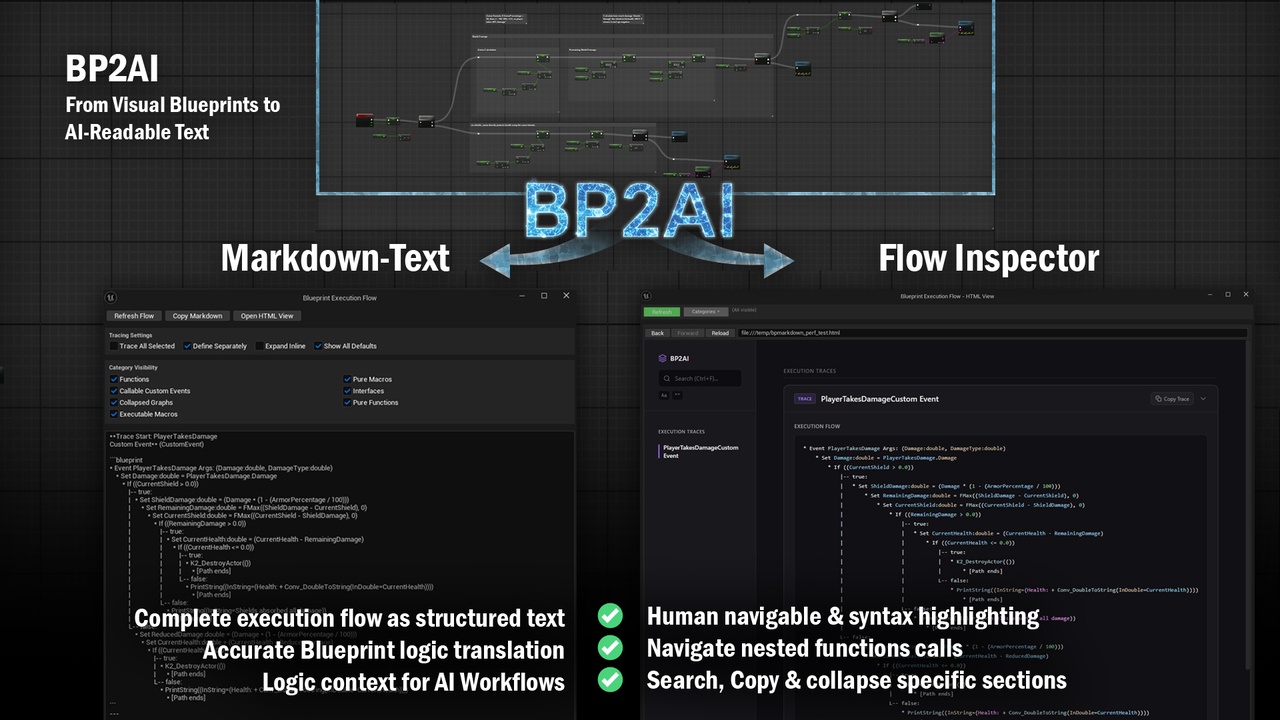
The Problem: AI can analyze text-based code but not visual Blueprint graphs.
BP2AI solution: Converts your Blueprint logic and data flow into AI-readable text, supercharging your Blueprint workflow with:
🔍 Instant Debugging Assistance → Identify bugs, logic inconsistencies, edge cases, and architectural flaws
📋 Automated Documentation → Generate technical docs and knowledge transfer materials in minutes
⚡ Guided C++ Migration → Get architectural recommendations and C++ code files while keeping full implementation control
This isn't a "magic AI code generator" - it's a precision translator that gives your favorite AI assistant complete Blueprint context. You control the prompts, decisions, and implementation - while saving hours of valuable development time.
🔧 TECHNICAL FEATURES & ACCURACY Complete Blueprint analysis with precise pin resolution and execution flow reconstruction:
🔍 Core Analysis Engine
Advanced recursive tracing system that performs deep static analysis of Blueprint execution and data flow paths with cycle detection and context-aware processing.
✓ Recursive Pin Resolution with dual adjustable depth (Data Depth & Path Depth)
✓ Multi-level & Nested Function/Macro Crawling
✓ Complex Symbolic Expression Tracing
✓ Complete Data Flow Mapping
✓ Execution Path Reconstruction
⚡ Flow & Control Structures
Complete support for all Blueprint control flow patterns including branching, looping, sequencing, macros, and complex nested execution paths with accurate flow reconstruction.
✓ If/Then/Else Branching
✓ Switch Statements (Enum/String/Name/Int)
✓ Loop Constructs (For/ForEach/While)
✓ Execution Sequencing & Gates
✓ Macros (User & Engine) Pure & Impure Handling
✓ Collapsed Graphs
📊 Functions & Event Handling
Multi-level graph analysis supporting functions, custom events, Blueprint interfaces, comprehensive event binding, and delegate systems with complete hierarchy traversal.
✓ Functions, Parent Function & Custom Events
✓ Blueprint Interfaces & Multi-Graph Dependencies
✓ Event Binding & Delegates
✓ Timeline Integration
✓ Input Events (Standard & Enhanced)
✓ Component & Actor Events
🔢 Data Types & Math
Comprehensive support for all Unreal Engine data types, containers, mathematical expressions, logical operations, and type conversions with accurate symbolic representation.
✓ All UE Primitive Types
✓ Core UE Structs (Vector, Rotator, etc.)
✓ Containers (Arrays, Maps, Sets)
✓ Custom Structs, GameplayTags & DataTables
✓ Mathematical Expressions
✓ Logical & Comparison Operators
📦 Asset & Data Export
Export structured AI-readable text directly from your Content Browser — no asset editor required.
✓ Class Defaults Export: Blueprints, GAS abilities, Editor tools, any asset class
✓ DataTable Export: right-click any DataTable in the Content Browser
✓ DataAsset & PrimaryDataAsset Export: right-click to export directly
🧩 Extended Graph Support (Beta)
BP2AI now goes beyond standard Blueprints with beta-quality analysis for additional graph types.
✓ AnimGraph Analysis: pose evaluation flow, node connections, and graph topology
✓ PCG Graph Analysis: node structure, connections, and reachability mapping
✓ Show Unused toggle: surface disconnected AnimGraph nodes or unreachable PCG nodes
✅ PERFECT FOR:
Debugging complex nested systems
Code review and quality assurance workflows
Consistent technical documentation
Blueprint to C++ migrations
Legacy system analysis and maintenance
Understanding inherited or complex Blueprint logic
❌ NOT FOR:
One-click Blueprint node generation
Black box "magic fix" solutions
Automated decision-making workflows
Non-Blueprint graph types (Animation, Material, PCG, Niagara)