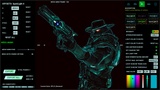
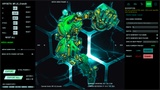
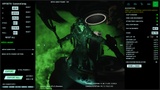
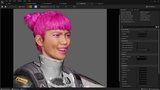
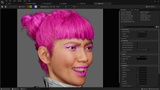
Açıklama
We’re excited to announce the release of Version 2.0, packed with powerful new features and significant improvements to enhance your experience. Be sure to check out our new videos to familiarize yourself with all the updates!
Important Notice (Version 2.0)
Please avoid filling in any materials in the post-process volume.
Essential Videos:Quick Overview of Version 2.0: Watch Now
Detailed Feature Breakdown for Version 2.0: Watch Now
Quick Overview of Version 1.0: Watch Here
Mesh Support
Fully supports both skeletal and static mesh actors.
Attach multiple static or skeletal mesh components to any actor, with all combinations supported seamlessly.
Transparent Captures
Two distinct techniques for transparent background captures.
Customizable background colors with real-time selection via a color picker, including precise numerical values (rounded to two decimals).
High-Resolution Image Export
Capture high-resolution images with custom HDRI or background options.
Bulk export functionality for all HDRIs stored.
Runtime Controls
Full control over directional light, skylight, camera FOV, and camera zoom during runtime.
Flexible resolution options, from predefined presets (32x32 to 4096x4096) to fully custom resolutions.
Customizable File Management
Override file names with custom prefixes or suffixes.
Automatically generate file names and organize them into folders.
Advanced Actor Customization
Toggle actor and attachment shadow casting.
Independent or synchronized control for FOV, offsets, and zoom—ideal for handling actors with similar shapes.
Rotate actors around their original pivot point or center of mass.
Animation and Frame Control
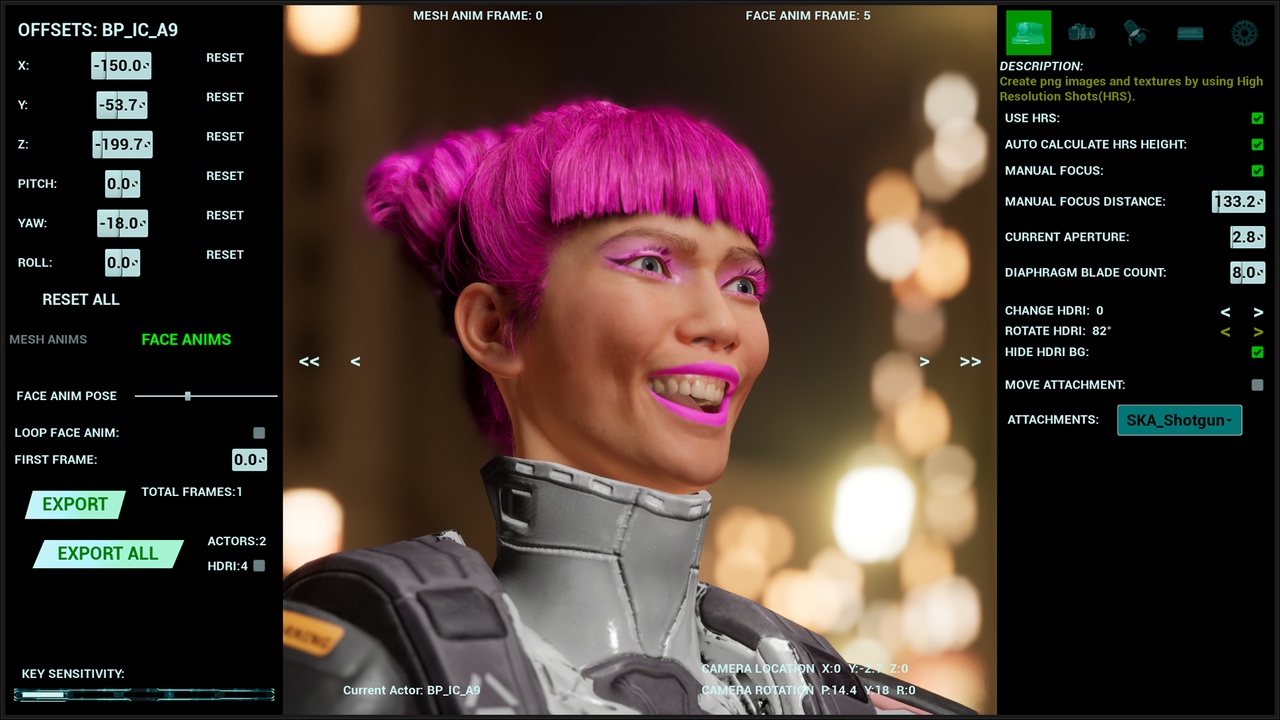
Skeletal Animation Slider: Control poses at runtime and export frames individually or in bulk, with custom frame ranges.
Fine-tune frame selection using keyboard shortcuts (1 = next frame, 2 = previous frame).
Added face animation controls for greater flexibility.
On-screen visual representation of the current frame number and additional information.
Keyboard Shortcuts and Sensitivity Controls
Comprehensive keyboard shortcuts for movement, rotation, zoom, and menu toggling.
Sensitivity adjustments available via the spacebar, with visual feedback displayed on-screen.
Lighting and LUTs
Adjust lighting and experiment with various LUT presets directly at runtime.
Permanently save your preferred settings in custom presets.
Version 1.0 Resources
How to Set Up Everything: Watch Here
Documentation Part 1: Watch Here
Documentation Part 2: Watch Here
Documentation Part 3: Watch Here
Support Resources
How to Get Support: Watch Here
Join Our Community: Discord Invite
For a complete breakdown of the new features and best practices, explore the Version 2.0 videos and documentation linked above. Thank you for your continued support, and we look forward to seeing how you utilize these exciting updates in your projects!